The demand for quick, high-quality, and accessible branding assets has significantly increased over the years.
Entrepreneurs want to launch as fast as they can to keep up with the market. Aspiring influencers want a solid brand identity from day one. And small businesses want to look as professional as their larger counterparts.
The good news is that you no longer need to know Photoshop or have the money to hire a marketing agency to get these professional-grade branding assets. There are now tons of free platforms packed with logo makers and customizable templates to get your brand up and running in seconds.
But now here comes another problem: How do you know which tool among the hundreds is the right one for you?
That is exactly where this guide comes in. We explore below the best free logo makers of 2026 and break down what each platform does well, who it’s best for, and the key features that make them stand out. Whether you want something fast or something flexible enough to grow with your brand, we’ll help you decide which platform is worth it.
The 5 Best Free Logo Makers for 2026
1. Design.com

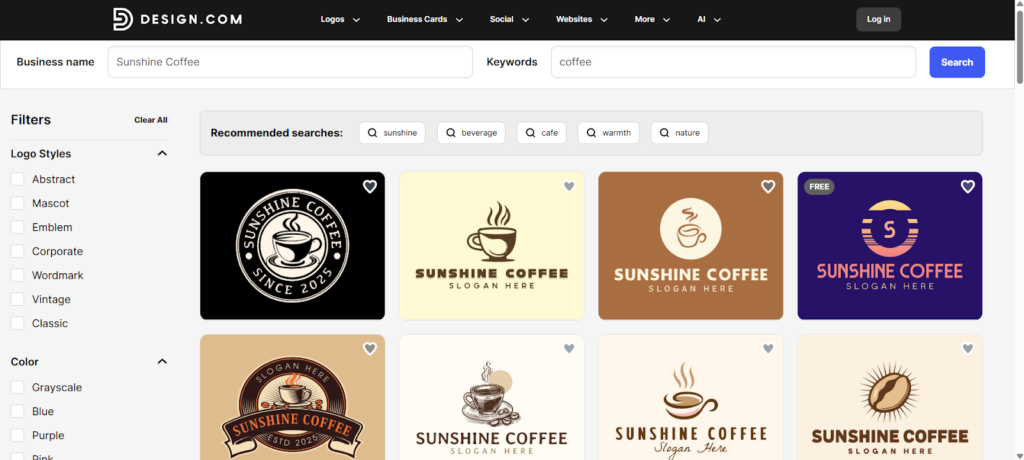
Design.com is the go-to choice for entrepreneurs and small brands who want attractive, professional logos without spending hours editing.
It’s the world’s top logo maker with the largest template library with over 360,000+ designs. Whether you are launching a boutique, a cafe, a consultancy, or a lifestyle brand, you’ll surely find a logo that fits your aesthetic.
It also uses a beginner-friendly drag-and-drop editor. You won’t see any technical or advanced controls, everything is simple and straightforward. Even novices can achieve stellar results!
Design.com Key Features:
- Gain access to the largest logo library of 360,000 professional designs amongst competitors, which gives users a strong starting point no matter the industry or preferred style.
- Over 575+ exclusive fonts and 62,000+ custom icons which you can only find in the platform, helping your logo be more unique and less cookie cutter compared to the others.
- The platform features a simple drag-and-drop editor, allowing beginners and non-designers to create impressive logos with ease.
- A powerful AI logo generator that creates thousands of logo options tailored to your business name, industry, and style preferences in seconds.
- Includes additional AI-powered tools such as a business card generator and website builder to speed up the overall design process.
- Design.com also offers 50+ templates for social media, business cards, email signatures, websites, QR codes, presentations, and more, making it a complete solution for all your branding needs.
- Their Brand Kit feature automatically applies your logo’s colors and styles across all marketing materials made in the platform, thus ensuring cohesiveness in your brand identity.
- Export logos in multiple high-resolution formats including PNG, JPG, SVG, EPS, PDF, GIF, and MP4 to cover all print and digital uses.
- The platform has exclusive licensing options which gives you full ownership of your logo and the ability to remove it from the template library.
Design.com in Summary:
- Rating: 4.7 stars from 3,000+ verified reviews in TrustPilot
- Pricing: Free to access and use, with free logos available for downloads (no watermarks, no hidden charges, no credit card required)
- Speed (time to generate logos): <10 seconds
- Best for: Small businesses and solopreneurs that want polished logos quickly
- Why It Stands Out: Design.com stands out for its speed and convenience. This is the strongest option if you want a clean and professional logo fast without navigating complex tools.
- Verdict: 10/10
2. BrandCrowd
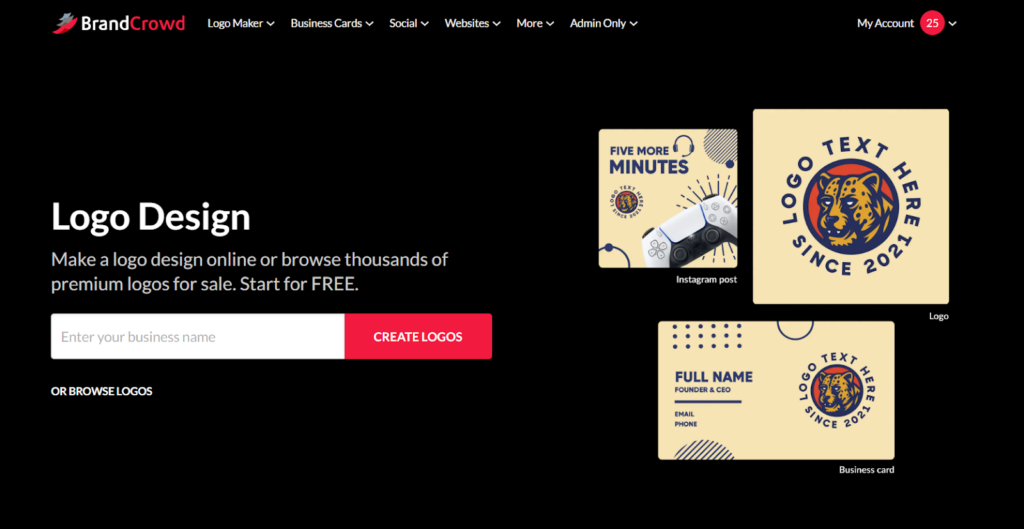
BrandCrowd is perfect for entrepreneurs and small business owners who want logos that stand out with their unique and creative designs.
Its massive library of templates caters to a variety of industries, making it the best logo maker choice if you want a logo that feels less bland and more tailored to your brand’s personality. So whether you have a tech startup, food truck, or fitness studio, you can definitely find a logo that 100% matches your vibe.
The platform is also easy to use as it features a drag and drop editor. Even if you have no design experience, you can still create great designs. Their high rating among different review platforms also proves that they are a reliable and trustworthy tool.
BrandCrowd Key Features:
- Extensive template library with 350,000+ of professional designs, spanning multiple styles including minimalist, retro, geometric, mascot, luxury, and more.
- High-quality icon and typography selection, allowing you to mix and match fonts and symbols to make your logo truly unique.
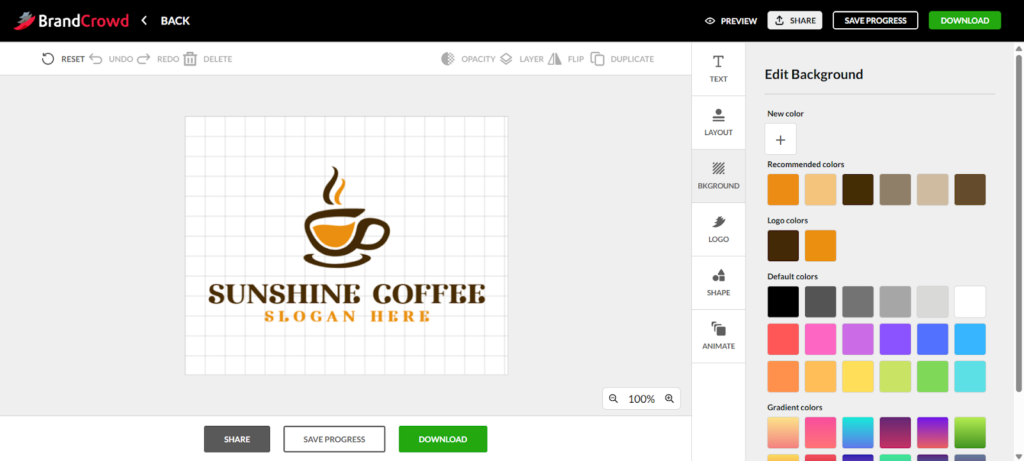
- Drag-and-drop editor that allows easy adjustments of colors, fonts, shapes, spacing, layout, and icon sizes even without any technical knowledge.
- BrandCrowd also has an AI logo generator that produces a large number of tailored options in seconds based on your business name or info.
- Ability to create business cards, T-shirts, social media graphics, flyers, ads, and landing pages using your logo, making it a one-stop solution for building a cohesive brand.
- Multiple export options, including high-resolution PNG and vector formats like SVG and EPS, ensuring your logo is ready for both digital and print use.
- Exclusive licensing options that allows users to claim full ownership of the logo and remove it from BrandCrowd’s public library if needed.
BrandCrowd in Summary:
- Rating: 4.8 stars from 9,000+ verified Trustpilot reviews
- Pricing: Free logos available to download, with premium designs under paid options
- Speed (time to generate logos): <10 seconds
- Best for: Users who are seeking a wide variety of creative and industry-specific logos
- Why It Stands Out: BrandCrowd shines for its sheer variety and quality of templates, making it ideal if you want a logo that doesn’t look like a generic template.
- Verdict: 9.5/10
3. Canva
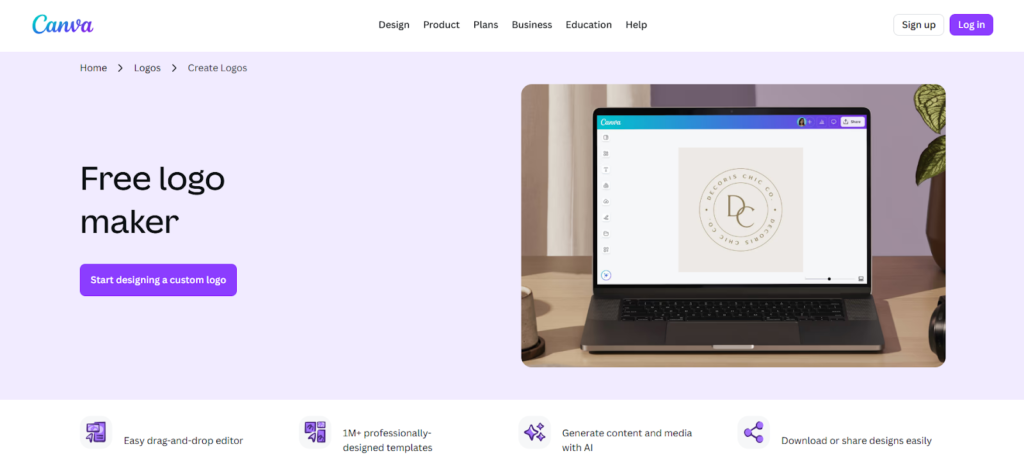
Who hasn’t heard of Canva? The platform remains a popular choice for those looking to build their brand identity. They have templates for logos, social media graphics, documents, presentations, and more. Whether you’re designing for a small shop, a personal YouTube channel, or for your side hustle, you can find what you need on Canva.
The platform also features a beginner-friendly and straightforward interface that makes designing easy while still offering enough tools for users who want to explore more creative possibilities. It’s a solid choice for both beginners and experienced designers.
Canva Key Features:
- Thousands of logo templates across multiple industries and styles, from minimalist to retro to playful designs.
- Huge library of fonts, icons, and graphics that allows for comprehensive customization of logos.
- Wide range of editing tools like image flip, photo filter, Magic background, or draw to spice up your logo.
- Drag-and-drop control that is easy to use for beginners and non-designers.
- Extensive template collection for other materials such as Facebook posts, worksheets, documents, resume, brand guidelines, and more.
- Integration with Canva’s ecosystem, making it easy to adapt your logo for other marketing materials.
- Free PNG and JPG export, with paid options for premium assets, transparent backgrounds, and advanced editing features.
Canva in Summary:
- Rating: 4.7 stars in G2
- Pricing: Free logos available, but you’ll have to subscribe to access premium graphics and advanced editing features
- Speed: <15 seconds
- Best for: Beginners or small businesses who need marketing templates beyond logos
- Why It Stands Out: Canva is great for those looking for a simple yet intuitive logo maker that is integrated a broader design platform
- Verdict: 8.5/10
4. Wix Logo Maker
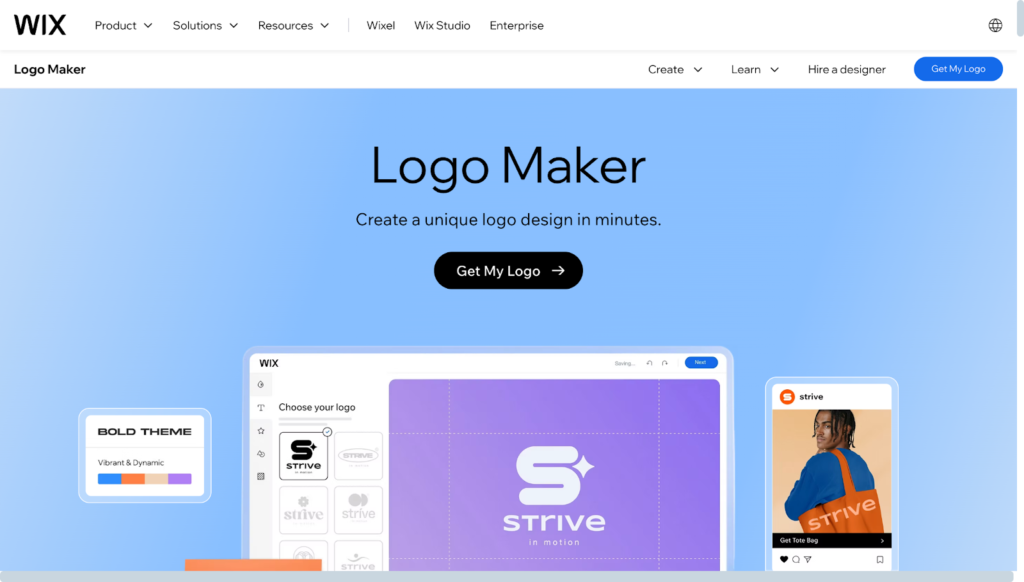
Want more guided help when creating your logo?
Wix starts by asking their users some questions to get more information about their business. These questions are your business name, what your business does, a specific style you are looking for, and so on. They also provide some samples and options, which is helpful for users who are unsure of what they want. Your answers will then help the platform create a more suitable and tailor-made design for you. It’s like having your own graphic designer at hand!
Wix Key Features:
- Users complete a short questionnaire and the platform then generates multiple tailored logo options based on your inputs.
- Adjust fonts, colors, icons, layout, spacing, and alignment to create a logo that matches your vision.
- Logos can be easily used within Wix websites, social media, and other digital properties for consistent branding.
- Free PNG for online use, with paid upgrades for vectors, brand kits, and additional file formats.
- The tool allows users to generate and edit logos in a matter of minutes.
- Designed to be intuitive, making it easy for those with no prior design experience to produce a professional-looking logo.
Wix in Summary:
- Rating: 4.2 stars in G2 (platform overall)
- Pricing: Free PNG export; paid for high-res and vector files
- Speed: <15 seconds
- Best for: Users seeking guided suggestions and quick logo creation.
- Why It Stands Out: Wix stands out for their personalized and guided logo generation that results in more tailored designs.
- Verdict: 8/10
5. Adobe Express
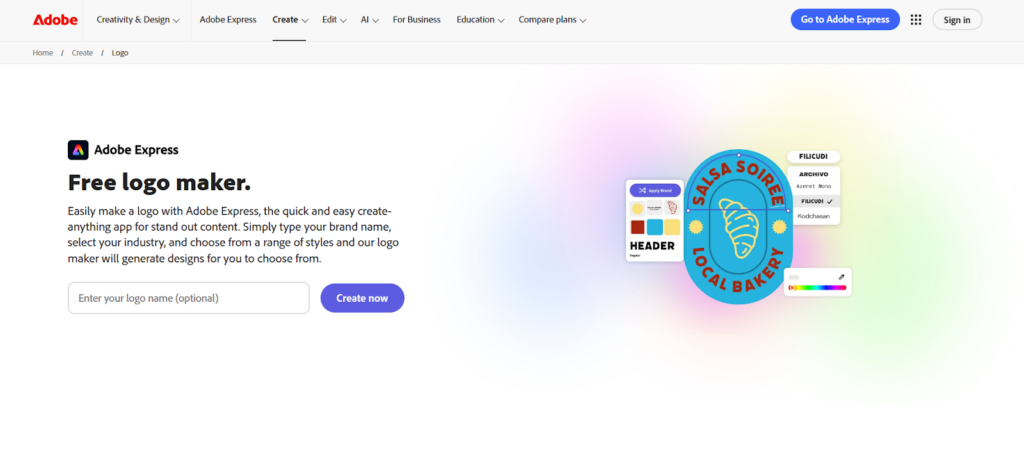
Adobe Express focuses on providing clean, modern, and professional logo designs without the steep learning curve of Photoshop or Illustrator. The platform combines Adobe’s high-quality visuals, graphics, and library with a simple and straightforward interface. This makes it more accessible for beginners while still producing results that look polished and professional.
Adobe Express is especially suitable for brands that prioritize a sleek, contemporary look and want a logo that aligns with modern design trends.
Adobe Express Key Features:
- Hundreds of stylish, minimalist, and contemporary logo templates suitable for tech, creative, and professional industries.
- A guided design workflow where the user will answer a few questions about their business and style preference for the platform to generate logo suggestions based on those inputs.
- Adjust colors, typography, iconography, spacing, and layout with intuitive tools, allowing you to fine-tune the logo without technical expertise.
- Paid options allow you to create a full brand kit with consistent fonts, color palettes, and logo variations for multiple applications.
- Free PNG logo download for immediate use, with paid upgrades for high-resolution, vector, and print-ready files.
- Adobe Express focuses on refined, balanced designs that maintain professionalism across digital and print materials.
Adobe Express in Summary:
- Rating: 4.5 stars (platform overall)
- Pricing: Free PNG export; paid upgrades for high-res files and brand kits
- Speed: <15 seconds
- Best for: Users who want modern, minimalist, and professional logos with no effort
- Why It Stands Out: Adobe Express is great for users who prefer clean and simple interface while still accessing professional-grade designs.
- Verdict: 8/10
Final Thoughts
Creating a great logo no longer requires expensive software, technical skills, or a large budget.
Free logo makers are now the hottest thing in the market. These tools are designed for beginners so they are easy to use yet they are packed with beautiful templates that fit a wide range of industries. Whether you want a quick and minimalist design, a grunge aesthetic, or a logo tailored to your beauty shop, you can surely find a logo in our options above.