Commerce ops usually don’t break in a dramatic way. It leaks. A small mismatch between the store and the feed. A promotion that doesn’t end on time. A return that never gets reconciled. One person with “temporary” admin access that becomes permanent.
The fix isn’t to automate everything. The fix is to automate the repeatable workflows that cause the most rework, customer friction, and spreadsheet-heavy firefighting.
This commerce operations checklist is built for that: seven workflows most US-based ecommerce teams end up standardizing anyway, plus a practical way to prioritize what to tackle first.
How to use this checklist without creating more work
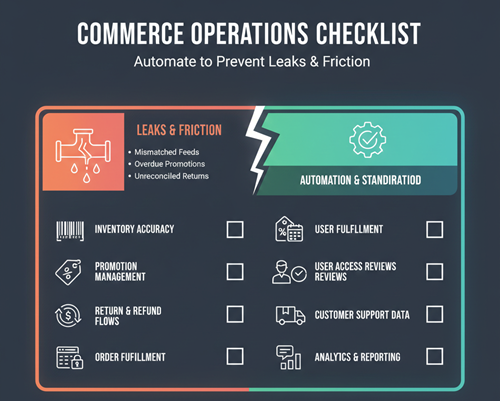
Before you start wiring tools together, do a quick inventory of your workflows. Pick one workflow from the list, then write down three things: where the data starts, what the handoff steps are, and what “done” means.
That last part is the one people skip. “Keep inventory accurate” is vague. “Every SKU has one source of truth for available-to-sell, and low stock alerts fire within 15 minutes” is something you can test. If you don’t define done, automation just makes the confusion faster.
Once you have a definition, choose one owner for the workflow. Automation projects fail when five teams each assume someone else owns the final step.
Commerce operations checklist: 7 workflows to automate
1) Product and catalog updates (the “source of truth” workflow)
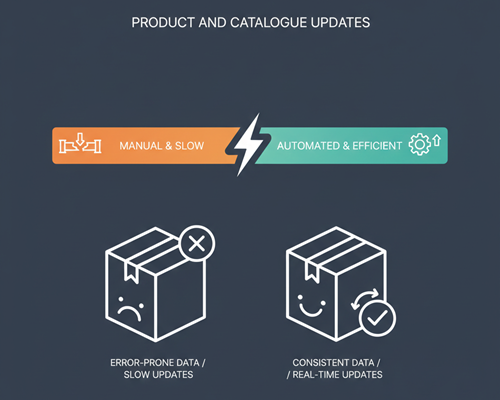
Catalog work looks simple until it isn’t. You’re juggling product titles, variants, images, attributes, and channel-specific rules. The most common failure is not “bad data,” it’s inconsistent updates: changes land in one place and never propagate everywhere else.
In practice, this comes down to two steps. First, a consistent intake process for new products and changes: who approves, what fields are required, and what validation rules catch mistakes early. Second, a distribution step that pushes updates to channels on a schedule (or triggered by a change), with logs so you can prove what changed and when.
If your team is still doing manual spot checks, consider using an internal compare workflow. Even a simple list comparison can reveal missing SKUs, duplicate handles, or mismatched variant IDs before a feed error turns into lost revenue. For quick reconciliation, a lightweight internal tool like Compare Lists can help you sanity-check SKU lists across exports without building a custom script.
2) Inventory sync and low-stock alerts
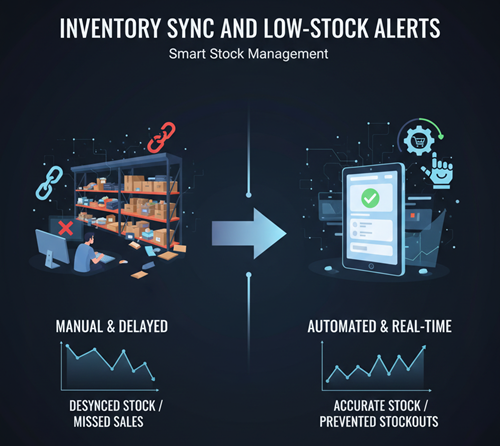
Inventory problems show up in two expensive ways: overselling (refunds, support tickets, churn) and underselling (stock exists, but the site says it doesn’t). The hard part is that “inventory” is rarely one system. You might have warehouse counts, in-transit counts, reserved stock, safety stock, and channel-specific buffers.
A clean automation pattern is: define one inventory source of truth, then publish a consistent “available to sell” number to every channel, and trigger alerts when thresholds are hit. Shopify’s inventory management guidance is a solid baseline reference for how teams typically set up inventory controls across products and variants.
The quickest win is low-stock visibility that doesn’t depend on someone opening a dashboard. Push notifications (or a ticket) are often enough to stop last-minute rush orders from becoming recurring emergencies.
3) Pricing and promotions governance
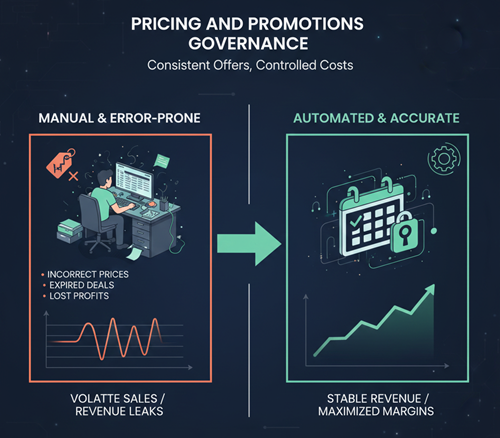
Pricing is where tiny errors get multiplied. A discount that stacks when it shouldn’t. A promo that runs one day too long. A price file updated in one system but not another. The operational pain is less about “the right price,” and more about the process behind it.
Automate the guardrails first. That means rules like: “Promotions must include start/end timestamps,” “Promo pricing requires approval,” “SKU-level overrides expire automatically,” and “Price changes are logged with a reason.” If you can’t automatically enforce the rules, at least automate the audit trail so you can spot what changed and roll it back quickly.
If your pricing or promo terms live in docs that get edited frequently, you can reduce mistakes by versioning and comparing changes before publish. A simple internal diff is often enough to catch a removed exclusion or a changed return window. RedStagLabs’ Diff Checker is useful for quick comparisons between versions when you just need to see what changed.
4) Order routing, fulfillment handoffs, and shipping status
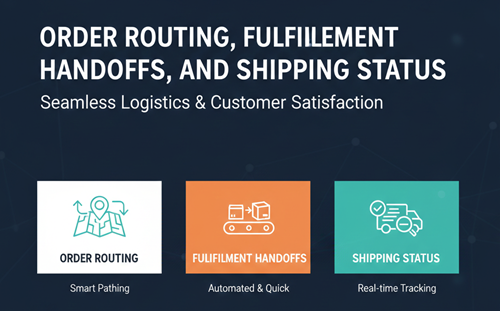
This workflow is the backbone of customer experience. It’s also where ops teams get buried in edge cases: split shipments, partial fulfillments, backorders, address fixes, and carrier exceptions.
Automation here isn’t about removing humans from the loop. It’s about reducing manual coordination. What usually works: automatically assigning orders to the right fulfillment location based on inventory, order value, shipping method, or SLA; standardizing how address validation and fraud checks happen; and making shipping updates reliable so customers don’t ask support for tracking every day.
The best way to keep this sane is to design it like a flow with explicit handoffs, not a loose series of tasks. If you want a broader framework for thinking about cross-system coordination, RedStagLabs’ overview of operations orchestration strategies is helpful background.
5) Returns, refunds, and exchanges
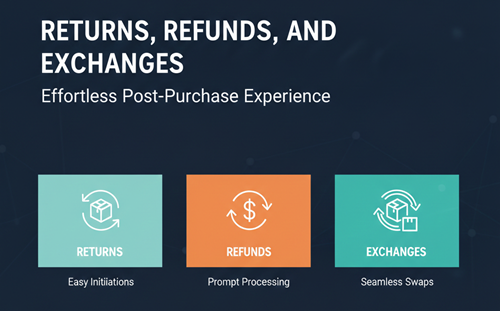
Returns are where “we’ll handle it manually” stops working. Every return creates three operational jobs: the customer-facing step (label, status, communication), the inventory step (restock, quarantine, disposition), and the finance step (refund, exchange charge, reconciliation). If those don’t stay aligned, you get unhappy customers and messy books.
A practical automation setup starts with consistent rules: eligibility windows, condition categories, and refund timing. Then automate status changes and notifications so the customer isn’t stuck in limbo. Finally, automate the internal handoff so the warehouse and finance teams get the same signal at the same time.
If you’re not ready for a full returns system, the first small win is automating “exception routing.” For example: items flagged as damaged automatically go to a different disposition path, and exchanges trigger a new fulfillment process without someone rekeying the order.
6) Financial reconciliation and chargeback hygiene
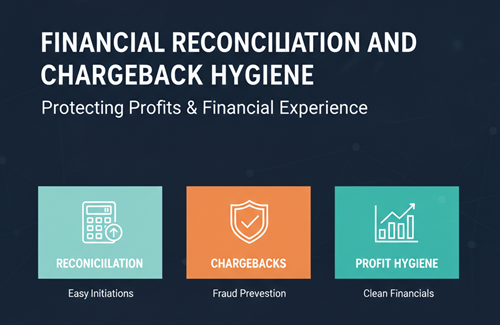
This is the workflow most teams postpone because it’s not “visible,” but it’s where operational maturity shows up. If your settlement reports, refunds, taxes, and shipping costs don’t reconcile cleanly, you end up with month-end surprises and slow decision-making.
Automation here should aim for daily consistency, not perfect accounting software architecture. A good baseline is to automatically pull settlement and payout data, match orders and refunds, and flag anomalies: duplicate refunds, mismatched tax totals, shipping adjustments that exceed thresholds, or sudden spikes in returns by SKU.
Chargebacks deserve their own mini-workflow. Automate the evidence-gathering step (order logs, delivery confirmation, customer communications) so the response time doesn’t depend on someone searching across tools when a deadline is approaching.
7) Access controls, approvals, and audit trails
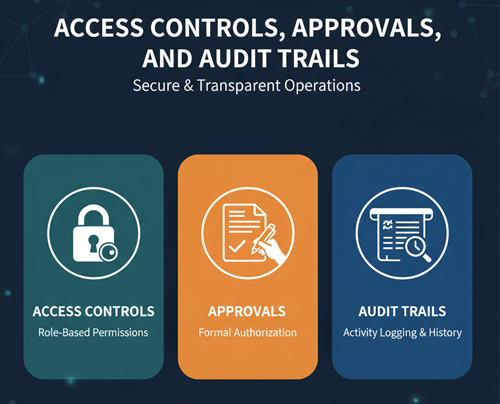
Access controls sound like an IT topic, but in commerce operations, they’re a daily ops problem. Promo codes, price overrides, product deletes, refund approvals, these are operational levers. When too many people can pull them, mistakes happen. When too few people can pull them, work stalls.
Automate role-based access and approvals for sensitive actions. Make access requests time-bound. Log key changes in a way that’s searchable and tied to a person and timestamp. That doesn’t need to be complicated; it just needs to be consistent.
For password and authentication practices, NIST’s digital identity guidelines are a useful reference for modern authentication expectations in modern environments, especially around authentication expectations.
A simple way to prioritize what to automate first
If you’re staring at seven workflows and thinking “we could automate all of these,” you’re right—and that’s also how teams end up with half-finished projects.
Use a quick scoring approach: pick the workflow with the highest combination of
(1) customer impact,
(2) labor hours consumed,
and (3) error frequency.
Then choose the smallest automation that removes a recurring manual step. The goal is not to build a perfect system. The goal is to stop repeating the same avoidable work.
Inventory alerts, order routing rules, and return status automation are often the fastest payback because they reduce support load and operational rework quickly.
Where the partner link fits naturally in a modern ops stack
Once you’ve defined your workflows, the next question is how to connect the systems that touch them. Many teams end up with a mix: a store platform, a feed or catalog system, shipping and tracking tools, support tools, and a few internal utilities for reconciliation and QA.
In that context, tools for commerce operations fits naturally as a peer resource in the broader “ops stack” conversation, one example of how teams coordinate and manage commerce work across systems without turning every handoff into a manual process.
Common mistakes that make automation backfire
The most common mistake is automating around a broken process. If a workflow has unclear ownership, missing definitions, or inconsistent inputs, automation will just turn small problems into faster problems.
Another one is skipping visibility. Every automation needs a “what happened” trail: logs, alerts for failures, and a way to see exceptions. If you can’t troubleshoot it, your team will stop trusting it.
And the one that sneaks up on teams is over-connecting. Start with one workflow, one clear outcome, and one measurable improvement. Expand once you have stability.
Conclusion: make the commerce operations checklist your weekly playbook
The fastest way to improve ops isn’t a massive platform rollout. It’s working through the commerce operations checklist one workflow at a time: define it, assign an owner, automate the repeatable steps, and add visibility so the team can trust it.
Start with the workflow that causes the most customer pain or manual rework. Get one win into production. Then move to the next. Seven workflows sounds like a lot, but done in order, it’s how teams build reliable operations without adding chaos.