Content creation has become faster, but also more demanding. It’s no longer enough to create something visually appealing. It has to be usable, consistent, and ready to publish without extra work. That’s where the choice of tools becomes important.
A good ai image generator should not just create images. It should help you produce content that fits directly into your workflow, whether that’s for social media, ads, or long-form content.
This list focuses on tools that are actually useful in real scenarios, not just impressive in demos.
1. Higgsfield AI – Built for real content workflow
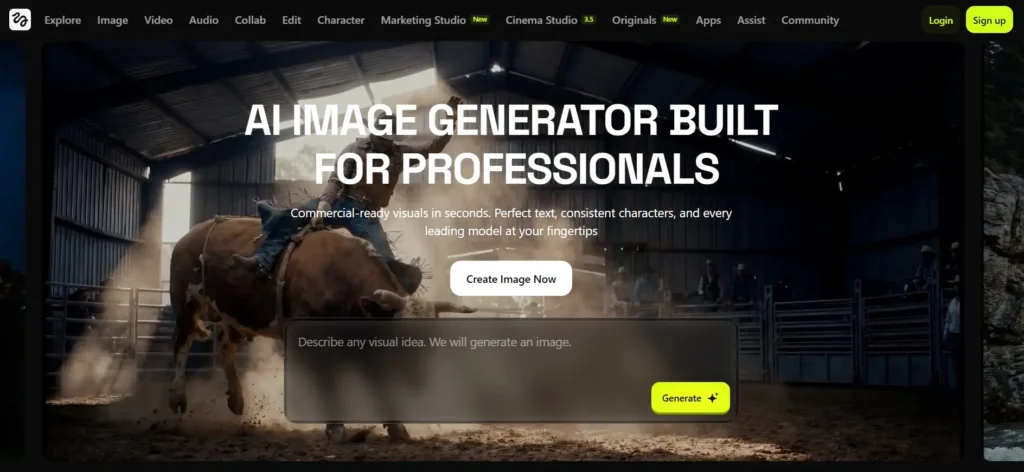
Higgsfield stands out because it focuses on usability instead of just generation. With an ai image generator, creators can move from idea to final visual without needing extra tools. This directly supports Creator tools.
What makes it different is the workflow. Everything from generation to refinement happens in one place, which makes it easier to produce consistent content.
For example, if you’re working on a campaign that requires multiple visuals with the same tone, lighting, and message, maintaining that consistency manually can be difficult. Higgsfield AI simplifies that process by keeping outputs aligned.
It’s especially useful for:
- Marketing creatives
- Product visuals
- Social content
- Campaign assets
For creators who publish regularly, this reduces time spent fixing images and improves overall efficiency.
Another key advantage is how quickly you can iterate. Instead of starting from scratch every time, you can build on existing outputs and refine them, which speeds up the entire creative process.
2. DramaPixel – Affordable entry with clear commercial use
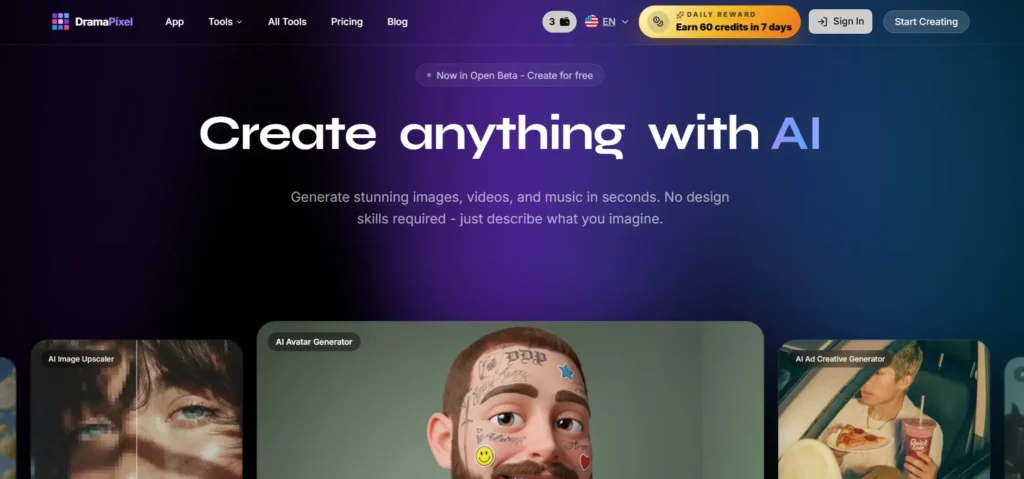
DramaPixel is positioned as a practical option for creators who want simple output with clear licensing.
It offers:
- 720P to 1080P outputs depending on plan
- Full commercial use on paid tiers
- No watermark restrictions
For beginners or small creators, the pricing structure makes it accessible. You don’t need to worry about hidden limitations or unclear usage rights.
However, it’s more suited for basic content rather than complex creative workflows.
3. Leonardo AI – Strong for controlled creative output
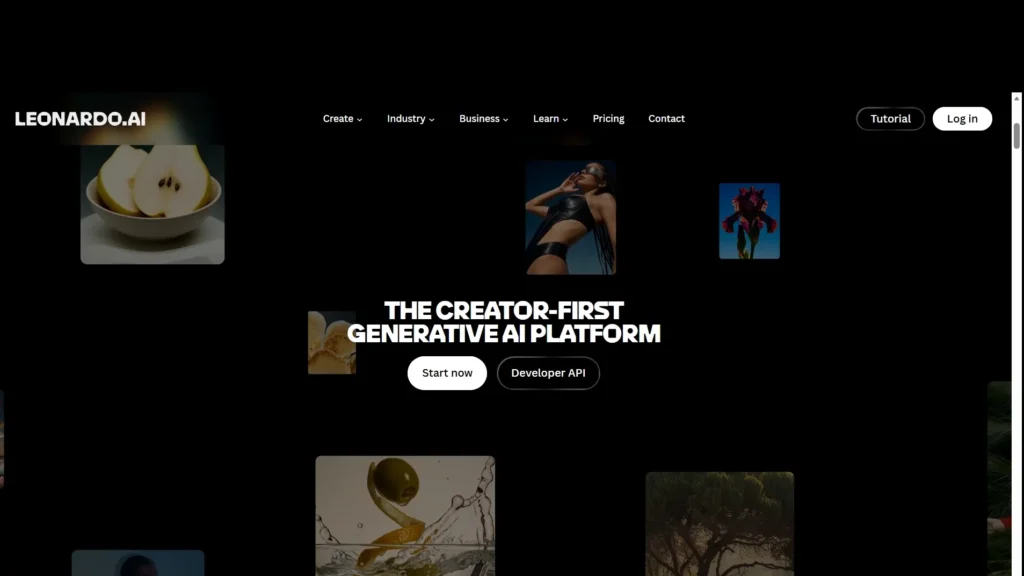
Leonardo AI provides flexibility along with consistency.
It supports:
- Upscaling outputs
- Model control
- Style consistency
It’s often used for:
- Game assets
- Character design
- Brand visuals
One of its standout features is the ability to maintain a consistent visual identity across multiple outputs. For creators building a brand or series-based content, this is extremely valuable.
That said, it may require a bit more time to learn compared to simpler tools.
4. Canva AI – Best for quick content creation
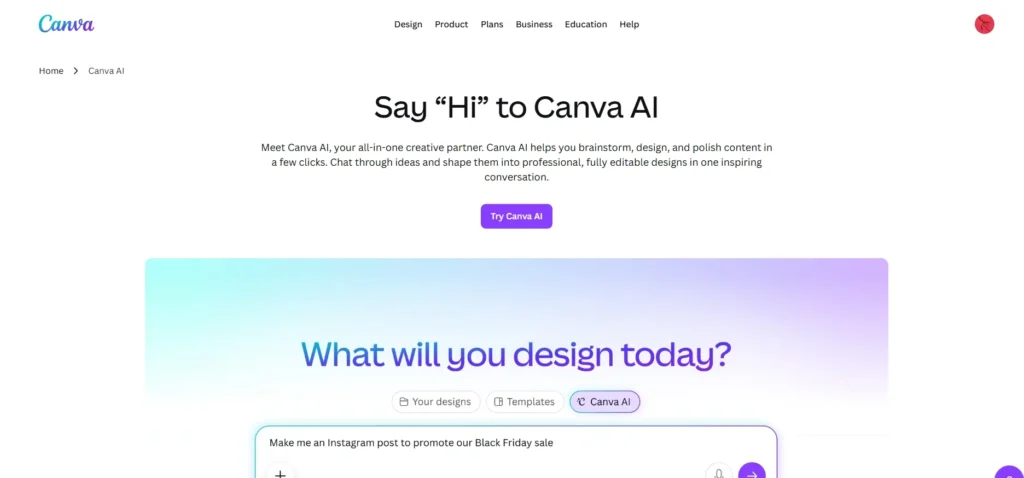
Canva AI focuses on simplicity and speed.
It’s useful for:
- Social media posts
- Quick graphics
- Marketing visuals
Many creators rely on Canva because it reduces the effort needed to create decent-looking visuals. You don’t need advanced design skills to get started.
It also allows high-resolution exports, which is important for professional use.
5. Picsart – High-resolution creative editing
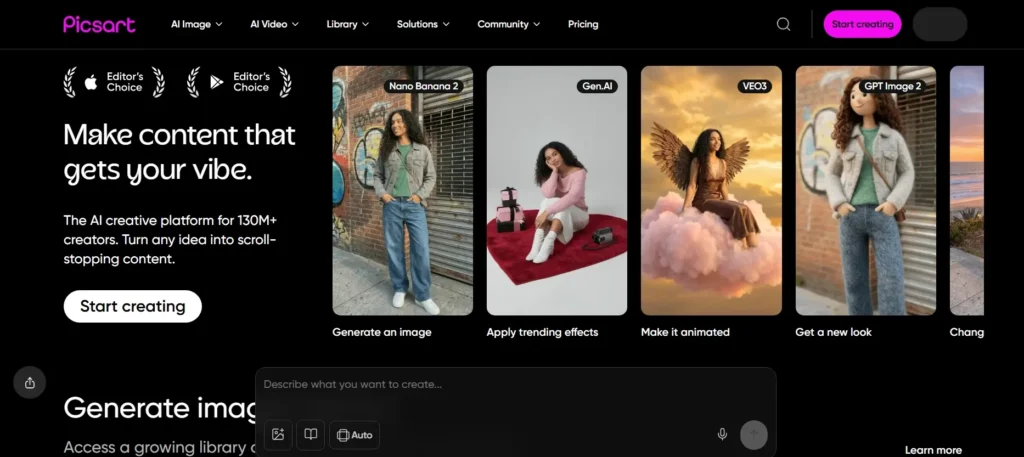
Picsart combines editing and generation, making it a hybrid tool.
It offers:
- Up to 8K output on paid plans
- Strong editing tools
- Mobile-friendly workflow
This makes it ideal for creators who prefer working on mobile devices or want more control over editing after generation.
However, commercial usage depends on subscription level, which is something to keep in mind.
6. ImagineArt – Flexible usage with token system
ImagineArt uses a token-based system, which makes it flexible.
It offers:
- High-resolution outputs
- Free daily tokens
- Paid plans for extended use
This works well for creators who don’t want a fixed monthly commitment and prefer paying based on usage.
It’s especially useful for testing ideas before committing to a full workflow.
7. QuillBot AI Image Generator – Utility-focused tool
QuillBot’s image generation is more practical than creative.
It supports:
- High-resolution downloads
- Simple generation
It’s not designed for advanced visuals, but it can be useful for quick, functional content.
Commercial use depends on plan compliance, so it’s not the most straightforward option for businesses.
8. NoteGPT Text-to-Image – Lightweight and simple
NoteGPT offers a basic approach to image generation.
It provides:
- Standard resolution outputs
- Simple text-to-image conversion
It’s useful for quick visuals, especially when you don’t need high precision.
However, it lacks advanced features found in more mature tools.
9. DeepAI Text-to-Image – Budget-friendly experimentation
DeepAI is one of the most affordable options.
It offers:
- API-based generation
- Low-cost plans
- Basic commercial rights
It’s ideal for developers or creators who want to experiment without spending much.
But it’s not designed for polished, production-ready content.
10. Manus AI Image Generator – Simple web-based option
Manus AI provides a minimal setup for generating visuals.
It supports:
- Standard resolution
- Easy web access
It’s best suited for casual use rather than professional workflows.
Comparison table
| Tool | Max Resolution | Commercial Rights |
| Higgsfield AI | High-quality (model dependent) | Designed for commercial-ready output |
| DramaPixel | 720P–1080P | Full rights on paid |
| Leonardo AI | 1536×1536 (upscaled higher) | Full rights on paid plan |
| Canva AI | Up to ~4K | Allowed under terms |
| Picsart | Up to 8K | Paid plan required |
| ImagineArt | High-res (paid) | Paid plan required |
| QuillBot | High-res | Needs plan verification |
| NoteGPT | Standard | Unclear |
| DeepAI | Standard + SR | Limited |
| Manus AI | Standard | Unclear |
What creators should actually focus on
The biggest mistake creators make is choosing tools based only on output quality.
What matters more:
- Can you use the image immediately?
- Does it fit your content style?
- Does it save time?
An ai image generator that reduces steps becomes more valuable over time.
The shift toward practical content creation
There’s a clear shift happening. Creators are moving away from tools that only generate visuals toward tools that help them create usable content.
Higgsfield AI fits strongly into this shift because it focuses on real-world output instead of just experimentation.
For creators producing content daily, this reduces friction and improves consistency.
How creators are choosing tools today
Instead of chasing features, creators are focusing on:
- Speed
- Consistency
- Workflow fit
Many now prioritize how well a tool supports their content systems instead of just comparing features.
Final thoughts
AI image tools are evolving quickly, but not all of them serve the same purpose. Some are built for experimentation. Others are built for execution.
Higgsfield AI stands out because it focuses on usability and real workflows, helping creators produce content that is ready to use. The rest of the tools on this list offer different strengths, whether it’s affordability, flexibility, or ease of use.
The key is to choose based on how you create. Because in the end, the best ai image generator is the one that helps you create faster, stay consistent, and actually use what you generate.