If you’re not satisfied with Google Drive due to limited storage, privacy concerns, or rising costs, you’re not alone. Many users are now switching to better cloud storage options that offer more control, security, and flexibility.
Here are some of the best Google Drive alternatives you can start using today:
- Sync.com – Best for privacy-focused users
- Dropbox – Best for collaboration and teams
- Microsoft OneDrive – Best for Windows and Office users
- pCloud – Best for lifetime storage plans
- MEGA – Best for generous free storage
Quick picks based on your needs:
- Privacy → Sync.com
- Business & teamwork → Dropbox
- Budget-friendly → MEGA
Each tool comes with its own strengths, so the right choice depends on what matters most to you, security, price, or ease of use.
Let’s compare them in detail so you can choose the right one.
Quick Comparison Table
Here’s a side-by-side look at the top alternatives to Google Drive so you can quickly compare what each one offers:
| Tool | Free Storage | Best For | Key Feature | Price |
|---|---|---|---|---|
| Sync.com | 5 GB | Privacy | End-to-end encryption | Paid plans |
| Dropbox | 2 GB | Teams | File sharing & collaboration | Paid |
| Microsoft OneDrive | 5 GB | Windows users | Office integration | Paid |
| pCloud | 10 GB | Lifetime storage | One-time payment option | Paid |
| MEGA | 20 GB | Free users | High free storage | Free/Paid |
This quick view helps you shortlist tools based on what matters most, privacy, pricing, or ease of use.
Why Look for a Google Drive Alternative?
While Google Drive is widely used, many users are now exploring alternatives for better control, pricing, and security. Here are the main reasons:
Privacy Concerns
- Google scans data to improve services and ads
- Not ideal if you want full control over your files
- No true end-to-end encryption
If privacy matters, tools like Sync.com or MEGA are better choices
Limited Free Storage
- Only 15GB free, shared across:
- Drive
- Gmail
- Photos
- Fills up quickly for regular users
Alternatives like MEGA offer more free space
Pricing Concerns
- Storage upgrades require monthly subscriptions
- Costs add up over time
Options like pCloud offer lifetime plans (one-time payment)
Need for Better Collaboration or Features
- Collaboration is strong but not perfect for all teams
- Some users need:
- Advanced file sharing
- Better version control
- Team workflows
Dropbox is often preferred for team collaboration
Compliance & Business Needs
- Some businesses require:
- GDPR compliance
- Data residency control
- Zero-knowledge storage
Privacy-first tools like Sync.com are better suited here
Best Google Drive Alternatives (Detailed Review)
1. Sync.com – Best for Privacy
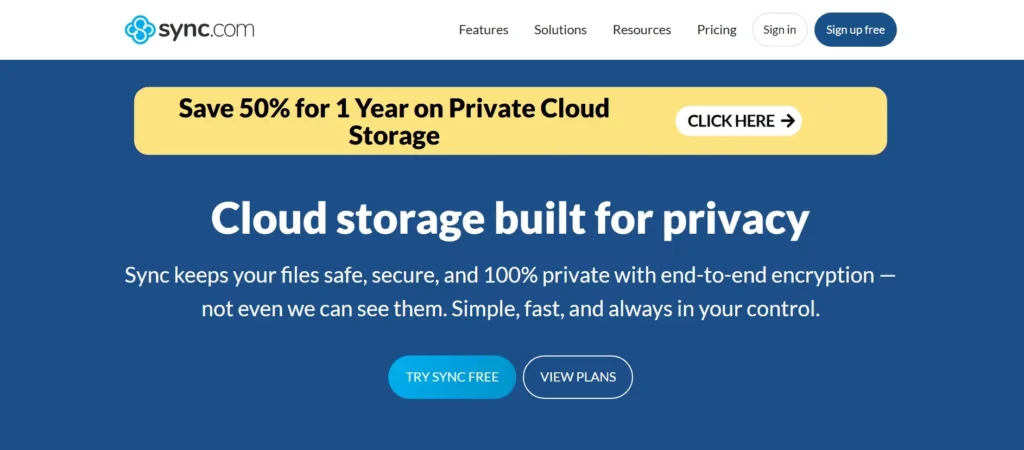
If privacy is your top concern, Sync.com is one of the strongest Google Drive alternatives available. It is built specifically for users who want full control over their data without third-party access.
Key Features
- End-to-end encryption – Your files are encrypted before upload and stay protected at all times
- Zero-knowledge privacy – Only you can access your data; even Sync cannot read it
- No third-party access – Your data isn’t shared, sold, or accessed by the provider
Pros
- Strong privacy and security (one of the best in cloud storage)
- Simple and secure file sharing
- GDPR and compliance-friendly
Cons
- No full real-time collaboration like Google Docs
- Slightly limited features for team workflows
Sync.com is perfect if you care about privacy over collaboration. If your priority is keeping files secure rather than editing documents in real time, this is one of the best choices available.
2. Dropbox – Best for Team Collaboration
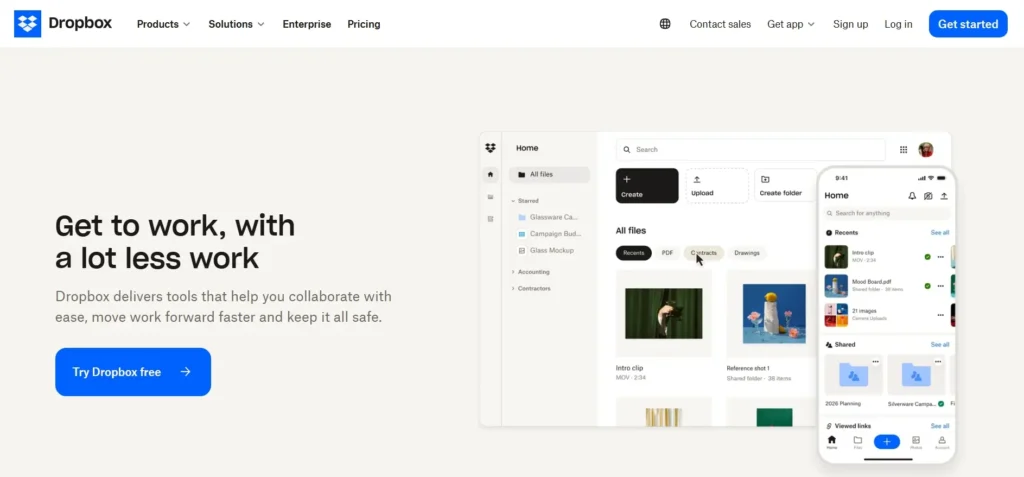
Dropbox is one of the most popular choices for teams that need smooth file sharing and real-time access across devices. It’s built to keep everyone on the same page, especially in team or agency environments.
Key Features
- Smart Sync – Access all files without using local storage; files download only when needed
- File Versioning – Restore previous versions of files (up to 30–365 days depending on plan)
- Integrations – Works with tools like Slack, Zoom, and Microsoft Office for better workflows
Best For
- Teams and agencies
- Remote collaboration
- Projects with frequent file updates
Why Choose Dropbox?
- Keeps files synced across devices automatically
- Makes sharing large files simple
- Helps teams stay organized with shared folders and version control
Things to Consider
- Limited free storage (2GB)
- Advanced features require paid plans
Dropbox is ideal if your focus is team collaboration and file sharing. It’s not the cheapest option, but it’s one of the most reliable tools for working with multiple people on shared files.
3. OneDrive – Best for Microsoft Users
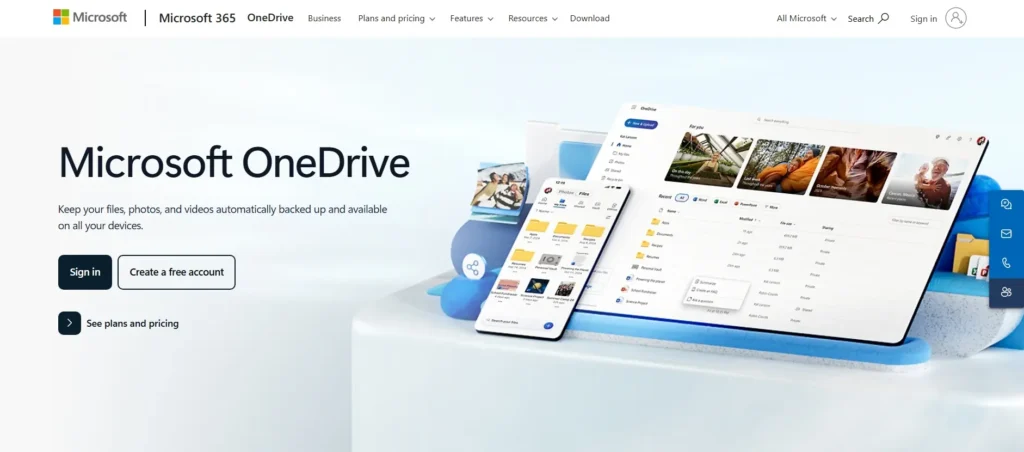
Microsoft OneDrive is a natural choice if you already use Windows or Microsoft Office tools. It comes built into the system, making file storage and syncing simple right out of the box.
Key Features
- Works with Word, Excel, PowerPoint – Create, edit, and save files directly using Microsoft Word, Microsoft Excel, and Microsoft PowerPoint
- Built into Windows – No need for extra setup on Windows PCs
- Automatic sync – Files stay updated across devices
- Real-time collaboration – Multiple users can edit documents together
Best For
- Windows users
- Students and professionals using Microsoft Office
- Users who want a simple, ready-to-use cloud storage setup
Pros
- Seamless integration with Microsoft ecosystem
- Easy file access from desktop
- Strong collaboration features
Cons
- Limited free storage (5GB)
- Less privacy-focused compared to some alternatives
If you already use Microsoft tools daily, OneDrive is the easiest and most convenient option. It fits naturally into your workflow without needing extra setup.
4. pCloud – Best Lifetime Deal
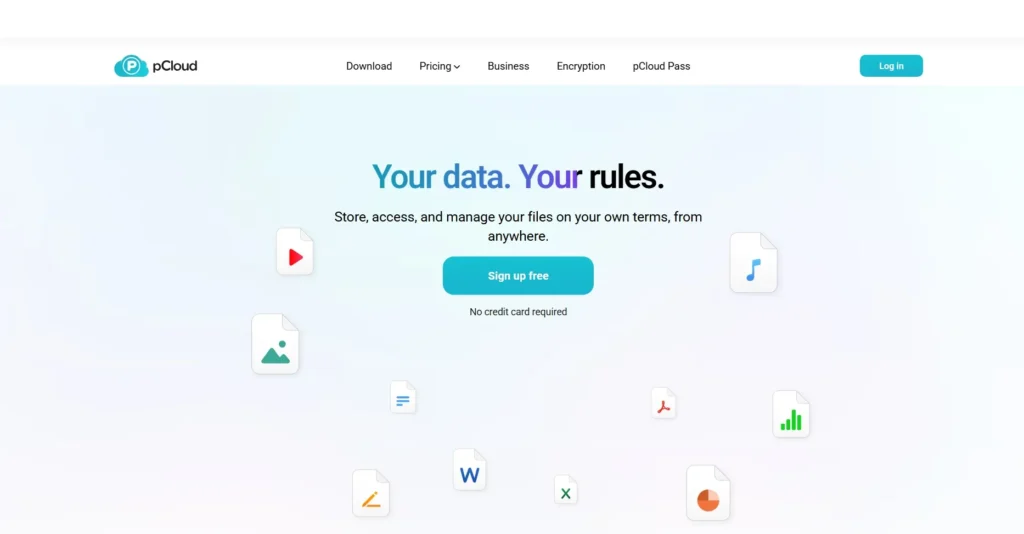
pCloud stands out because it offers something most cloud services don’t—a lifetime storage plan. Instead of paying monthly or yearly, you can make a one-time payment and use the service long-term.
Key Features
- One-time payment option – Pay once and get lifetime access (no recurring fees)
- Media streaming support – Stream videos, music, and view files directly without downloading
- File versioning & backup – Keep previous versions of files safely
- Cross-platform access – Works on mobile, desktop, and web
Best For
- Users who want to avoid monthly subscriptions
- Long-term storage needs
- Media storage (videos, music, large files)
Pros
- No recurring costs (huge long-term savings)
- Easy-to-use interface
- Good performance for large files
Cons
- Encryption (pCloud Crypto) is a paid add-on
- Collaboration features are limited compared to Dropbox
pCloud is a great choice if you want long-term storage without ongoing costs. It’s especially useful for storing and streaming media files while keeping your expenses predictable.
5. MEGA – Best Free Storage
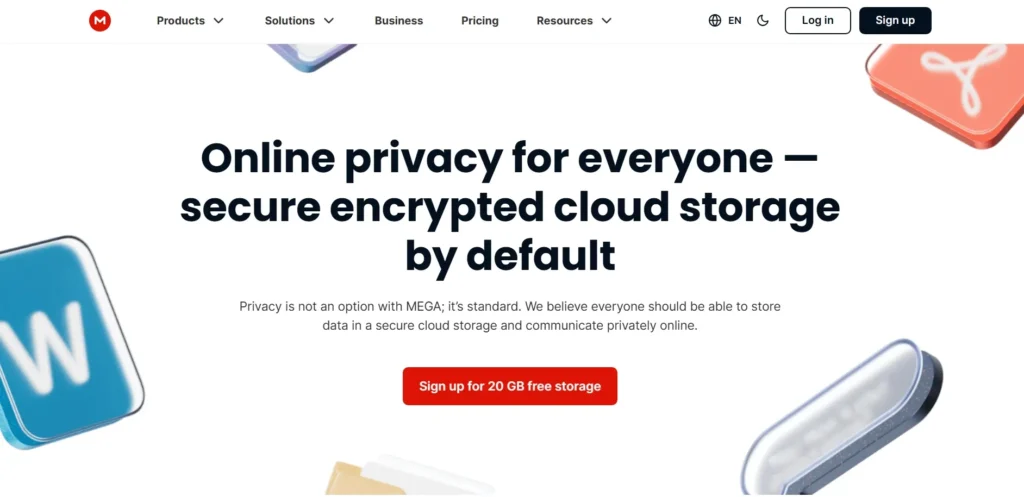
MEGA is a strong choice if you want maximum free storage without compromising on security. It offers one of the largest free plans in the cloud storage space.
Key Features
- 20GB free storage – Much higher than most competitors
- End-to-end encryption – Your files are encrypted before upload
- Secure file sharing – Share links with encryption keys
- Cross-device sync – Access files from mobile, desktop, or web
Best For
- Users looking for generous free storage
- Personal use and backups
- Privacy-conscious users on a budget
Pros
- Large free storage plan
- Strong built-in encryption
- Easy file sharing with security controls
Cons
- Transfer limits on free plan
- Interface can feel slightly complex for new users
MEGA is one of the best options if you want free cloud storage with strong security. It’s ideal for users who need more space without paying upfront.
What to Look for in a Google Drive Alternative
Choosing the right alternative to Google Drive isn’t just about storage, it’s about security, usability, and long-term value. Here are the key factors you should always check before switching:
Storage Space
- Check how much free storage you get
- See how easy it is to upgrade later
- Make sure it fits your future needs (not just current files)
Some tools offer large free plans, while others focus on paid scalability
Security (Encryption Type)
- Look for end-to-end encryption (best for privacy)
- Check if data is encrypted:
- At rest (stored data)
- In transit (during transfer)
Encryption turns your data into unreadable format without a key
- Features like:
- Two-factor authentication
- Access control
- Zero-knowledge privacy
Strong security is one of the most critical factors when choosing cloud storage
File Sharing Options
- Easy link sharing
- Password-protected links
- Permission control (view/edit access)
Good platforms allow secure sharing without exposing files publicly
Pricing
- Free vs paid plans
- Monthly vs lifetime options
- Hidden costs (storage upgrades, transfers)
Some tools like pCloud offer one-time lifetime pricing, which can save money long-term
Ease of Use
- Clean interface
- Simple upload/download process
- Minimal learning curve
A complex tool can slow down your workflow, even if it has great features
Cross-Platform Support
- Works on:
- Mobile (Android/iOS)
- Desktop (Windows/Mac)
- Web browser
Cloud storage should be accessible from anywhere, anytime
Pro Tip
Don’t just pick the most popular option, choose based on your priority:
- Privacy → Focus on encryption
- Teamwork → Focus on collaboration tools
- Budget → Compare pricing carefully
Free vs Paid Alternatives (Which One to Choose?)
Choosing between free and paid cloud storage depends on how you plan to use it. Both options have clear advantages, it’s just about matching them to your needs.
Free Tools
Free cloud storage is a good starting point, especially if your needs are simple.
Best for:
- Personal use (documents, photos, small backups)
- Students or beginners
- Light file sharing
What you get:
- Limited storage (usually a few GBs)
- Basic features
- Easy access with no upfront cost
Free plans are ideal for everyday use and testing tools before upgrading
Paid Tools
Paid cloud storage goes beyond just extra space—it gives you more control and advanced features.
Best for:
- Businesses and teams
- Large file storage
- Long-term use
What you get:
- More storage (often TB-level plans)
- Better security and encryption options
- Advanced features like:
- File version history
- Collaboration tools
- Priority support
Paid plans are worth it when you need reliability, security, and scalability
Quick Comparison
| Feature | Free Tools | Paid Tools |
|---|---|---|
| Storage | Limited (GBs) | High (TBs) |
| Security | Basic | Advanced |
| Features | Limited | Full access |
| Best For | Personal use | Business & heavy use |
Google Drive vs Alternatives
Here’s a simple comparison to help you understand how Google Drive stacks up against other cloud storage options:
| Feature | Google Drive | Alternatives |
|---|---|---|
| Privacy | Moderate (data scanning, no zero-knowledge) | High (tools like Sync.com, MEGA offer strong encryption) |
| Collaboration | Strong (Docs, Sheets, real-time editing) | Varies (Dropbox strong, others limited) |
| Pricing | Subscription-based | Flexible (free plans, lifetime options like pCloud) |
| Storage | 15GB free (shared across services) | More options (some offer higher free or scalable plans) |
Key Takeaways
- Privacy: Google Drive is convenient, but not built for maximum privacy. Alternatives like Sync.com and MEGA focus more on secure storage.
- Collaboration: Google Drive still leads in real-time collaboration with tools like Docs and Sheets. However, Dropbox is a strong competitor for team workflows.
- Pricing: Google Drive requires ongoing subscriptions, while alternatives like pCloud offer one-time payment options.
- Storage Flexibility: Many alternatives provide more flexible storage plans, especially for users who need large free space or long-term storage.
Use Case-Based Recommendations
Not sure which option to pick? Here’s a quick way to choose the right tool based on your specific needs:
Privacy → Sync.com
- Best for users who want maximum data protection
- Offers zero-knowledge encryption
- Ideal for sensitive files and business data
Team Work → Dropbox
- Built for collaboration and file sharing
- Great for teams, agencies, and remote work
- Strong version control and integrations
Windows Users → Microsoft OneDrive
- Perfect if you already use Windows or Microsoft Office
- Seamless integration with Word, Excel, and PowerPoint
- Easy syncing across devices
Budget-Friendly → MEGA
- Generous free storage plan
- Strong encryption without upfront cost
- Ideal for personal use and backups
Lifetime Storage → pCloud
- One-time payment, no monthly fees
- Best for long-term storage needs
- Great for media files and large data
FAQs (People Also Ask)
1. What is the best free Google Drive alternative?
The best free options are MEGA and pCloud.
- MEGA offers generous free storage with strong encryption
- pCloud provides a solid free plan with upgrade flexibility
Both are great if you want storage without paying upfront
2. Which cloud storage is safest?
Sync.com is considered one of the safest options.
- Uses zero-knowledge encryption
- Only you can access your files
- No third-party data access
Ideal for privacy-focused users
3. Is there a better option than Google Drive?
Yes, depending on your needs.
- For privacy → Sync.com
- For teamwork → Dropbox
- For budget → MEGA
“Better” depends on what matters most to you
4. Which is cheaper than Google Drive?
pCloud and MEGA can be more cost-effective.
- pCloud offers lifetime plans (pay once)
- MEGA has strong free and affordable paid options
5. Can I migrate from Google Drive easily?
Yes, switching from Google Drive is simple.
- Most platforms support file uploads and syncing
- You can download and move files manually or use migration tools
The process is straightforward and doesn’t require technical skills
Conclusion
There’s no single “best” alternative to Google Drive, it all comes down to what matters most to you.
Choose Based on Your Priority:
- Privacy → Go with Sync.com for strong encryption and data control
- Price → Try MEGA or pCloud for cost-effective options
- Collaboration → Pick Dropbox or Microsoft OneDrive for team workflows
Start with 1–2 tools, test their features, and see how they fit into your daily workflow before fully moving away from Google Drive. The right choice isn’t about popularity, it’s about what works best for your needs, your data, and your budget.