Most marketers treat their Macs like general-purpose machines, installing whatever tool is popular, regardless of whether it was built for the platform or ported from Windows. The gap between those two things is bigger than it looks.
A specialized, macOS-only toolkit for digital marketers leverages the efficiency of the Apple ecosystem, combining native applications with powerful automation and design tools to maximize productivity.
When a tool is built specifically around how macOS handles memory, file management, and background processes, the performance difference shows up in ways that matter. You have fewer crashes during heavy workloads and workflows that feel like they belong on your Mac.
The tools below are part of the Apple ecosystem, and each earns its place for a specific reason.
1. Workflow Automation: Alfred
Spotlight is fine, but Alfred is something else entirely. On the surface, both let you open apps and search files, so it is easy to dismiss Alfred as an unnecessary replacement for something that already works. The difference shows up once you start building Workflows.
Alfred is macOS-only and leans heavily on Apple’s automation infrastructure. Its Powerpack feature unlocks a workflow builder that lets marketers chain together multi-step actions with a few keystrokes. Think opening a specific Google Sheet, a Slack channel, and a browser tab with a particular UTM-tagged URL, all from one command.
You can also rely on it to pull live data from an API and display it in the results window without opening a browser. For instance, I set up an Alfred Workflow early in my career that opened all the tabs and documents I needed for a Monday morning report with a single keystroke.
To my surprise, what used to take eight minutes of clicking every single week took less than thirty seconds after that. It’s certainly one of those tools that rewards the time you invest in it.
2. Storage and Cleaning: MacKeeper

Running large asset libraries, video files, and months of campaign materials has a way of quietly filling up a drive. The clutter is rarely obvious: residual data from deleted apps, duplicate files scattered across different folders, or browser caches that have grown well beyond what’s useful.
A dedicated cleaning tool built specifically for macOS handles this differently from a generic system utility. It understands Apple’s file structure and knows where the junk actually hides.
MacKeeper stands out as an all-in-one utility for macOS that combines cleaning, security, privacy, and storage optimization, serving as a maintenance toolkit for digital marketers who rely on Mac-based workflows.
It features the Safe cleanup tool, antivirus, VPN, and Ad blocker, all in a single dashboard, to maintain your device’s speed and protect your digital assets. For marketers who rely on that performance to stay productive, that matters more than it might seem.
3. Content Strategy and Focused Writing: Ulysses

Content marketing involves two very different cognitive modes: planning and writing. Most tools try to serve both and end up doing neither particularly well. Ulysses, a macOS and iOS exclusive writing app that has won Apple’s Design Award, was built specifically for writing. The tool also has enough organizational depth to handle the planning that surrounds it.
Ulysses can serve as a digital marketer’s central home for blog drafts, content briefs, and campaign copy.
Its library structure lets you create nested folders for different clients or content pillars, tag individual documents with keywords for easy retrieval, and set word-count goals for ongoing projects. When a piece is ready, it publishes directly from the app without leaving it. The export options include PDF, Word, and HTML, which cover most handoff scenarios.
Ulysses was built exclusively using Apple-native frameworks, which is part of why it performs as well as it does. The tool’s iCloud sync keeps everything up to date across Mac and iPhone.
4. Screen Capturing for Your Marketing Workflows: CleanShot X
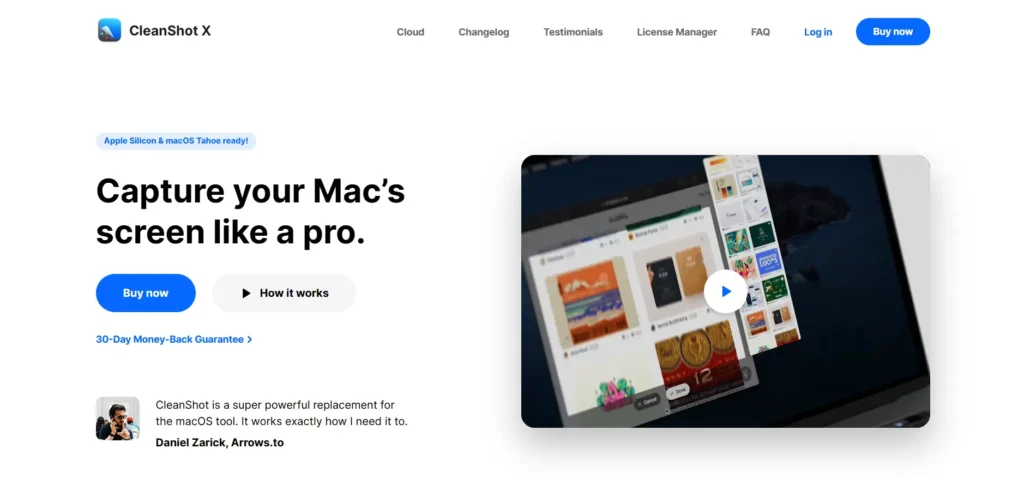
The native macOS screenshot tool does what it says on the tin. Captures the screen, saves a file, and moves on. For a casual user, that is enough. But for a digital marketer who needs to document campaign dashboards, record product walkthroughs, and produce GIFs for a social media post, all in the same afternoon, the tool runs out of road very quickly.
CleanShot X is macOS-only and built to fill every gap left by the native Screenshot tool. It captures scrolling screenshots, records screen video and GIFs, lets you annotate captures with arrows or blur tools, and keeps a visual history so you can pull back a screenshot you forgot to save. The interface sits in the menu bar and stays completely out of the way until needed.
I used CleanShot X during a product launch last year to capture a scrolling competitor landing page and annotate it for a presentation. The whole thing, capture, annotation, and export, took under three minutes, with the native tool, which would have required two separate apps.
5. Visual Campaign Thinking: MindNode

Campaign planning rarely starts with a spreadsheet. It starts with a lot of ideas in no particular order, a whiteboard covered in arrows, or a document that keeps getting longer without getting clearer. MindNode is where that thinking belongs.
MindNode is macOS and iOS-exclusive, built specifically around Apple’s design principles and 17 years of refinement within the Apple ecosystem. It lets marketers map campaign structures, content pillars, audience segments, and messaging frameworks on an open canvas before anything gets formalized.
The focus mode isolates individual branches so you can think through one thread without the full map cluttering the screen. Quick Entry lets you capture ideas instantly from anywhere on the system, including the menu bar, without opening the main app window.
Maps sync across Mac and iPhone via iCloud, and when a brainstorm is ready, MindNode exports cleanly to PDF, image, or OPML for handoff to project management tools.
Final thoughts
MacBooks are already capable devices. What determines how much a digital marketer actually gets out of them is the software sitting on top of the hardware. Cross-platform tools built to run on everything do nothing exceptionally well.
The tools in this list were made for one ecosystem, refined specifically for it, and perform accordingly. Investing in a macOS-native stack is not just about preference. You’re choosing software that treats the platform as a foundation rather than just another target environment.
As a digital marketer working with macOS devices, the gap between a tool built for macOS and one that merely runs on it is something you notice immediately and every day after that.