The launch of ChatGPT felt like a breakthrough to artificial intelligence. Anyone could suddenly converse in plain English with a model that demonstrated concepts, wrote emails or even brainstormed essays. However, with the hype now settled, lots of students, professionals, and developers have discovered one fact: there is no single AI that can be applied to all requirements.
That is where solutions come in. It has become a boom in the market with such companies as Google, Anthropic as well as Microsoft scurrying to launch their own systems. Open-source communities are creating strong free solutions, and niche platforms are specialized, e.g., in coding or studying. This innovation implies that the choice of the user today is much greater than it used to be only two years back.
Why People Look for Alternatives
ChatGPT is strong, but it’s not flawless. A student trying to work through chemistry homework may want more step-by-step explanations. A developer writing Python would rather have AI directly in their code editor. And companies with sensitive data can’t always send information to an external server.
A few other reasons drive people to try something else:
- The cost of premium access or API tokens can add up quickly.
- Peak-time slowdowns sometimes interrupt workflows.
- Some users want transparency or open models they can customize.
- Others value flexibility: picking the right AI for the task instead of sticking with one default.
These gaps have opened opportunities for other platforms to grow..
EduBrain Homework Helper
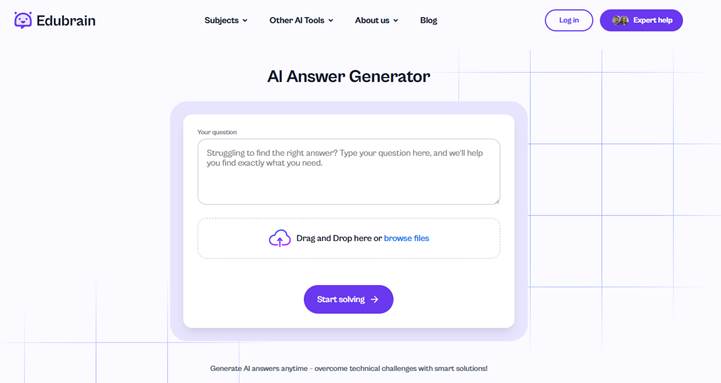
One of the clearest examples of a student-first AI is EduBrain homework helper. It’s not built to be everything for everyone — it’s designed for learners. The tool includes Answer AI, which works as an AI homework helper and AI study assistant.
Instead of dropping a final result with no context, it shows the logic gradually, step by step. That means if you need to solve math problems, you don’t just see the answer — you see how the solution was reached. For many learners, this makes a huge difference in actually understanding the material.
Because it emphasizes AI-powered assistance over shortcuts, EduBrain feels closer to a study partner than a search engine. Students use it to review concepts, generate practice exercises, and even prepare for exams. In classrooms, that kind of guided approach can reduce frustration and build confidence.
Claude, Gemini, and Copilot: three major competitors
Not every alternative is focused on education. Some are general-purpose tools that compete with ChatGPT on a broader scale. Here’s a quick breakdown:
| Platform | What’s Good | What’s Not | Pricing (2025) |
| Claude (Anthropic) | Great for reasoning and handling very long documents; excellent for research-heavy tasks | Slower to roll out features, fewer third-party integrations. | Free tier; Pro at $20/month. |
| Google Gemini | Seamlessly integrates with Gmail, Docs, and Drive; handles text + images | Creativity can be inconsistent, especially for open-ended writing. | Free base plan; Advanced $19.99/month. |
| Microsoft Copilot | Built into Word, Excel, and Outlook; live web data. | Usage caps; sometimes tied too closely to Bing | Free; premium bundled with Microsoft 365 plans. |
Claude for Research and Analysis
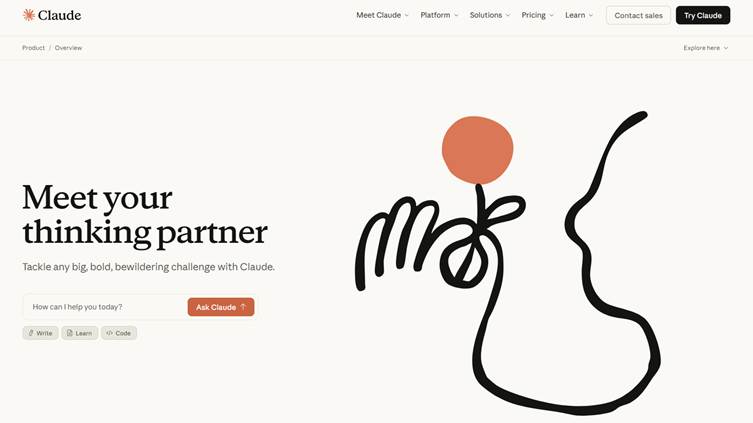
Claude is in its element when you require an AI to ponder over complicated things. It is also commonly applied to long reports or research papers whereby the professional is able to make sense of the information without becoming disoriented by the details. It is not glamourous but it is consistent, like that co-worker who does peruse the small print.
Teams also fall back on Claude as a writing tool, where they write outlines, proposals or structured summaries. Anthropic argues that such a design is especially useful in research-intensive or analytical work because of the long context memory and reasoning-oriented design of Claude.
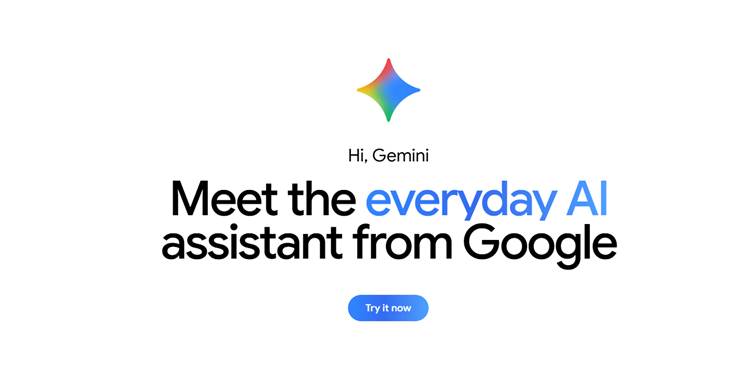
Google Gemini in the Workplace
Gemini is a great fit in Google Workspace, and therefore, naturally, it is very useful to people who live in Docs, Gmail, and Drive. It is an effort being used by people to bring together information in many documents or emails, create briefs that save time without compromising. Designers and marketers can even feed in both text and images to brainstorm or pre-client-ready decks.
It can also be applied to teamwork, as it can run within the same apps that everyone is familiar with – no additional logins, no window switching. The official blog of Google mentions that Gemini can mix text and images, which makes daily routine somewhat quicker and easier.
Microsoft Copilot for Everyday Workflows
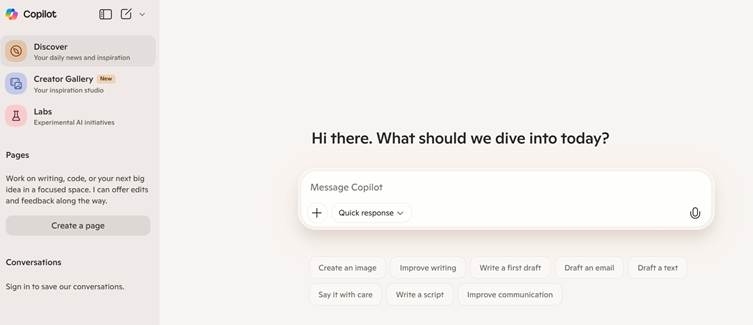
Copilot is an integral part of Word, Excel, and Outlook so it doesn’t seem like a different application, but instead a part of your daily workflow. You do not have to move out of your document but can draw out trends, create charts, and you can even write the summary in Word, all without leaving your document.
It is excellent at reducing repetition in work, and in ensuring the progress of projects. The scenario library of Microsoft demonstrates that already teams in various industries are using Copilot to generate reports or prepare a presentation, making it an unobtrusive productivity enhancement that does not require additional efforts on the part of users.
Open-Source and Do-It-Yourself AI
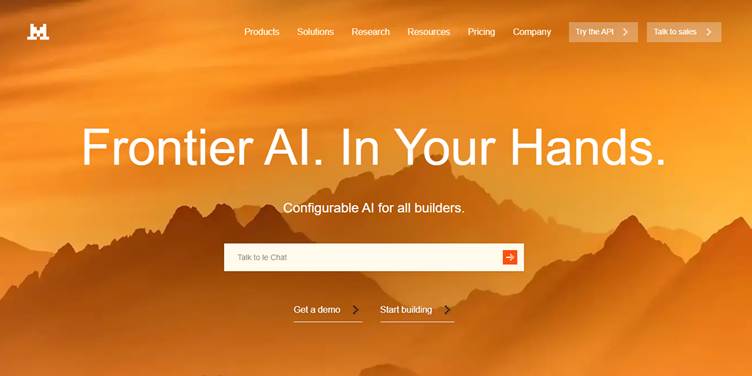
People are not all interested in relying on big tech. With open-source projects, you have greater control over them: you can run models on your own machine, customize it to your particular purposes, and avoid recurring subscription charges. The most popular ones are LLaMA 3, Mistral and Falcon, which all allow you to customize AI to specific topics or workflows.
For instance, a university lab could run Falcon on-site to analyze results without sending sensitive data to the cloud. Or a small dev team might customize LLaMA to act as an internal coding assistant to cut down repetitive tasks and enforce team standards.
Such alternatives are more difficult to set up and maintain, though the reward is freedom and efficiency. You are no longer bound by the tier-based subscriptions or restrictions on third parties (which can be a huge plus should you cherish privacy, personalization, or end up spending less money).
Aggregators and Hybrid Platforms
Aggregators are a neat trick in the AI world — basically, they allow you to interface with a collection of AI models rather than only a single one. That way, you can pick the tool that actually makes sense for the job.
Take Poe by Quora, for example. It provides you with access to GPT-4, Claude, and the like on the same page. When you are busy writing reports, charts, and emails, you can simply send all questions to the AI that can work with them most effectively.
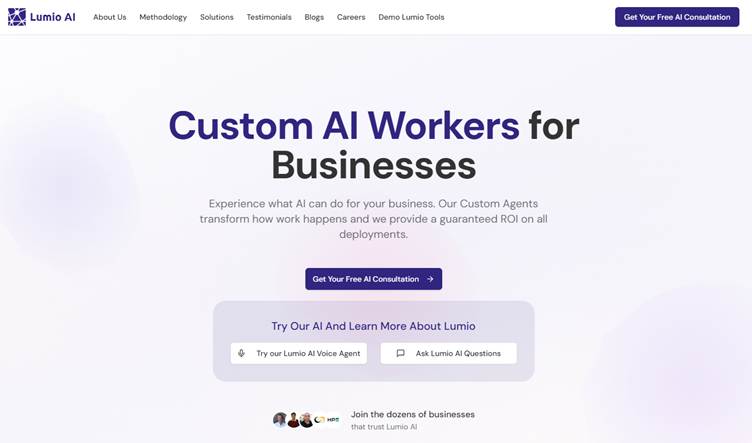
Lumio AI takes it a step further, offering a workspace that lets you switch between Claude and Gemini and Grok and so on. It also automatically forwards queries to more low-cost engines, which is handy when you are trying to be cost-efficient.
Imagine a happy team working on a large afternoon project: creating campaign copy, recapping competitor research and writing presentations. The hybrid platform lets them:
- Have Claude in terms of summarizing long reports.
- Go to Gemini to organize Google Docs materials and make notes.
- Make a call on GPT-4 to brainstorm on some slogans or tag lines.
Under this arrangement, teams are not forced to fit in a single AI. They achieve versatility, time saving and ensure every operation is placed in the right model.
How to Pick the Right Tool?
Here’s a quick way to think about matching needs to options:
- Need help with school assignments → EduBrain provides explanations, practice, and clarity.
- Writing and summarization → Claude and Gemini are strong, polished writing tools.
- Productivity at work → Microsoft Copilot is handy inside Office apps.
- Privacy and control → LLaMA and Mistral can do the job.
- All-in-one workspace → Poe or Lumio for mixing and matching.
There’s no universal “best AI.” The smart move is to try a few and see which one feels right for your workflow.
Wrapping Up: Why Alternatives Matter?
ChatGPT may have set the stage, but the AI world is far bigger today. Between education-focused helpers like EduBrain, enterprise-ready platforms like Copilot, and independent open-source models, there’s something for everyone. Some shine in classrooms, some in corporate offices, and some in research labs.
For learners in particular, EduBrain shows how AI can act as a virtual assistant that encourages real understanding, not just quick answers. For others, the choice might be about performance, cost, or how well it fits with the tools you already use.
The bottom line? Alternatives are no longer backups in a figurative sense. They are powerful ideas, which demonstrate the pace of AI development, as well as how users are defining the future of smart solutions.