This guide covers the best photo editing software based on hands-on testing and real-world use. With frequent updates, new AI features, and more tools moving to subscription-based models, not every editor is worth your time or money. However, many of these tools are easy to use and deliver great results for both beginners and professionals. We’ve selected software that offers useful features, strong performance, and real value helping you edit photos faster and more efficiently without unnecessary complexity.
So, the question is: How do you choose the right photo editing software that improves image quality and workflow efficiency for professionals and beginners alike?
For this update, I tested each platform in real-world workflows to identify tools that genuinely enhance image quality, speed up editing, and deliver long-term value. Below, we highlight the best photo editing software options to help you make the right choice.
Key Takeaways
- Adobe Photoshop: Industry-leading photo editing software delivering unmatched precision, creativity, and AI-driven control.
- Adobe Lightroom: Powerful non-destructive editing and photo management built for professional-grade results.
- GIMP: Robust open-source editor offering professional tools without any cost.
- Canva: Effortless design platform that turns ideas into stunning visuals in minutes.
- Pixlr: Fast, AI-powered online editor for instant, high-impact image enhancements.
- Fotor: Smart, one-click photo enhancement tool designed for speed and simplicity.
- Affinity Photo: High-performance professional editor with full creative control—no subscription required.
- Darktable: Advanced RAW photo processing engine built for serious photographers and precise color control.
Choosing the Best Photo Editing Software
The best photo editing software depends on your goals and experience level. Free tools like GIMP, Canva, and Pixlr are ideal for beginners and basic editing needs, while paid software such as Adobe Photoshop and Lightroom offers advanced features, precision, and professional-quality results. The right choice balances usability, functionality, and creative control.
1. Adobe Photoshop (Paid)
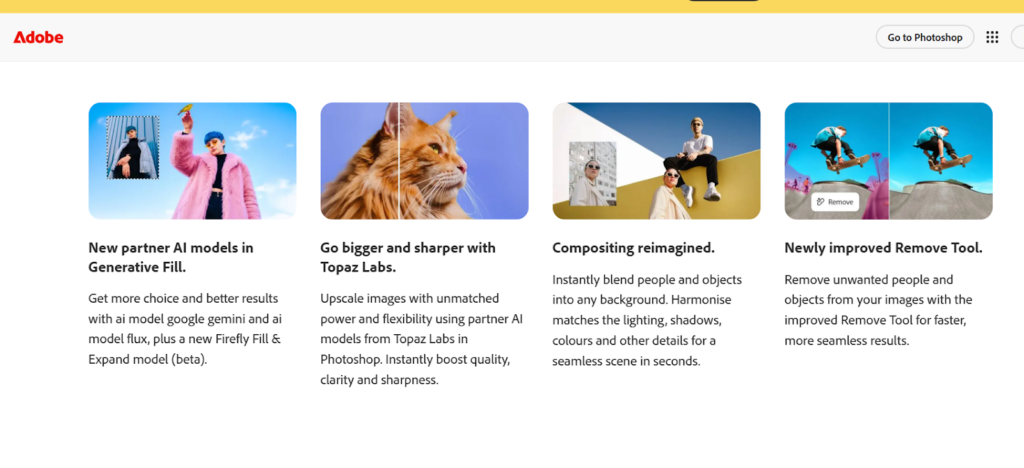
Adobe Photoshop stands as the gold standard in the world of creative editing software. Trusted by professionals for decades, it offers unmatched depth, flexibility, and precision making it the most comprehensive photo editing and digital design tool available today. Whether you’re enhancing portraits, designing marketing graphics, creating digital paintings, or manipulating images at an advanced level, Photoshop delivers results that consistently set industry benchmarks.
Its ecosystem is constantly evolving, with AI-driven tools, cloud integrations, and performance upgrades that streamline workflows for both beginners and experts. Photoshop’s versatility makes it indispensable for photographers, artists, designers, and content creators who demand creative freedom without limits.
Key Features
- Advanced Layer-Based Editing: Full control with layers, masks, and Smart Objects for non-destructive, flexible editing.
- AI-Powered Tools: Generative Fill, Generative Expand, and AI background removal speed up complex edits with professional results.
- Professional Retouching: Industry-leading tools for flawless corrections, detailed portraits, and natural enhancements.
- Creative Brushes & Filters: Extensive brushes, presets, and filters enable limitless artistic and cinematic effects.
- Adobe Camera Raw Support: Powerful RAW editing for exposure, color correction, lens fixes, and batch processing.
Who It’s For
Adobe Photoshop is perfect for professional photographers who need precise retouching, color grading, and advanced image manipulations. It is ideal for graphic designers creating posters, banners, mockups, UI elements, and other visual assets, as well as for digital and concept artists working on drawing, painting, textures, and concept art using advanced brushes.
Content creators and marketers benefit from Photoshop’s tools for designing social media graphics, thumbnails, and branding visuals, while anyone requiring high-level control over detailed editing, layering, and creative composition will find all the necessary tools within Photoshop to achieve professional-quality results.
2. Adobe Lightroom (Paid)
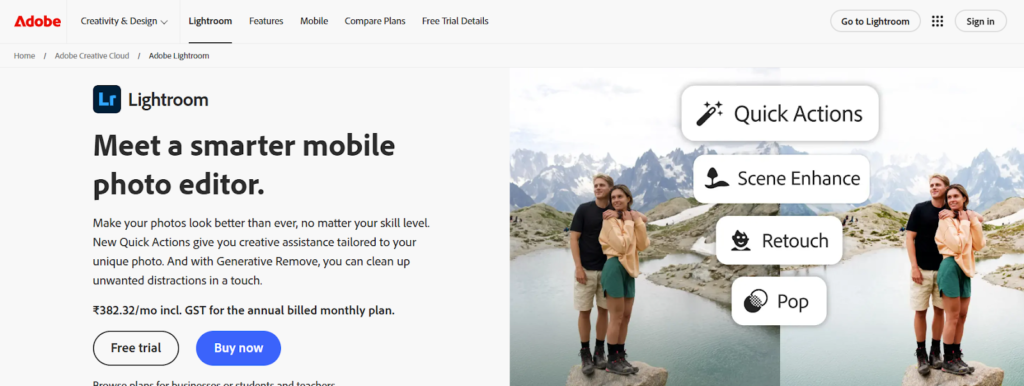
Adobe Lightroom is a powerful photo editing and management tool designed for photographers who handle large volumes of images. It simplifies organizing, sorting, and enhancing photos while maintaining top-quality edits. With an intuitive interface and fast workflow tools, Lightroom makes it easy to manage entire photo libraries and edit RAW files efficiently.
Key Features
- Non-Destructive Editing: All adjustments are reversible, preserving original image quality and allowing flexible experimentation.
- Advanced Color Grading: Professional tools like Tone Curve, HSL, Color Wheels, and presets for precise and cinematic color control.
- Batch Editing Efficiency: Sync edits across large photo sets to save time and maintain consistent results.
- AI-Powered Tools: Smart masking, subject selection, sky enhancements, and Auto Tone speed up complex edits.
- Cloud Sync Across Devices: Seamless editing and automatic backups on desktop, mobile, and web.
Who It’s For
Adobe Lightroom is ideal for professional and hobby photographers working with RAW files and large photo sets, providing powerful tools for organizing and editing efficiently. It is especially suited for event, wedding, and travel photographers who need to edit hundreds of photos quickly and maintain consistent results.
Creators seeking faster workflows benefit from Lightroom’s clean, intuitive interface that enables fast editing without the complexity of Photoshop, while mobile photographers can take advantage of automatic cloud syncing to edit seamlessly on the go across multiple devices.
3. GIMP (Free)
GIMP (GNU Image Manipulation Program) is one of the most feature-rich free alternatives to Adobe Photoshop. As an open-source platform, it is completely free to download, modify, and use, making it extremely popular among beginners, hobbyists, and even some professionals. It offers powerful tools for photo editing, graphic design, and digital art, and its active community regularly contributes updates, plugins, and new features. Despite being free, GIMP provides capabilities that closely match many of Photoshop’s essential functions
Key Features
- Layer-Based Editing: Advanced layer system with masks, blending modes, and groups for precise, non-destructive edits.
- Plugins & Extensions: Highly flexible plugin ecosystem with community tools like G’MIC for advanced effects and batch processing.
- Photo Retouching Tools: Professional tools for healing, color correction, precise selections, and image transformations.
- Customizable Interface: Fully adjustable workspace, shortcuts, themes, and window modes to suit any workflow.
- Wide File Format Support: Compatible with PSD and major image formats, supporting high-quality and professional outputs.
Who It’s For
GIMP is ideal for beginners and intermediate editors who are learning photo editing and want access to powerful tools without financial commitment, with tutorials and community support making the learning curve manageable. It is perfect for students and hobbyists working on school projects, casual design tasks, or experimenting with digital art, as its free nature allows practice with professional-grade editing without expensive software. Budget-conscious creatives who need strong editing capabilities but cannot afford paid tools like Photoshop will find GIMP reliable and effective.
Additionally, GIMP appeals to open-source and tech enthusiasts who enjoy customizing, exploring, or contributing to software, with its community continuously improving the tool and adding new features.
4. Canva (Free & Paid)
Canva is one of the most popular and user-friendly graphic design platforms available today. It allows anyone regardless of design experience to create visually appealing graphics, presentations, posters, and social media content within minutes. With its drag-and-drop interface, built-in templates, and huge asset library, Canva simplifies design work that would normally require advanced software.
The platform works entirely online and syncs across devices, making it perfect for quick edits, team collaboration, branding projects, and professional designs without needing specialized skills.
Key Features
- Ready-Made Templates: Thousands of professional templates for social media, presentations, marketing, and business needs.
- Drag-and-Drop Editing: Simple, intuitive editor with easy resizing, customization, animations, and layouts.
- AI-Powered Tools: Smart features like Background Remover, Magic Write, Magic Design, and AI Resize for faster creation.
- Extensive Asset Library: Millions of photos, graphics, icons, videos, fonts, and upload options for custom designs.
- Collaboration & Branding: Real-time teamwork, brand kits, and multiple export formats for consistent, professional output.
Who It’s For
Canva is perfect for marketers and social media managers who need to create posts, ads, banners, and branded content quickly, with templates and AI tools that ensure consistent branding and save time. It is also ideal for students and educators designing presentations, assignments, posters, and study materials, as the intuitive interface allows polished visuals without advanced skills.
Small business owners and entrepreneurs can use Canva to produce professional designs for branding, product posts, flyers, brochures, business proposals, and event promotions without hiring a full-time designer. Overall, Canva is well-suited for beginners and non-designers, as its ready-made templates and drag-and-drop editor make it easy for anyone to create professional-quality visuals.
5.Pixlr (Free & Paid)
Pixlr is a lightweight, browser-based photo editor that requires no installation, making it one of the most convenient tools for quick and accessible photo editing. It runs directly online, supports multiple devices, and delivers a wide range of editing options from simple touch-ups to creative overlays and advanced layer-based editing. Pixlr is known for its fast performance, intuitive interface, and smart AI features, making it ideal for users who want powerful editing capabilities without downloading heavy software.
Key Features
- Online Browser-Based Editing: No installation required; edit on any device from anywhere with internet access.
- Layer-Based Editing: Supports layers, masks, and blending modes for more advanced, non-destructive edits.
- AI-Powered Tools: One-click background removal, auto enhancement, and AI cutouts for fast results.
- Creative Filters & Effects: Wide range of filters, overlays, textures, and effects for polished visuals.
- Flexible Versions & Formats: Pixlr X for beginners, Pixlr E for advanced users, with support for major file formats.
Who It’s For
Pixlr is ideal for casual users and beginners who need quick edits such as cropping, resizing, color corrections, and adding text without learning complex tools. It is perfect for social media creators looking to produce Instagram posts, thumbnails, banners, logos, and promotional visuals quickly using filters and overlays. Students and professionals on the go benefit from its browser-based platform, allowing edits on shared computers, school devices, or while traveling without installation.
Small business owners can efficiently edit product photos, create marketing graphics, and prepare promotional materials without hiring a designer. Overall, Pixlr is well-suited for anyone seeking a powerful yet lightweight alternative to heavier software like Photoshop or GIMP.
6. Fotor (Free & Paid)
Fotor is a beginner-friendly photo editing platform known for its clean interface and simple workflow. It provides a wide selection of tools that help users enhance images quickly without needing advanced editing skills. Fotor is available online, as a desktop app, and on mobile devices, making it highly accessible for everyday editing tasks. Its combination of preset effects, retouching tools, and creative design options makes it ideal for users who want polished results with minimal effort.
Key Features
- Beauty Retouching Tools: Easy portrait enhancements like skin smoothing, wrinkle removal, teeth whitening, and face reshaping.
- HDR Effects: Combines multiple exposures to improve detail, color, and lighting in high-contrast images.
- Collage Maker: Customizable layouts with drag-and-drop tools for quick, eye-catching photo collages.
- One-Click Filters & Effects: Instant presets for vintage, artistic, black-and-white, and stylized looks.
- Graphic Design Templates: Ready-made templates for posters, ads, social media, and marketing visuals.
Who It’s For
Fotor is ideal for casual users and beginners who want professional-looking results without mastering complex editing skills, offering intuitive tools and one-click enhancements. It is perfect for social media users looking to improve selfies, apply filters, create collages, and design aesthetic posts quickly.
Students and hobbyists can use Fotor for school projects, simple edits, and basic creative tasks, while small business owners benefit from creating marketing materials, product photos, banners, and promotional visuals without needing advanced software. Overall, Fotor is best suited for anyone who prefers simplicity, providing easy, clean edits and attractive designs with minimal time and effort.
7. Affinity Photo (Paid – One-Time)
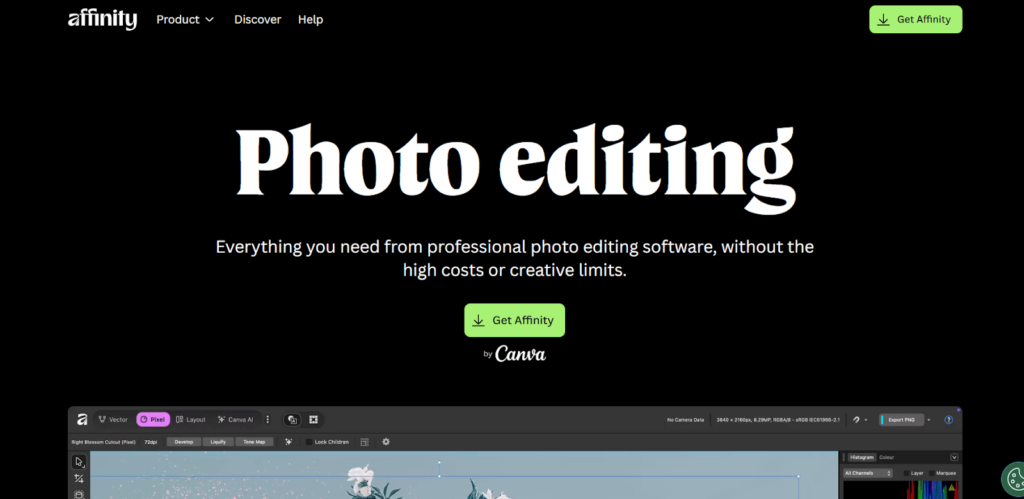
Affinity Photo is a powerful professional-grade photo editing software that rivals Photoshop in both features and performance—but without the recurring subscription fees. With a one-time purchase, users get access to a complete suite of advanced editing tools, making it a highly cost-effective choice for photographers, designers, and digital artists who want premium capabilities at an affordable price.
Key Features
- Unlimited Layer Support: Advanced layers, masks, adjustment layers, and live filters for complex, professional edits.
- Advanced Retouching Tools: High-end features like frequency separation, healing, clone, and dodge & burn for flawless results.
- Powerful RAW Editing: Dedicated Develop Persona for non-destructive RAW processing with full exposure and color control.
- Real-Time Performance: Fast, lag-free editing with live previews and GPU acceleration.
- Professional-Grade Workflow: Ideal for compositing, retouching, and commercial-quality photo editing without subscriptions.
Who It’s For
Affinity Photo is perfect for photographers, graphic designers, and digital artists who want professional-level tools without being tied to a monthly subscription. It’s especially suitable for users who need high-performance editing, advanced retouching, or RAW processing but prefer a one-time investment. Its powerful feature set makes it an excellent alternative to Photoshop for freelancers, studios, and creators looking for a budget-friendly yet professional solution.
8.Darktable (Free)
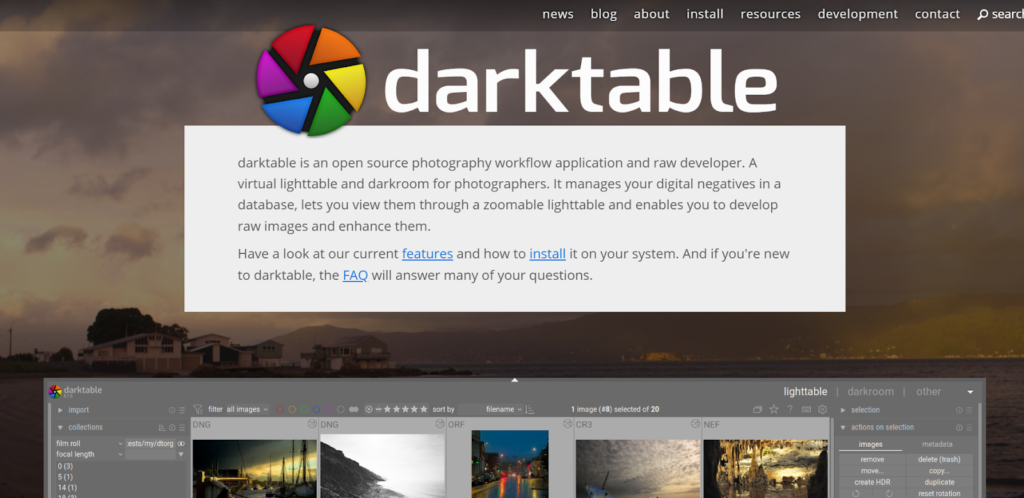
Darktable is a powerful, open-source photo editing and workflow software designed as a free alternative to Adobe Lightroom. It is particularly popular among photographers who work with RAW images, offering professional-grade tools for managing, processing, and enhancing photos.
Darktable focuses on non-destructive editing, advanced color correction, and high-precision adjustments, making it a go-to choice for users who want Lightroom-level capabilities without paying for a subscription. It runs on Windows, macOS, and Linux, providing cross-platform flexibility for photographers at any level.
Key Features
- Non-Destructive Editing: All edits are reversible, preserving original images and allowing flexible experimentation.
- Advanced Color Control: Powerful tools for exposure, tone curves, HSL/LAB adjustments, and precise local edits.
- RAW Processing: High-quality RAW workflow with lens correction, noise reduction, sharpening, and dynamic range optimization.
- Tethered Shooting: Live camera connection with real-time previews for efficient studio and product photography.
- Professional Workflow: Ideal for photographers needing precise control and high-quality, print-ready results.
Who It’s For
Darktable is ideal for photographers who want professional-grade RAW editing and photo management without the cost of commercial software. It’s especially suited for enthusiasts, students, and professional photographers who require advanced color correction, non-destructive workflows, and tethered shooting for studio setups.
Anyone looking for a free, powerful alternative to Lightroom that offers full control over their images will find Darktable an excellent choice. Its open-source nature also appeals to users who value software customization and community-driven development.