Getting more Google reviews comes down to three simple actions: asking at the right time, making it easy, and following a consistent system.
In this guide, you’ll learn proven, practical ways to increase Google reviews without overcomplicating the process. For a detailed explanation of how reviews impact rankings, read our Google Reviews guide.
No theory, just clear steps you can apply right away.
How to Get More Google Reviews
To get more Google reviews, focus on asking consistently, making the process simple, and reaching customers at the right time:
- Ask every satisfied customer right after a positive experience
- Share a direct Google review link to reduce effort
- Use SMS or WhatsApp for faster responses
- Add review requests to your website, emails, and receipts
- Train your team to ask for reviews in every interaction
- Send one polite follow-up if the customer hasn’t responded
These small actions, done consistently, can significantly increase your Google reviews over time.
Proven Strategies to Increase Google Reviews
These strategies focus on execution. Apply them consistently, and you’ll see steady growth in your Google reviews.
1. Create and Share Your Google Review Link
Make it as easy as possible for customers to leave a review.
Where to find it:
- Open your Google Business Profile
- Search your business on Google
- Click “Ask for reviews”
- Copy your direct review link
Where to use it:
- SMS and WhatsApp messages
- Email requests
- Website buttons (Contact / Thank You pages)
- Social media bios and posts
The shorter the path, the higher the chances of getting a review.
2. Use QR Codes to Remove Friction
QR codes help you convert offline customers into online reviews instantly.
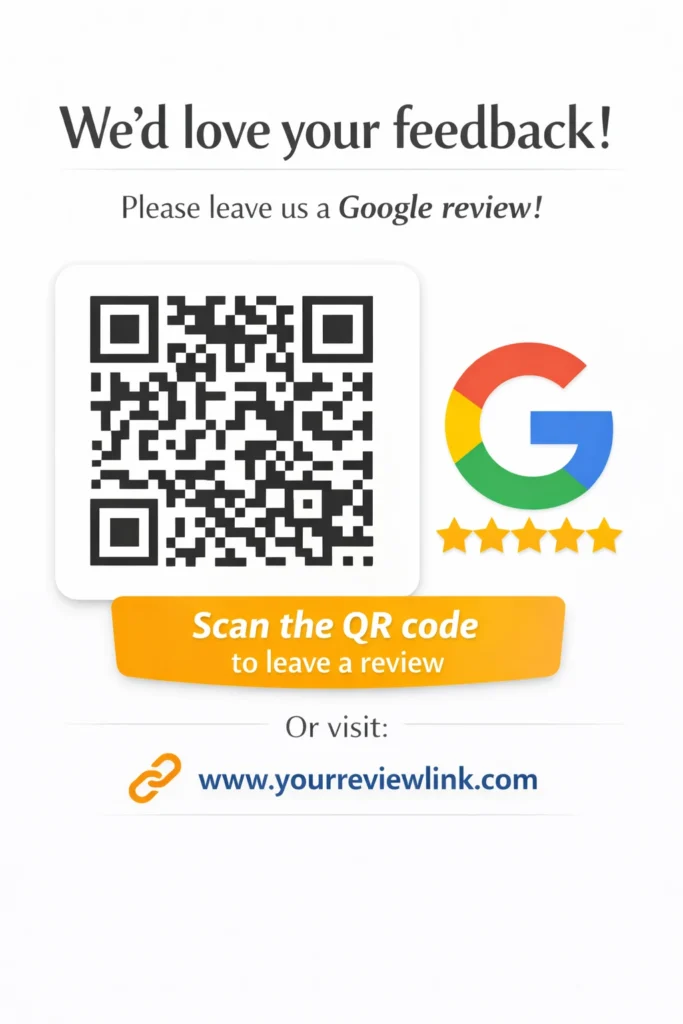
Best offline placements:
- Store counters or reception desks
- Product packaging inserts
- Printed invoices and receipts
- Table tents (for restaurants or cafes)
Customers can scan and leave a review within seconds.
3. Ask via SMS and WhatsApp
These channels get faster responses than email.
Why it works better:
- Higher open rates
- Instant visibility
- Less friction compared to logging into email
Best timing:
- Right after service completion
- Immediately after delivery
- When the customer expresses satisfaction
Keep the message short and include your review link.
4. Add Review Requests Across Customer Touchpoints
Don’t rely on a single channel, place requests wherever customers interact with your business.
High-converting touchpoints:
- Website thank you pages
- Exit-intent popups
- Email signatures
- Order confirmation emails
- Invoices and billing emails
More visibility = more opportunities for reviews.
5. Train Your Team to Ask Every Time
Your team plays a key role in getting reviews consistently.
Simple script:
- “If you had a good experience, we’d really appreciate a quick Google review.”
Best moments to ask:
- After a successful service
- When a customer gives positive feedback
- At checkout or completion
A consistent ask = predictable review growth.
6. Use Automation to Scale Requests
Manual requests don’t scale. Automation ensures no opportunity is missed.
How to automate:
- Set up CRM workflows to trigger review requests
- Send automated emails after purchase or service
- Schedule follow-ups if no review is received
Automation keeps your review flow steady without extra effort.
7. Follow Up Once (Without Annoying Customers)
Most customers don’t respond to the first request, one follow-up can make a big difference.
When to follow up:
- 2–3 days after the first request
How to follow up:
- Keep it polite and short
- Include the review link again
- Avoid multiple reminders
One gentle reminder can significantly increase response rates.
How to Ask for Google Reviews (Templates Included)
Use these simple, ready-to-send templates to ask for Google reviews across different channels. Keep your message short, clear, and easy to act on.
SMS Template
Hi [Name], thanks for choosing us!
Could you take a moment to share your experience?
[Your Google Review Link]
We really appreciate your feedback!
Email Template
Subject: Quick favor, [Name]
Hi [Name],
Thank you for your recent experience with us. We’d love to hear your feedback.
It only takes a minute:
[Your Google Review Link]
Your review helps us improve and helps others make the right choice.
Thanks again,
[Your Business Name]
WhatsApp Message
Hi [Name]
Thanks for choosing us!
If you have a moment, please leave us a quick Google review:
[Your Google Review Link]
We’d really appreciate it!
In-Person Script
“Thanks for your time today! If you’re happy with the service, it would really help us if you could leave a quick Google review. I can share the link with you.”
Tip: Always include your direct review link to make the process quick and effortless.
Where to Place Review Requests for Maximum Results
Placing your review request in the right spots ensures customers see it at the right moment, without needing extra effort from your side.
Email Signatures
- Add a simple line like: “Leave us a review” with your review link
- Appears in every email you send
- Works well for ongoing client communication
Passive but consistent visibility
Receipts & Invoices
- Include a short review request with a direct link or QR code
- Place it at the bottom where customers naturally look
- Works for both digital and printed invoices
High visibility right after purchase
Packaging Inserts
- Add a small card inside product packaging
- Include a QR code + short message
- Ideal for eCommerce and product-based businesses
Reaches customers at the moment of product experience
Business Cards
- Print a QR code or short link on your card
- Add a simple CTA like: “Review us on Google”
- Hand it out after a successful interaction
Easy to distribute and low cost
Physical Store Signage
- Place QR code signs at:
- Checkout counters
- Waiting areas
- Tables (for restaurants/cafes)
- Keep the message short and visible
Captures attention when customers are already engaged
The key is consistency, when customers see your review request across multiple touchpoints, they’re more likely to take action.
Build a System to Get Google Reviews Consistently
Getting reviews once is easy. Getting them every week requires a simple, repeatable system.
Create a Repeatable Review Process
Set a fixed flow so no opportunity is missed:
- Customer completes purchase or service
- Trigger a review request (SMS / email)
- Send one follow-up if needed
Make this part of your daily operations, not a one-time effort.
Set Weekly or Monthly Targets
Define clear goals to stay consistent:
- Example: 5–10 new reviews per week
- Adjust based on your customer volume
- Share targets with your team
What gets measured gets done. Not sure how many reviews you need? Use our Google Review Calculator to estimate your target.
Track Your Review Growth
Monitor how your reviews are increasing over time.
- Check total reviews and rating regularly in your Google Business Profile
- Track how many requests turn into actual reviews
- Identify which channels (SMS, email, in-person) perform best
This helps you focus on what’s working.
Maintain a Steady Review Flow (Avoid Spikes)
Consistency matters more than sudden bursts.
- Avoid asking all customers at once
- Spread requests evenly over time
- Keep a natural review pace
A steady flow looks more trustworthy and supports better local rankings.
When you turn review collection into a system, results become predictable, and growth becomes consistent.
Mistakes That Reduce Your Google Reviews
Even with the right strategies, a few common mistakes can slow down your review growth. Avoid these to keep your review flow consistent.
Not Asking Customers at All
- Many businesses simply forget to ask
- Even happy customers won’t leave reviews on their own
If you don’t ask, you don’t get reviews.
Making the Process Complicated
- Asking customers to search your business manually
- Not providing a direct review link
- Too many steps = lower response rate
Keep it simple, one click should take them to the review page.
Asking at the Wrong Time
- Asking before the service is complete
- Asking when the customer is busy or frustrated
Always ask right after a positive experience.
Ignoring Existing Reviews
- Not replying to reviews reduces engagement
- Customers are less likely to leave reviews if they see no response
Active profiles build trust and encourage more reviews.
Violating Google Policies (No Incentives)
- Offering discounts or rewards for reviews is against Google Business Profile guidelines
- Can lead to review removal or account issues
Focus on genuine feedback, not incentives.
FAQs (People Also Ask Optimization)
1. How do I get more Google reviews fast?
Ask happy customers immediately after a positive experience and share a direct review link. Use SMS or WhatsApp for faster responses, and follow up once if needed. Speed comes from timing + simplicity.
2. What is the best way to ask for Google reviews?
The best way is to keep it short, clear, and direct. Ask right after a successful interaction, include your review link, and make it easy for the customer to respond in seconds.
3. Why am I not getting Google reviews?
Common reasons include:
- Not asking customers consistently
- Making the process difficult
- Asking at the wrong time
- Not following up
Fix these, and you’ll start seeing more reviews.
Can I offer rewards for Google reviews?
No. Offering incentives violates Google Business Profile policies. It can lead to removed reviews or account issues. Focus on genuine feedback instead.
4. How many Google reviews do I need?
There’s no fixed number. What matters is:
- Consistent review growth
- Recent reviews
- A strong average rating
A steady flow of reviews is more important than a large one-time number.
Conclusion
Getting more Google reviews doesn’t require complex tactics, it comes down to doing the basics consistently.
- Ask every happy customer
- Make it quick and easy
- Use simple systems to scale
Focus on steady growth instead of shortcuts. Over time, consistent reviews build trust, improve visibility, and help your business stand out.