Creating slides has become a part of our everyday tasks. No matter whether you are a student delivering a presentation in a classroom, a teacher making some notes, or a professional explaining a project, PowerPoint will make everything easy.
But there is a problem here. Microsoft PowerPoint is not free. Most users are unable to afford the full version, including students and freelancers who are just starting their careers. Purchasing a simple tool can be an unnecessary burden when more competent, free alternatives are available.
That is where WPS Office comes in. It offers a free, excellent, and richly developed PowerPoint tool full of contemporary features. It has the appearance of Microsoft PowerPoint, yet it works even smoother for many users.
Let’s explore why it is a smart choice to choose the PowerPoint download through WPS for anyone looking to work with presentations.
WPS Presentation: The Best Alternative to Microsoft PowerPoint
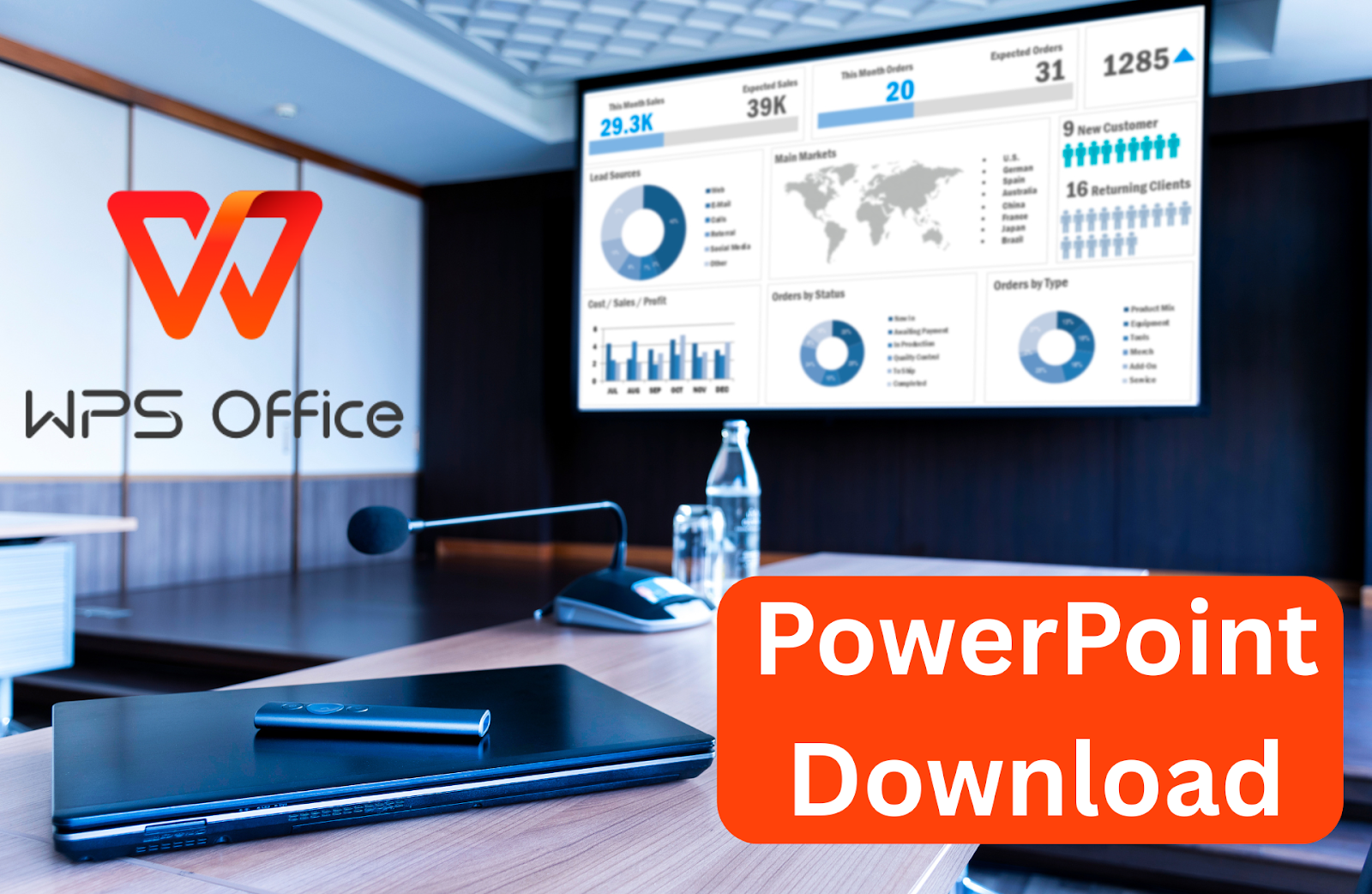
PowerPoint is a software that enables you to produce a slideshow presentation. Such slides may include pictures, videos, charts, text, and transitions. It helps you to pictorially explain your thoughts, which is excellent in meetings, school lessons, product launches, and many other situations.
The slide is similar to a page that you design. You can add animation, change the layouts, and organize your message in a clear and easy-to-follow manner. PowerPoint is simple to use and helps you present your message professionally and smoothly.
WPS Office presents the same tool as PowerPoint, named “WPS Presentation.” This is inexpensive, lightweight, and is compatible with multiple devices. To have all the strong features of a presentation, you do not have to spend money.
Reasons Why WPS PowerPoint Download Is A Smart Choice
These are ten good reasons why the WPS PowerPoint download is the right thing you can do:
- 100% Free
WPS Office offers all the designed functionalities of PowerPoint free of cost. You do not need to sign up for trials or provide credit card information. It is free and provides you with everything you need to create stunning presentations.
- Looks and Feels Like Microsoft PowerPoint
It is remarkably similar to the Microsoft PowerPoint interface. There will be familiar-looking menus, toolbars, slide layouts, and transitions. It eliminates the need to learn a new system from scratch. If you’re a first-time user of WPS Presentation, you will quickly become familiar with its layout. The clear and simple design allows you to focus on your content rather than spending time referring to buttons or configurations. You can just jump in and get to work.
- Supports Every PowerPoint Format
You can open, edit, and save presentations in the formats .ppt, .pptx, and .pptm without encountering errors. WPS Presentation is also compatible with its older/newer versions, like PowerPoint 365, 2021, 2019, and 2016. There is no necessity to translate something.
- No Formatting Problems
A significant issue with other alternatives, which you might have already encountered after opening them in another application, is that your presentation can stop working. Fonts shift, images disappear, or animations stop working. In WPS Presentation, that does not happen.
Your PowerPoint presentations appear identical, even when opened using WPS or Microsoft PowerPoint. Fonts, animations, graphics, and even embedded videos remain. You will be able to present confidently because you know your slides will always look professional and polished.
- Access to Over 100,000 Free Templates
It provides over 100,000 free templates. These can be used at school, at the office, at events, during business planning, and in artistic projects. Browse through the templates, write your content, and you’re all set.
- Team Collaboration Made Easy
Using WPS Presentation, teamwork is possible in real-time. You and your teammates can edit the same PowerPoint file simultaneously. You can view live changes, send feedback, and maintain everything in a pretty organized manner. It is excellent for school or office collaboration.
- Templates with AI Support
WPS Presentation templates not only look good, but they can also utilize AI to enhance your slides. You obtain layout, design, and content ideas. Your slides will be professional, even though you may not be skilled in the design aspect.
- Lightweight Software That Runs Fast
It does not consume a lot of space on your computer or phone. It is quick even on old systems. You will not face any freezing, crashing, or lagging. This tool boots up very quickly and works smoothly during your editing activities.
- Save and Share Anywhere
With WPS Presentation, you can save your presentations offline or even to a cloud storage service, such as Google Drive or cloud drive. There is also an option of creating a secure online link that is shareable. This is incredibly convenient, allowing you to access or call up your slides whenever and wherever you need them.
- Frequent Updates and Improvements
To keep pace with recent advances in technology, WPS Office regularly updates its product versions, including software tools, bug fixes, and design updates. These are automatically updated ones and ensure that the software is running well. You never lose new features and don’t have to reinstall anything. You also don’t face problems with version updates.
How to Use PowerPoint in WPS?
Using PowerPoint in WPS is very simple. Here’s a quick guide to help you get started:
- First, download and install WPS Office on your device.
- Open the Presentation app and click “Slides” from the main screen.
- Choose ‘Blank’ to start fresh or select a ready-made template.
- If you already have a file, click “Open” in the toolbar or file menu.
- Browse and choose your .ppt or .pptx file.
- Now make changes using WPS tools such as adding text, images, videos, or transitions.
- When you’re done, click on Save, and choose to save it as .ppt, .pptx, or share it online.
Conclusion
Downloading PowerPoint via WPS is a wise choice for those who want free, easy-to-use, and feature-rich presentation software. It has given you all you wanted, including templates, ease of editing, and real-time sharing, all at no cost. You should forget about costly software and use WPS Presentation to make presentations easy. So, go ahead and download the PowerPoint now!