Operations teams desperately seek to reduce repetitive tasks, speed up onboarding, and maintain internal knowledge. They want to have an internal AI assistant but don’t know where to start and how to do it right. So, by the time they have something working, the original problem has changed shape, and nobody’s quite sure what they built or why.
Often, the scope grows before value is proven, stakeholders want more features added “while we’re at it,” and technical complexity compounds until the project needs a dedicated team to maintain it. Usually, that’s nothing else than a planning problem.
If you seek to succeed in building your own AI, always start with a simple question: what is one thing, done well, that people in this organization need?
Which Internal Use Cases Are Best for a First Assistant
The best candidates for a first assistant are problems your team solves manually, repeatedly, using information that already exists somewhere in your organization. The knowledge is there. The process is there. The assistant just needs to surface it faster.
Knowledge Search
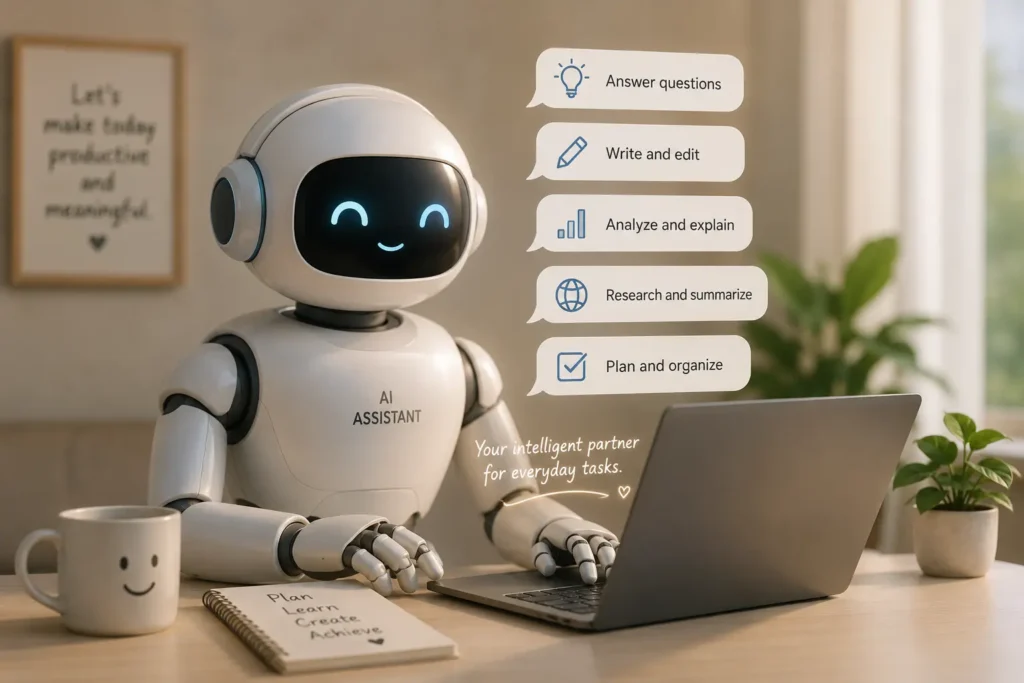
Most operations teams carry an enormous burden: the same questions get asked over and over because the answers are buried in documentation, old tickets, wikis, or the heads of senior employees. A new hire needs to know how to submit a purchase order. A team lead needs to find the HR policy on contractor renewals. A customer-facing agent needs to pull up the correct escalation path at 4 PM on a Friday.
Each of these takes a few minutes to answer. Multiplied across your team and across weeks, it costs real hours. An assistant that can search across your internal documents and return a direct answer, solves this without requiring any process change. People ask questions in natural language, the assistant searches, and it returns something useful.
Knowledge search works well as a first use case because the assistant doesn’t need to take action. That keeps the risk surface small and the permissions conversation simple.
Task Support
One step up from search is task support: helping someone complete a structured task by guiding them through steps, filling templates, or pre-populating forms based on their inputs.
The assistant doesn’t need judgment. It needs a clear template, access to the right context, and the ability to generate a draft. That’s achievable in a first release, and the time savings are visible and measurable.
What to Keep Out of Version One
The features most commonly requested for a first assistant are also the ones most likely to sink it.
Avoid building multi-system integrations in version one. Connecting to your CRM, your ERP, your project management tool, and your HRIS simultaneously means four sets of permissions to manage, four data schemas to reconcile, and four potential failure points. If any one of them breaks, the whole assistant breaks with it.
Avoid autonomous actions. An assistant that can send emails, update records, or trigger workflows on behalf of a user introduces audit complexity and trust problems that take months to resolve. Save that for version two, after people trust the assistant’s outputs.
Avoid trying to personalize responses by user role in the first version. Role-aware behavior requires data models that connect users to permissions in real time. That’s a meaningful engineering investment.
Avoid voice interfaces, elaborate dashboards, or custom front ends. A chat window or a Slack integration is enough. The interface is not the product. The usefulness of the answers is the product.
The guiding question for what to include is: does removing this feature prevent the assistant from solving the core problem? If the answer is no, it waits.
Which Inputs and Permissions Matter Most
Before writing a line of code, you need to answer two questions honestly: what information will the assistant have access to, and who can use it?
On information access:
The assistant should only reach data that its users already have the right to see. That sounds obvious, but it becomes complicated quickly when your documents live in a shared drive where permissions are inconsistently applied. Before you ingest a document corpus, audit what’s in it.
Identify whether any documents contain personal data, compensation information, confidential business information, or anything that shouldn’t be broadly accessible. Remove or restrict those documents before connecting them to the assistant.
On user permissions:
decide whether the assistant has a single access level or whether different users get different views. For a first release, a single access level is strongly preferable. It’s easier to reason about, easier to audit, and easier to explain to stakeholders.
| Decision | Simpler Option (Recommended forV1) | Complex Option (Later) |
| Document access | One curated corpus for all users | Role-based document filtering |
| User authentication | SSO, single access tier | Role-aware permissions |
| Action scope | Read-only answers | Ability to trigger workflows |
| System connections | One or two sources | Multi-system integration |
| Response logging | Full transcript logging | Differential privacy controls |
How Altamira Approaches Internal Assistant Delivery
Altamira builds internal assistants for operations and product teams with a delivery approach centered on reducing the gap between first deployment and first useful output.
Business Scoping
Altamira works with operations leads to identify which questions get asked most frequently, which processes produce the most error or rework, and which knowledge gaps create the most friction for new team members.
From that conversation, one use case gets selected. Not the most ambitious one. The one with the clearest success criteria, the most available source data, and the most predictable user behavior. That’s the thing the first assistant does.
Scoping also includes a document audit.Garbage inputs produce garbage answers, regardless of how capable the underlying model is, keeping documents concise and within reasonable length using a word counter is a simple but effective part of maintaining clean source material.
Getting the source material right before building is what separates an assistant that earns trust from one that gets abandoned after two weeks.
Controlled Rollout
Altamira releases first assistants to a small, defined group – typically 10 to 30 users from the team closest to the problem. Not a company-wide launch. Not a soft launch to “anyone interested.” A structured pilot with a specific group, a feedback channel, and a fixed review period.
During the pilot, the team tracks which questions the assistant answers well, which ones it gets wrong or declines, and which ones users don’t bother asking at all. That data shapes the next iteration. The decision to expand access is based on those results, not on a deadline.
Launch Mistakes That Create Rework
Several patterns consistently create problems after a first release:
- Skipping user acceptance testing with actual users. If your team calls a process “the weekly sync” but your documentation calls it the “operational cadence review,” the assistant will fail a meaningful percentage of real queries.
- Launching without a feedback path. Build a simple feedback mechanism, even a thumbs down button that logs to a spreadsheet, before you launch.
- Not setting response quality expectations. Users who understand that the assistant is a starting point, not a final authority, will tolerate and report errors constructively. Set that expectation in the launch communication, not after the first complaint.
- Treating launch as completion. Assign someone, even part-time, to review and update the document corpus on a regular schedule.
- Expanding scope before validating the core. If the knowledge search function is answering 60% of questions well and 40% poorly, adding task support doesn’t fix the 40%. It adds new surface area for new failures.
Conclusion
Building an internal AI assistant that actually gets used requires more discipline than it does ambition. The teams that ship something useful in 60 to 90 days are the ones that decided, early and firmly, what the first version would not do.
Pick one problem. Audit your source material. Set up a small pilot. Collect feedback before you expand. The assistant that earns trust on a narrow task is the one that gets a mandate for a broader one.
The alternative of building everything at once is how projects end up in a drawer.