Hours lost to file conversion never show up on a project timeline. There is no ticket for it, no sprint story, no retrospective item.
Yet across any software team that regularly exchanges documents with clients, vendors, or other departments, format friction quietly adds up. Here is where it actually hurts, and what a leaner workflow looks like.
Why File Formats Are a Bigger Problem Than They Look
Most modern workflows move between formats constantly. A designer sends a PNG; someone needs it as a PDF for a print vendor. A client delivers a scanned contract; the operations team needs the data in a spreadsheet. A freelancer submits an invoice as a Word doc; finance wants it archived as a PDF.

The problem is accumulation. A reliable way to convert PDF online cuts this down considerably, but many teams never standardise around a single tool. Instead, they end up with a patchwork of installers, browser tabs, and logins, one for each conversion type.
Every friction point in that process is a context switch, and context switches are expensive. Across a team of any size, that overhead compounds fast.
Where the Friction Actually Happens
Format problems tend to cluster around the same handful of workflows, regardless of team size or industry.
The Document Handoff Problem
Most document-heavy work involves at least one format mismatch. A PDF form comes in from the Ministry of Corporate Affairs, and someone spends twenty minutes copying its contents into a spreadsheet by hand. A report drafted in Word arrives at a client who opens it in Google Docs and sees broken formatting.
For software teams juggling client deliverables, technical specs, and vendor agreements, this kind of friction is just a normal Tuesday.
The Data Extraction Tax
One bottleneck that flies under the radar is pulling structured data out of PDFs. It comes up when a vendor sends pricing in a locked PDF, when a client delivers requirements as a scanned document, or when API documentation arrives in a format nobody can query.
The ability to convert PDF to CSV directly, without retyping, saves measurable time every week, but most teams default to doing it manually because no single tool in their stack covers this conversion reliably.
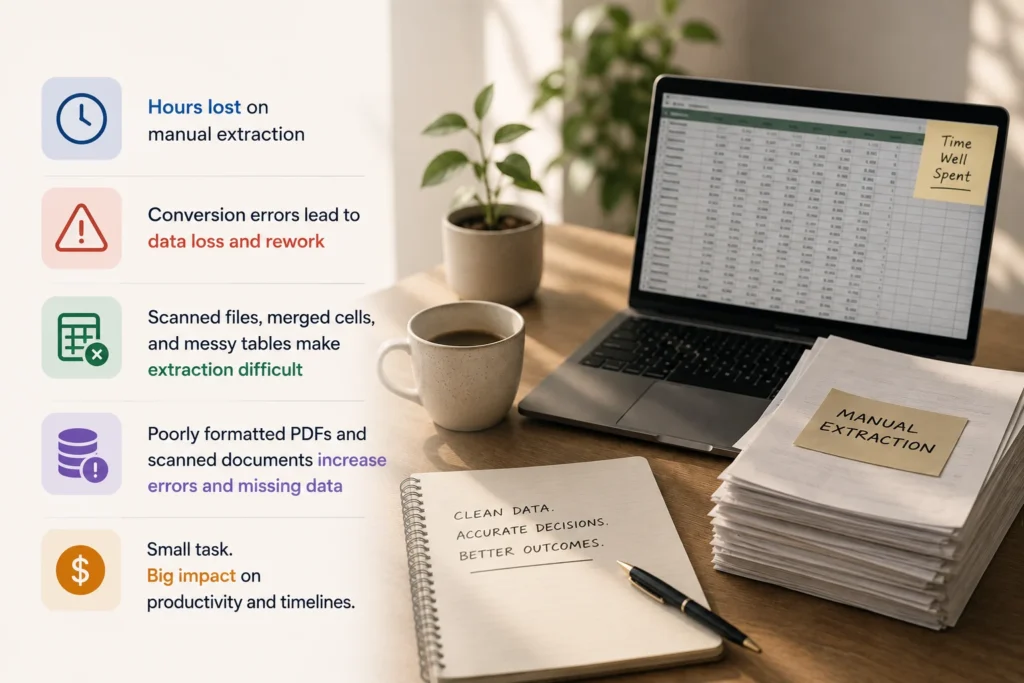
Even minor conversion errors can result in data loss, wasted time, and costly rework. what should be a routine task can suddenly become hours of manual cleanup. Poorly formatted PDFs, scanned documents, and tables with merged cells all make data extraction harder and error-prone.
The Designer’s Hidden Admin Load
Designers are not exempt. Image format conversion alone eats into more creative time than most teams acknowledge. A brand asset needs to go to a web developer in WebP, a print shop in TIFF, and a social media scheduler in JPEG.
If no smooth workflow exists for this, the designer ends up doing file export admin instead of actual design work, a poor use of their time and the team’s budget.
The Organisational Cost Nobody Calculates
Here is a rough picture of how small conversion tasks add up across a team of ten:
| Task | Avg. time per occurrence | Weekly frequency | Weekly cost |
| PDF to Word (manual re-edit) | 15 min | 10x | ~2.5 hours |
| PDF data entry into spreadsheet | 20 min | 8x | ~2.7 hours |
| Image format conversion | 5 min | 20x | ~1.7 hours |
| Re-exporting to PDF after edits | 10 min | 12x | ~2 hours |
These are conservative figures that do not account for errors that require rework. Across a year, that overhead can represent weeks of lost output per team.
What a Better Setup Looks Like
The fix has two parts. First, reduce tool sprawl. If different people use different converters, output quality varies, and no one builds real expertise with any single tool.
A capable, centralised platform for document work cuts the per-task switching cost considerably. It should cover the most common conversion pairs without requiring software downloads or multiple sign-ins:
- PDF to Word: For editing received documents without starting from scratch.
- PDF to Excel or CSV: For pulling tabular data into an analysable format.
- Word or image to PDF: For standardising outgoing documents before delivery.
- PDF editing and annotation: For documents that need to be marked up, filled, or signed.
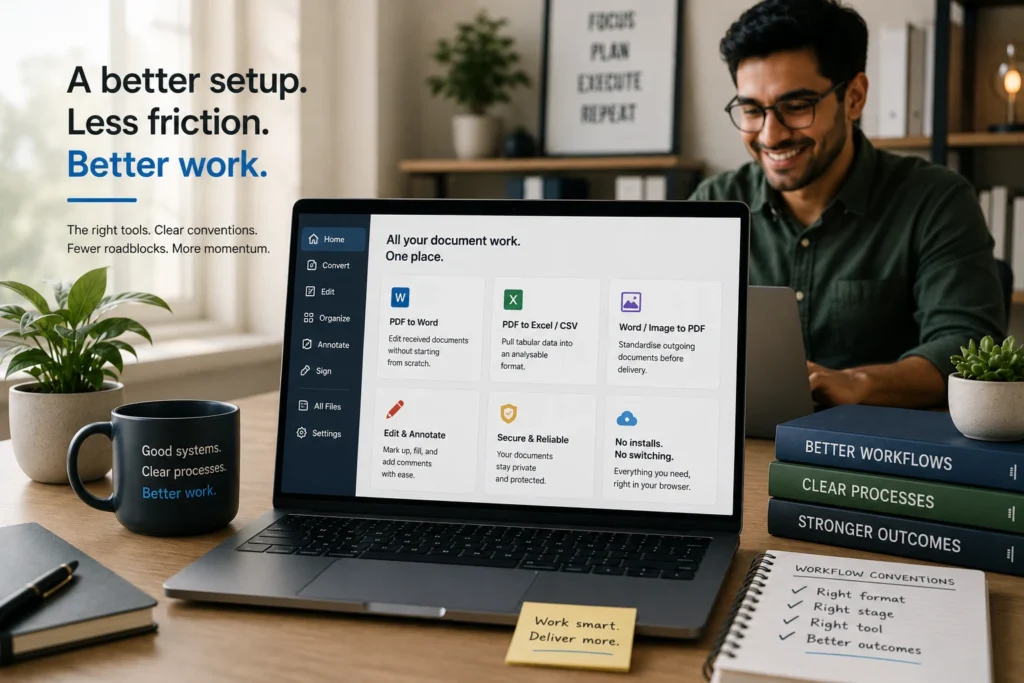
Second, treat document format as a workflow decision rather than an afterthought. Agree on what format each document type should live in at each stage, client-facing outputs go out as PDFs, internal working documents stay editable, data gets extracted to spreadsheets before it enters any system. When these conventions exist, fewer people improvise format decisions mid-task.
File conversion rarely gets treated as a process worth optimising. But for teams that handle documents regularly, the time lost to format wrangling is a real and measurable productivity gap, one that a capable tool and clear conventions can largely eliminate.