Most people go looking for cloud storage free plans because a phone or laptop just told them the storage is full. The obvious move is to pick whoever offers the biggest number. That is usually a mistake.
A 20 GB plan with tight download limits can be more annoying than a 5 GB plan that lets you share files freely. Some “free” space expires, some accounts get deleted after long inactivity, and some providers can read your files. So this guide compares usable storage, not just advertised storage.
What are cloud storage free plans? Cloud storage free plans let you store, sync and share files online without paying a subscription. Providers cap the space, usually between 2 GB and 20 GB, and often limit sharing, transfers or file recovery. Paid plans remove most of those limits.
If you only want the short answer: MEGA gives the most space among established providers (20 GB), Google Drive is the easiest for collaboration (15 GB), and Proton Drive or Sync.com suit people who care about privacy (5 GB each). The rest of this article explains why, and where each one falls short.
Cloud storage is one part of the broader cloud computing ecosystem, which also includes databases, networking, and computing resources.
The 10 best free cloud storage providers
1. MEGA: best for maximum free storage
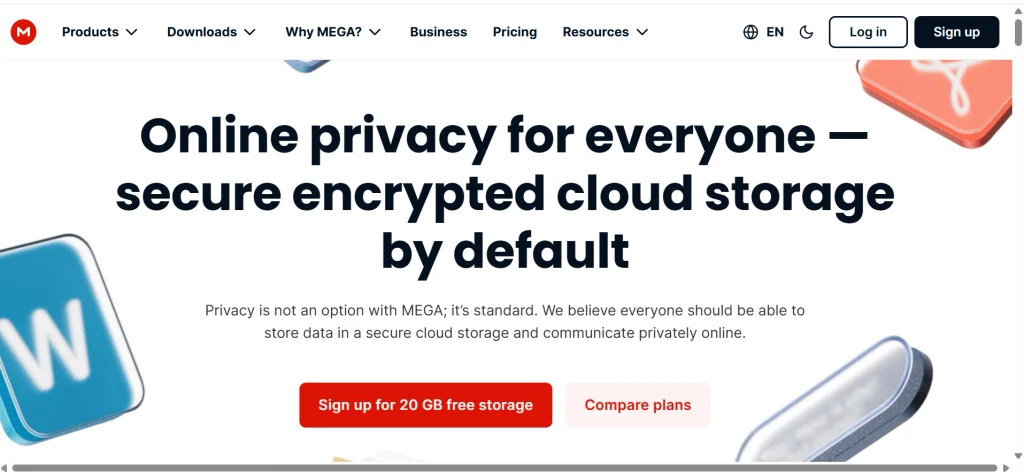
MEGA’s free plan includes <a href=”https://mega.io/storage”>20 GB of storage</a>. Everything is end-to-end encrypted, which means MEGA says it cannot read your files. Apps exist for Windows, macOS, Linux, Android and iOS.
The catch is the transfer quota. Free accounts get a limited amount of data they can download in a window of time, and MEGA does not publish a fixed number. Once you hit the cap, downloads slow down or stop for a few hours.
MEGA also offers bonus storage for completing tasks. Bonus space is often time-limited, so count only the base 20 GB. It fits people who want to park a large archive and don’t download it every day.
2. Google Drive: best for collaboration
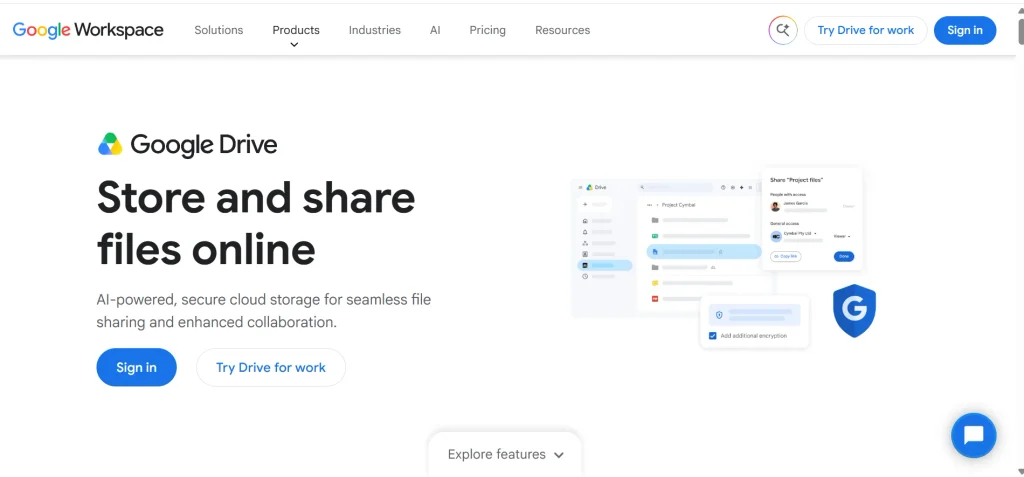
Every Google account comes with <a href=”https://one.google.com/about/plans”>15 GB shared across Gmail, Drive and Google Photos</a>. That sharing matters. A few years of phone photos and email attachments can eat the whole allowance without you ever uploading a document.
Where Drive wins is working with other people. Docs, Sheets and Slides let several people edit the same file at once, and Docs, Sheets and Slides files made in Google’s own formats are easy to share with a link.
The downside is privacy. Google encrypts files in transit and at rest, but it does not use end-to-end encryption on regular Drive storage. If you store tax records or ID scans, add a second layer or use a different provider.
3. pCloud: best for personal media
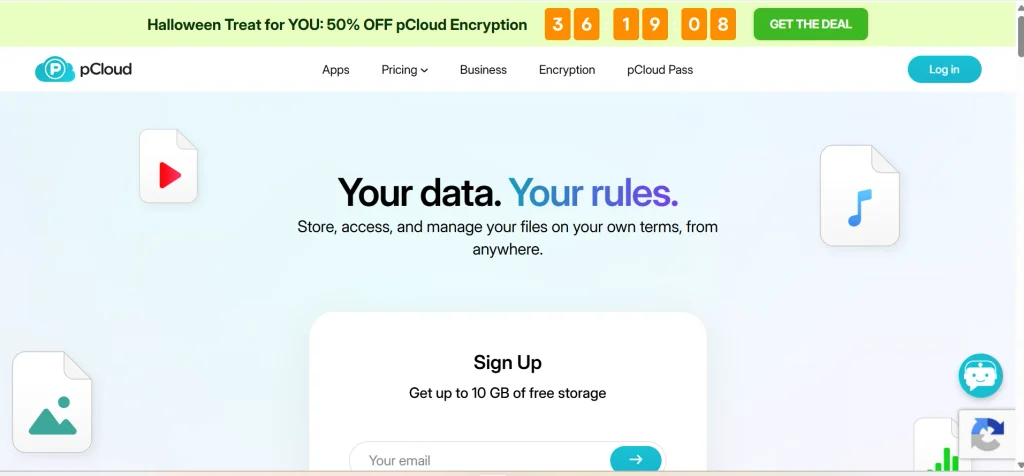
pCloud advertises up to 10 GB for free, and reviewers note you unlock the full amount by finishing a few onboarding tasks, such as verifying your email. It plays music and video straight from the cloud, which suits a personal media library.
End-to-end encryption is not part of the free plan. pCloud sells it as a separate paid add-on called pCloud Encryption, so free users get standard protection only.
It also offers lifetime plans for people who later decide to pay once instead of monthly. That is worth knowing if you expect to outgrow the free tier.
4. Icedrive: best for a simple interface
Icedrive gives 10 GB free and has one of the cleaner apps in this group. On Windows it can show your cloud files as a virtual drive, so you browse them without syncing everything to your disk.
Recent reviews report that zero-knowledge encryption is not included on the free plan, and sharing options are basic. Confirm the current terms before you rely on it for anything private.
It works well as a second account for everyday files, such as school work or travel documents you don’t mind a provider storing.
5. Microsoft OneDrive: best for Windows users
OneDrive’s free plan gives 5 GB. On Windows 10 and 11 it is already built in, so Desktop and Documents folders can back up to it with a few clicks. If your team uses Word and Excel, files open directly in the browser too.
It also has a Personal Vault, an extra-protected area that needs a second identity check. Free accounts are limited in how many files that vault can hold, so it is a small safe, not a second drive.
Five gigabytes fills up fast with photos. Use OneDrive for documents and keep your photo library somewhere larger.
6. Proton Drive: best for privacy
Proton Drive offers 5 GB free with end-to-end encryption. Its apps are open source, so independent researchers can inspect the code that handles your files. It comes from the same company as Proton Mail, which helps if you already use that.
The tradeoff is room. Five gigabytes is enough for documents and a few hundred photos, not a video collection.
Because only you hold the decryption keys, losing your password can mean losing your files. Save your recovery phrase somewhere safe, and offline.
7. Sync.com: best for secure file sharing
Sync’s free plan gives 5 GB, <a href=”https://www.sync.com/free-cloud-storage/”>access from up to five devices</a> and end-to-end encryption. You can send files by link, and you can add password protection to those links.
Free accounts get limited sharing and recovery tools compared with paid ones, so if you accidentally delete something, you may have less time or fewer options to bring it back.
It suits freelancers who send sensitive drafts to clients and want more control than an email attachment gives them.
8. Dropbox: best for simple syncing
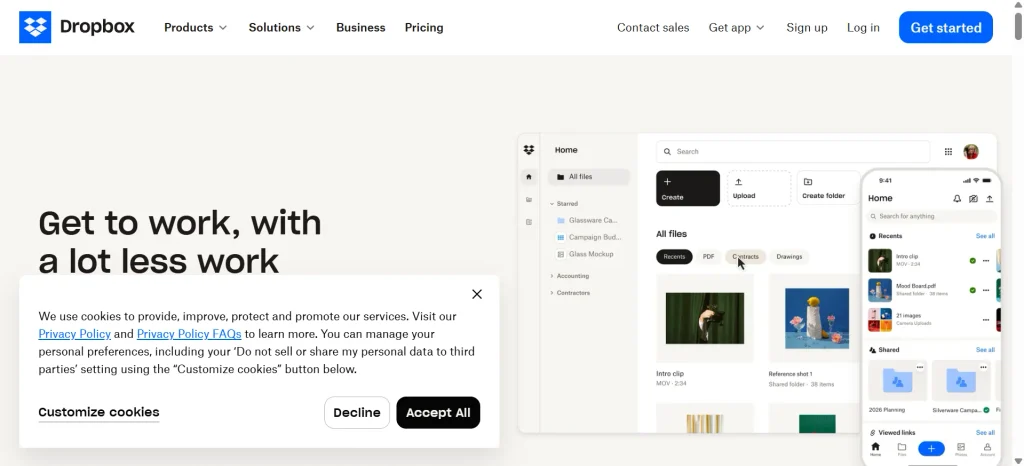
Dropbox invented the “folder that syncs everywhere” idea, and it still does it smoothly. The free plan is only 2 GB, though, the smallest on this list, and free accounts have had a cap on how many devices can connect.
It keeps file version history, which saves you when you overwrite the wrong document. File sharing is simple, and many third-party apps connect to it.
I’d treat Dropbox as a handy extra, not your main free account. Two gigabytes disappears quickly.
9. Filen: best for privacy with more room
Filen gives 10 GB free with client-side encryption, and <a href=”https://www.cloudwards.net/free-cloud-storage/”>reviewers report</a> you can push it toward 50 GB through referrals. It is the largest free allowance here that also keeps your files private from the provider.
It is a smaller company than Google or Dropbox. That is fine for a secondary account, but don’t make it your only copy of anything important.
Before you upload, read Filen’s terms on inactive accounts. Policies like that are easy to miss and painful to learn about later.
10. TeraBox: best for a huge advertised allowance
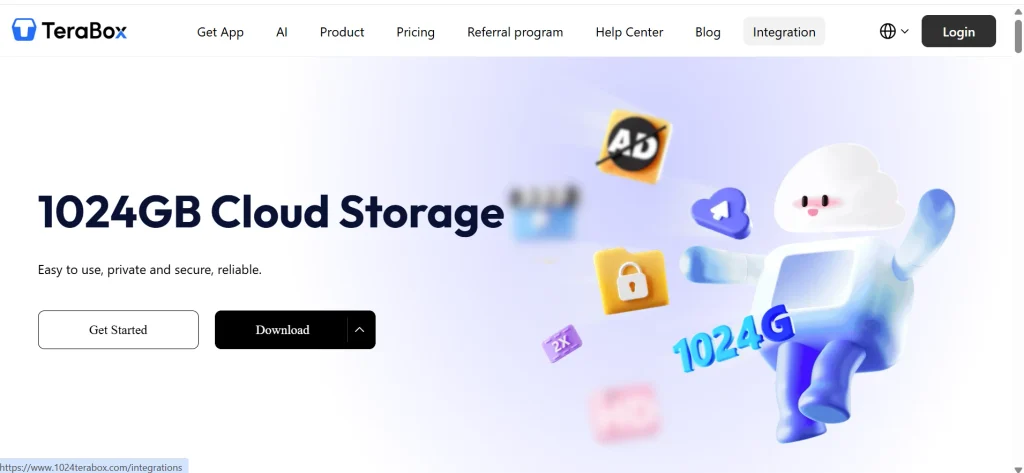
TeraBox advertises up to 1 TB free, the biggest number you will see in this category. Reviewers point out that <a href=”https://www.cloudwards.net/is-free-cloud-storage-also-risk-free-storage”>its privacy and security are weak</a>, and the free tier comes with ads and slower transfers.
I’d use it only for files you could lose or expose without real harm, like public videos or wallpapers. Don’t put identity documents, financial records or private photos there.
A similar caution applies to other apps that advertise 100 GB free, such as CloudGate. I could not independently verify its long-term terms, so I have not ranked it.
Best free cloud storage plans at a glance
| Provider | Free storage | Encrypted so only you can read files? | Best for | Main catch |
| MEGA | 20 GB | Yes | Most space | Limited transfer quota |
| Google Drive | 15 GB | No (shared with Gmail and Photos) | Collaboration | Space is shared across three apps |
| pCloud | Up to 10 GB | No (encryption is a paid add-on) | Music and media | Must complete setup tasks for full 10 GB |
| Icedrive | 10 GB | No on the free plan, per recent reviews | Clean interface | Limited sharing options |
| OneDrive | 5 GB | No | Windows users | Small allowance |
| Proton Drive | 5 GB | Yes | Privacy | Small allowance |
| Sync.com | 5 GB | Yes | Secure sharing | Limited sharing and recovery on free |
| Dropbox | 2 GB | No | Simple syncing | Smallest allowance here |
| Filen | 10 GB (more via referrals) | Yes | Private storage with more room | Newer, smaller company |
| TeraBox | Up to 1 TB advertised | No | Huge allowance | Ads and weak privacy record |
Treat every number as a snapshot. Several of these providers have changed their free tiers over the years, and promotional offers come and go.
Cloud storage free plans compared by storage size
It helps to group providers by how much room they give, because “best” depends on what you need to store.
20 GB: MEGA is the only established provider at this level. Bonus space can raise it, but plan around 20 GB.
15 GB: Google Drive, shared with Gmail and Photos.
10 GB: pCloud, Icedrive and Filen. Of the three, only Filen includes end-to-end encryption on the free plan.
5 GB: OneDrive, Proton Drive and Sync.com.
2 GB: Dropbox.
If you see 50 GB, 100 GB or 1 TB advertised for free, ask where the catch is. It may be a promotional trial, referral-based space or a service with weak privacy.
Permanent storage vs temporary bonus space
Permanent free storage stays yours as long as the account stays active. Promotional storage is different: it may expire after a set period, or vanish when a trial ends. Referral and “achievement” bonuses often work this way.
Before you move files in, check three things on the pricing page. Is the amount labeled “forever”? Do bonuses have an expiry date? What happens to files over the limit once a bonus ends?
A good habit is to never fill more than your base allowance. If MEGA gives 20 GB plus a 5 GB bonus, keep your files under 20 GB.
Hidden restrictions most guides skip
Storage size is only one limit. These are the ones people tend to discover after they have uploaded everything.
Transfer and bandwidth caps. MEGA’s free quota is the best known. A cap that blocks you from downloading a 6 GB video folder matters more than 5 extra GB of space.
Device limits. Some free plans restrict how many devices can connect. Sync’s free plan covers five, and Dropbox has limited linked devices on free accounts.
Sharing and recovery limits. Free plans often have fewer sharing controls and shorter windows for restoring deleted files.
Inactivity rules. Google can delete content if you stay inactive in a service for two years, and it may delete content across Gmail, Drive and Photos if you stay over your storage limit for two years. Google’s <a href=”https://support.google.com/mail/answer/12418290″>inactive account policy</a> says signing in at least once every two years keeps an account active, and you need to sign in to Photos specifically for photos. Other providers set their own rules, so read the terms for any account you plan to leave untouched.
Here is a real-world example. Say you open a spare Google account for old family photos, then forget the password. Two years later, those photos could be deleted. A calendar reminder to sign in each year costs you nothing.
What to compare before you choose
Storage and how long it lasts. Check whether the space is permanent and whether bonuses expire.
Upload and download limits. Look for file-size caps and transfer quotas, especially if you move videos.
Sync vs backup. Syncing mirrors your folders across devices. If you delete a file in one place, it disappears everywhere. Backup keeps a separate copy you can restore from. Wikipedia’s page on <a href=”https://en.wikipedia.org/wiki/Backup”>backup</a> explains the idea well, and the rule of thumb is simple: one copy in the cloud is not a backup of your only copy.
Sharing. Look for password-protected links, expiry dates and permission levels.
Apps. Windows and macOS are covered everywhere. Linux support is patchy, and Google Drive and OneDrive have no official Linux desktop app.
File recovery and version history. These save you from accidental deletes and overwrites, and free plans often shorten them.
Security. This deserves its own section.
Is free cloud storage safe?
For most everyday files, yes. For sensitive ones, it depends on how the provider handles encryption. Businesses should also prioritize data encryption, secure communication, and restricted access when storing sensitive information in cloud-connected applications.
Every provider here encrypts files while they travel to its servers. Most also encrypt them while stored. The difference is who holds the key.
With <a href=”https://en.wikipedia.org/wiki/End-to-end_encryption”>end-to-end encryption</a>, your device scrambles the file before upload, and only you can unscramble it. People often call this zero-knowledge. The provider cannot read your files, even if a court asks or an employee goes looking. MEGA, Proton Drive, Sync.com and Filen work this way.
Google Drive, OneDrive and Dropbox hold the keys themselves. That lets them offer features like previews and search, but it also means they can access your content.
Whichever you pick, turn on <a href=”https://en.wikipedia.org/wiki/Multi-factor_authentication”>two-factor authentication</a>. Most account breaches start with a reused or leaked password, not a broken cipher.
The main risks of free storage are mundane: forgotten passwords, deleted inactive accounts, a provider changing its terms, and accidental deletion. A second copy of anything important solves most of them.
Which free cloud storage fits your needs?
Photos. Google Drive’s 15 GB goes furthest for most people, but it is shared with Gmail. If you want more room, combine it with pCloud’s 10 GB.
Videos. MEGA’s 20 GB gives the most space, though watch the transfer quota. pCloud streams video directly.
Students. Google Drive and OneDrive handle essays and group projects easily, and both let classmates edit together.
Small business or freelancers. Businesses with growing infrastructure requirements may also benefit from professional cloud management services to improve scalability, security, and infrastructure reliability.
Privacy. Proton Drive, Sync.com, MEGA and Filen all encrypt files so the provider cannot read them. Filen and MEGA give the most room.
Windows or Mac. OneDrive is built into Windows. On a Mac, iCloud is the smoothest choice if you use an iPhone, and Dropbox works across both systems.
Sharing big files. MEGA and Google Drive allow large uploads. Check transfer quotas before you share a link widely.
Community threads are a useful reality check, too. People in a <a href=”https://www.reddit.com/r/cloudstorage/comments/1aofkeh/what_website_or_service_offers_the_largest_free/”>r/cloudstorage discussion on the largest free allowances</a> mention MEGA, Filen, kDrive and Google Drive. Just remember that forum advice goes stale, so double-check against the provider’s own page.
Can you combine multiple free cloud storage accounts?
Yes, and many people do. Providers don’t limit you to one service, so you can spread files across several.
| Provider | Example free storage |
| MEGA | 20 GB |
| Google Drive | 15 GB |
| pCloud | Up to 10 GB |
| Icedrive | 10 GB |
| Proton Drive | 5 GB |
| OneDrive | 5 GB |
| Total | 65 GB |
That is an illustration using advertised allowances, not a promise. Your actual amount depends on current terms.
There is a cost. You juggle six logins, six apps and six sets of transfer rules. Files get scattered, duplicates pile up, and you may forget which account holds the tax return.
A simple system helps. Give each service one job: Google Drive for shared documents, MEGA for archives, Proton Drive for sensitive files. Use a password manager and write down where things live. Tools like Koofr let you view several cloud accounts in one place, though you should check its current free terms first.
Free vs paid cloud storage
| Feature | Free plans | Paid plans |
| Storage | 2 GB to 20 GB | Hundreds of GB to many TB |
| Sharing | Often restricted | More flexible |
| Transfer limits | May apply | Usually higher |
| Version history | Often shorter | Usually longer |
| Support | Limited | Usually included |
Free is enough if you store documents, a few hundred photos or small backups. Upgrade when you hit your limit twice in a month, when you need long version history, or when downloads keep getting throttled.
Before paying, add up what you really have. A laptop with 120 GB of files doesn’t need 2 TB. A 200 GB or 500 GB plan is often the better fit.
What happens when your free storage is full?
The details vary, but the pattern is similar. New uploads stop. Syncing stalls and shows errors. With Google, a full account can also block new email.
Your existing files usually stay available. Delete what you don’t need, move big files to a second provider, or upgrade. If you stay over the limit for a long time, some providers may delete content, as Google’s two-year rule shows.
How to get free cloud storage without paying
- Pick a provider based on what you store. Use the table above.
- Go to its official website, not a link from an ad or a forum post.
- Create a free account with a strong, unique password.
- Verify your email address. Some providers unlock extra space at this step.
- Install the app on your phone or computer, or use the web version.
- Upload your files and turn on sync for the folders you want.
- Switch on two-factor authentication and check your sharing settings.
How I evaluated these free plans
I didn’t run lab benchmarks for this article. The comparison rests on provider pricing and help pages, Google’s published policies, and recent independent reviews, all checked on October 30, 2026. Where sources disagreed, I said so and told you to verify.
I weighed seven factors when deciding the order of recommendations:
| Criterion | Weight |
| Security and privacy | 25% |
| Free storage size | 20% |
| Sync | 15% |
| Sharing | 15% |
| Recovery and retention | 10% |
| Device support | 10% |
| Ease of use | 5% |
This is an editorial judgment, not a lab score. If you test any of these providers yourself, upload the same files to each one and time the upload, the download and a shared link. That is the fairest way to compare them.
Frequently asked questions
What is the best free cloud storage?
It depends on your goal. MEGA gives the most space, Google Drive is best for working with others, and Proton Drive or Sync.com are better for privacy.
Which cloud storage offers the most free storage?
Among established providers, MEGA with 20 GB. TeraBox advertises far more, but reviewers flag weak privacy.
Is there any cloud storage with 100 GB free?
Some lesser-known apps advertise it. I would not trust one with important files until its terms, inactivity rules and security are verified.
Can I get 1 TB of free cloud storage?
TeraBox advertises it, with ads and privacy tradeoffs. No major provider offers 1 TB permanently free.
Is free cloud storage safe?
It is fine for everyday files if you use a strong password and two-factor authentication. For sensitive documents, choose end-to-end encryption.
Final verdict
Pick the plan that matches how you work, not the biggest number on the page. Choose MEGA for the most room, Google Drive for collaboration, OneDrive if you live in Windows, and Proton Drive or Sync.com for private files. Dropbox suits light syncing, and TeraBox is only for files you wouldn’t mind losing.
Whatever you choose, the best cloud storage free plans work as a convenience, not a vault. Keep a second copy of anything important, sign in once or twice a year, and check storage limits, privacy and recovery options before you upload your only copy of something.