Logistics compliance training is hard to manage when teams are spread across warehouses, fleets, depots, and field locations. Paper records, spreadsheets, and email reminders can leave gaps in completion tracking, certification renewals, and audit preparation.
A good compliance training platform helps teams assign required courses, document completion, refresh training, and give workers access to safety information wherever they are.
That matters in logistics, where employers may need to document safety training under OSHA training requirements and driver-related training under FMCSA entry-level driver training rules.
Below are six logistics compliance training software options for different team sizes, budgets, and operational needs.
1. iTacit
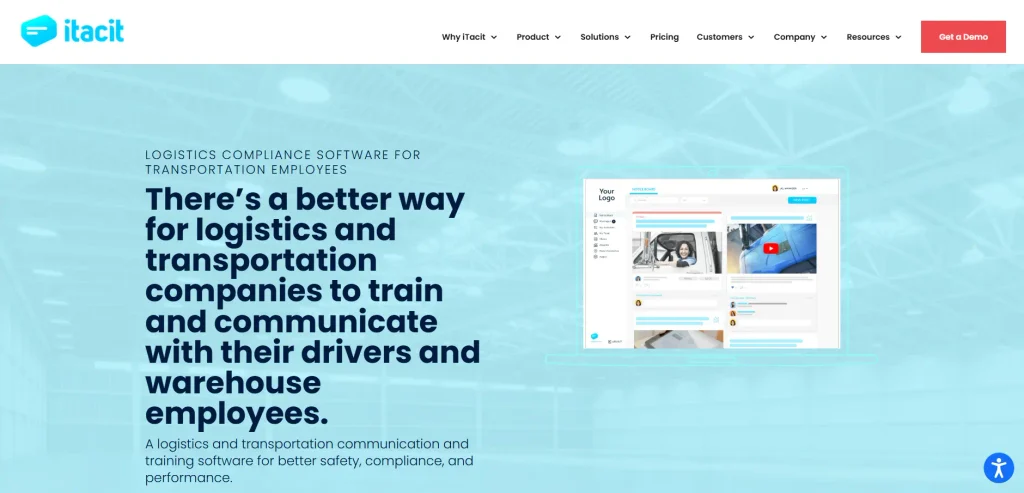
iTacit is a mobile-first logistics compliance training platform built for frontline teams, including warehouse employees, drivers, fleet staff, and field workers who need easy access to training, forms, communication, and compliance records.
Key Features
The platform brings several useful functions into one system:
- Mobile-first learning access for phones, tablets, and computers
- Training access for frontline employees who may not have a company email address
- Course creation tools for text, images, video, documents, and assessments
- Support for common learning formats, including SCORM content
- Role-based learning paths for onboarding, safety training, and recurring compliance courses
- Digital forms and workflows for mobile field documentation
- Certification, license, and training completion tracking
- Reporting tools for completion status, engagement, and compliance visibility
- Targeted communication by role, team, or location
- Single sign-on support for simpler access
The platform is especially useful for logistics teams that need to connect training with day-to-day operations. Managers can assign required learning, track who has completed it, and keep records organized for audits or internal reviews.
Pros
The biggest advantage is accessibility. Deskless employees can complete training from a mobile device instead of waiting for office access or scheduled classroom time. That helps logistics teams keep training moving across shifts, routes, and locations.
The platform also combines learning, communication, forms, and compliance tracking in one place. This reduces the need to manage separate tools for training records, policy updates, and frontline workflows.
Best For
This option is best for logistics companies with frontline, deskless teams that need mobile training, compliance tracking, digital forms, and stronger communication between managers and workers.
2. eFront
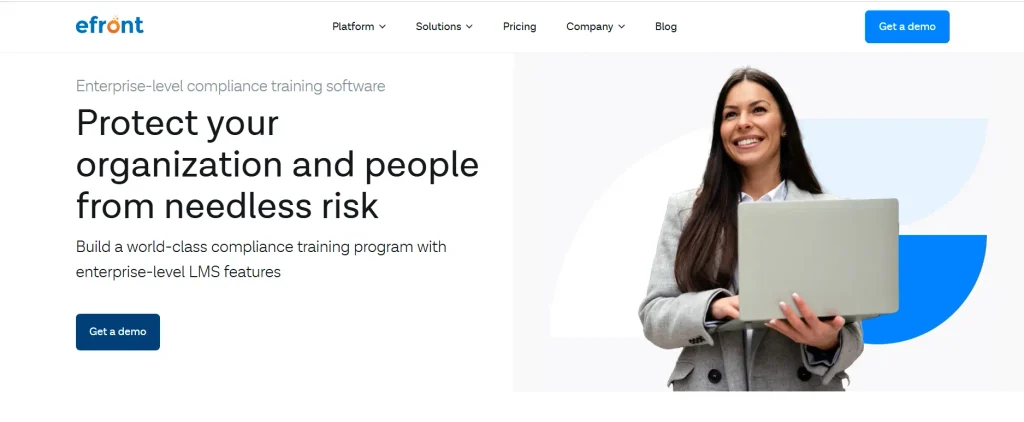
eFront is a learning management system built for organizations that need strong security, flexible deployment, and detailed control over training environments. It is often a better fit for larger companies with complex compliance structures.
Key Features
eFront supports private cloud and on-premises deployment, which can matter for organizations with strict data security requirements. It also supports multi-tenancy, allowing companies to create separate training portals for different departments, regions, partners, or business units.
The platform includes course authoring, SCORM support, assessments, automated assignments, certification tracking, and reporting.
Compliance teams can use automated reminders to reassign training before certifications expire. Reports can also be scheduled and shared with managers or auditors.
Security features include two-factor authentication, IP restrictions, and administrative controls. Mobile apps also allow learners to access courses from iOS and Android devices.
Pros
eFront gives administrators a high level of control. Large teams can structure training by department, location, role, or business unit without forcing everyone into the same learning setup.
Its deployment flexibility is also valuable for companies that cannot use a standard public-cloud LMS because of internal security policies or regulatory needs.
Best For
eFront is best for larger logistics organizations, enterprise training teams, and companies that need advanced security, private deployment, custom portals, and detailed compliance reporting.
3. Chamilo
Chamilo is an open-source LMS that gives organizations a lower-cost way to manage online training. It can be a strong choice for teams with technical resources and a need for customization.
Key Features
Chamilo includes course creation, learning paths, assessments, certificates, gradebooks, assignments, forums, surveys, and reporting. It supports common eLearning standards such as SCORM, xAPI, and LTI, which helps teams use existing learning content.
The platform also supports session-based course management. This allows administrators to duplicate courses for different groups or cohorts, which can save time when the same logistics training needs to be delivered across multiple teams.
Chamilo can also support multilingual learning environments, which is useful for organizations with workers in different regions or language groups.
Pros
The main benefit is cost control. Because Chamilo is open source, organizations can avoid per-user licensing fees. Teams with internal IT support can host, configure, and adapt the platform to their own needs.
It also gives administrators flexibility over structure, roles, and learning delivery. This can be useful for companies that want more control than a standard subscription LMS provides.
Best For
Chamilo is best for budget-conscious logistics teams, training centers, and organizations with technical support available to manage hosting, configuration, updates, and customization.
4. Sakai
Sakai is an open-source learning management system with strong roots in education and collaborative learning. While it is not built specifically for logistics, it can support structured training programs for organizations that value data control and group-based learning.
Key Features
Sakai includes lessons, quizzes, assignments, gradebooks, forums, file storage, announcements, and collaboration spaces.
Training teams can organize learning into modules, release content based on completion rules, and manage access through configurable roles and permissions.
The platform also supports integrations through learning tool standards, which can help organizations connect outside applications or build custom tools with the right technical resources.
Because it is open source, organizations retain control over the platform and their learning data. This can be important for institutions or companies that want to avoid relying entirely on a commercial vendor.
Pros
Sakai works well for structured learning environments. It gives administrators tools for coursework, assessments, collaboration, and learner communication.
Its open-source model also gives organizations more independence. Teams with the right technical skills can host it, adapt it, and participate in the wider development community.
Best For
Sakai is best for education-focused training teams, institutions, and organizations that need collaborative learning features, strong data ownership, and the ability to manage an open-source platform.
5. iSpring Suite
iSpring Suite is an authoring tool rather than a full compliance management platform. It is useful for logistics teams that already have PowerPoint materials and want to turn them into interactive online courses.
Key Features
iSpring Suite works as a PowerPoint add-in, allowing teams to convert existing presentations into HTML5 courses that can be used in many learning management systems. It supports SCORM, xAPI, cmi5, and AICC, which makes it compatible with many LMS platforms.
The tool includes quizzes, simulations, video recording, screen capture, role-play scenarios, templates, and an asset library. Teams can build interactive assessments using question types such as multiple choice, drag-and-drop, sequencing, and hotspot questions.
It also includes AI-assisted tools for drafting course content, creating quiz questions, and generating voiceovers in multiple languages.
Pros
The learning curve is low for teams already comfortable with PowerPoint. Instead of building training from scratch, logistics managers and learning teams can update existing safety briefings, onboarding decks, or procedure documents and publish them as online modules.
The per-author pricing model can also be cost-effective for companies with many learners but only a few course creators.
Best For
iSpring Suite is best for logistics training teams that need to create compliance courses quickly from existing PowerPoint files and then deliver those courses through a separate LMS.
6. Softbook
Softbook is an online course platform that combines training delivery with sales, marketing, CRM, and webinar tools.
It is less focused on internal logistics compliance than some options on this list, but it can work for training businesses or companies that sell educational programs.
Key Features
Softbook includes course hosting, student management, payments, subscriptions, landing pages, webinars, automation, certificates, quizzes, assignments, and CRM tools. It supports different pricing models, including one-time purchases, subscriptions, and bundles.
The platform also includes automation features that can trigger actions based on enrollment, payment, form submission, or learner activity. This helps course providers manage access and communication without manual follow-up.
Softbook also offers video hosting and page-level SEO controls, which can help course creators publish and manage training programs from one system.
Pros
Softbook’s main advantage is that it combines course delivery with business tools. Course creators do not need separate systems for payments, funnels, CRM, webinars, and learner access.
It is also useful for training providers that need to sell courses externally rather than manage only internal employee compliance.
Best For
Softbook is best for online schools, independent trainers, and course businesses that sell logistics, safety, operations, or professional development training to external learners.
Conclusion
The right logistics compliance training software depends on how your team works. A fleet-heavy operation with deskless employees needs mobile access, simple completion tracking, and clear communication.
A large enterprise may need private deployment, multi-tenant portals, and advanced reporting. A smaller team may prioritize open-source flexibility or fast course creation from existing materials.
For logistics teams with frontline workers, the strongest choice is usually the platform that makes training easy to access, records easy to track, and compliance easier to prove.
Look for mobile learning, automated assignments, certification tracking, clear reports, and practical tools that fit daily operations rather than adding more administrative work.