A finished video sequence rarely comes together from one perfect recording. Editors usually start with a collection of individual clips that need to be reviewed, organized, trimmed, and placed in the right order. The challenge is not simply choosing good footage. It is deciding how each clip contributes to the story and how one shot should lead into the next.
This process can take minutes for a short social video or several days for a documentary, commercial, interview, or long-form production. Editors rely on a combination of creative judgment, timeline tools, and increasingly, AI-assisted workflows to turn scattered footage into a coherent sequence.
What Is a Video Sequence?
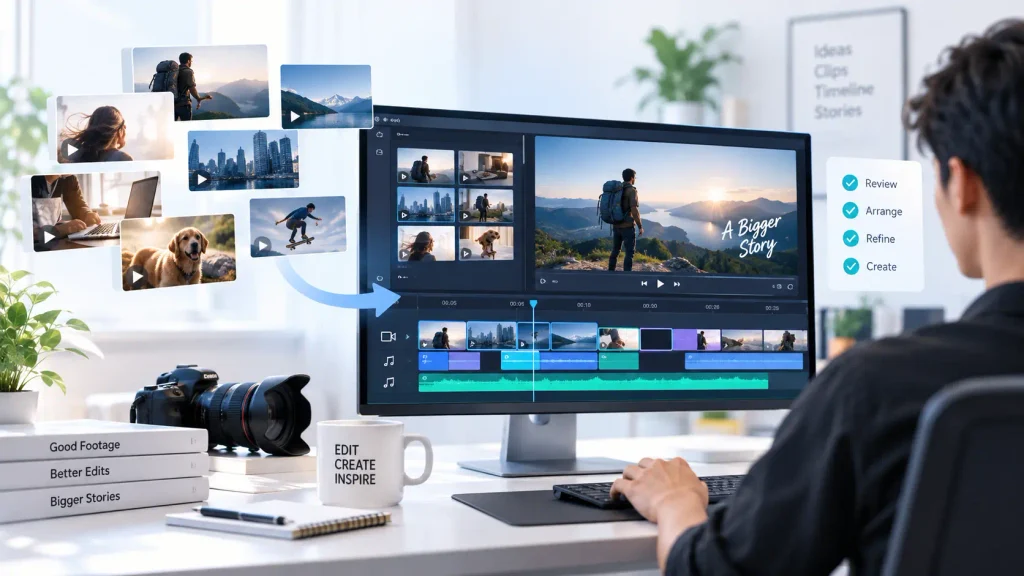
A video sequence is an arranged series of clips that plays as a continuous piece of content. Each clip has a purpose, whether it introduces a subject, provides context, moves the story forward, or adds visual variety.
Editors consider more than the order of the footage. They also look at pacing, continuity, composition, audio, transitions, and the relationship between shots. A strong sequence should feel intentional rather than like a collection of unrelated clips.
Step 1: Review the Individual Clips
The first stage is understanding what footage is available. Editors review clips to identify usable takes, important moments, supporting shots, and material that should be removed.
For a simple project, this may involve watching a few dozen clips. Larger productions can contain hundreds or thousands of files, making this stage particularly time-consuming.
Editors often create selects or organize footage into bins based on scenes, subjects, camera angles, or other characteristics. This gives them a clearer picture of the material before they begin assembling the sequence.
Step 2: Identify the Strongest Takes
When a scene has been recorded several times, editors need to decide which take works best. A technically clean take is not always the strongest performance.
Editors may compare delivery, facial expressions, timing, framing, background activity, and continuity before making a choice. For dialogue-heavy content, they may also consider whether one take connects naturally with the surrounding material.
AI can assist with this part of the process by analyzing multiple takes and helping surface usable footage. The editor still makes the final decision, but less time may be spent manually comparing every version.
Step 3: Establish the Story Structure
Once useful clips have been identified, editors need to determine how they should be arranged.
A basic sequence might follow a simple structure:
Introduction → Main content → Supporting footage → Conclusion
More complex productions may have several storylines running together. Editors may need to move between locations, characters, or points in time without confusing the viewer.
The script, storyboard, transcript, or creative brief can provide a starting structure, but the timeline often changes as the editor discovers stronger ways to tell the story.
Step 4: Build the First Assembly
The first assembly is where individual clips begin becoming a continuous sequence. Editors place selected footage on the timeline in an order that roughly follows the intended story.
At this stage, the edit does not need to be perfect. The goal is to create a complete structure that can be reviewed from beginning to end.
An agentic video editor can help speed up this stage by taking on some of the execution involved in assembling footage. Instead of manually reviewing every take and placing each clip, an AI editing agent can work from instructions, footage, a script, or transcript to create a starting sequence.
This is different from simply generating a finished video. The agent works within an editing workflow, giving the editor a timeline that can be inspected and changed.
Step 5: Refine the Pacing
Once the first sequence exists, editors start refining its rhythm.
Some clips may stay on screen too long. Others may need more time to communicate an idea. A pause might create useful tension in one scene but make another feel slow.
Editors trim clips, move cuts, remove repetition, and change the timing until the sequence feels natural. This is one of the areas where creative judgment remains particularly important.
AI can help identify long pauses, repeated sections, or unnecessary material, but the editor decides whether removing them actually improves the sequence.
Step 6: Add Supporting Footage
Supporting footage, often called B-roll, helps add context and visual variety to the main sequence.
For example, an interview about a restaurant might use footage of the kitchen, food preparation, customers, or the surrounding location over parts of the interview. These shots prevent the viewer from watching the same talking-head frame for the entire section.
Editors choose B-roll based on what is being said, the visual rhythm, and the story. AI-assisted search can make this faster by helping editors find clips that match a particular subject, action, location, or moment.
Step 7: Connect Clips Through Continuity
Good editing makes individual clips feel as though they belong together.
Editors check continuity across shots, including:
- Subject position
- Camera direction
- Lighting
- Background details
- Movement
- Screen direction
- Audio
A cut that technically works can still feel distracting if something changes unexpectedly between two shots.
Editors therefore make small adjustments to preserve a consistent visual flow. Sometimes this means replacing a clip rather than simply trimming it.
Step 8: Build the Audio Structure
Video sequences also depend heavily on audio. Dialogue, music, ambient sound, and effects may occupy different tracks on the timeline.
Editors align dialogue, remove unwanted noise or pauses, adjust levels, and add supporting sounds. Music can also influence the pacing of the sequence, particularly in trailers, advertisements, and short-form content.
AI tools can assist with tasks such as dialogue cleanup, silence detection, transcription, and audio organization. These features reduce some of the technical work without removing the editor’s control over the final mix.
Step 9: Review the Sequence as a Whole
A sequence can look fine when examined clip by clip but feel very different when played from beginning to end.
Editors watch the complete timeline to identify sections that feel too slow, confusing, repetitive, or disconnected. They may discover that a shot that looked strong on its own does not work in context.
This review stage often leads to another round of trimming, rearranging, and replacing footage.
How Agentic Video Editors Change This Workflow
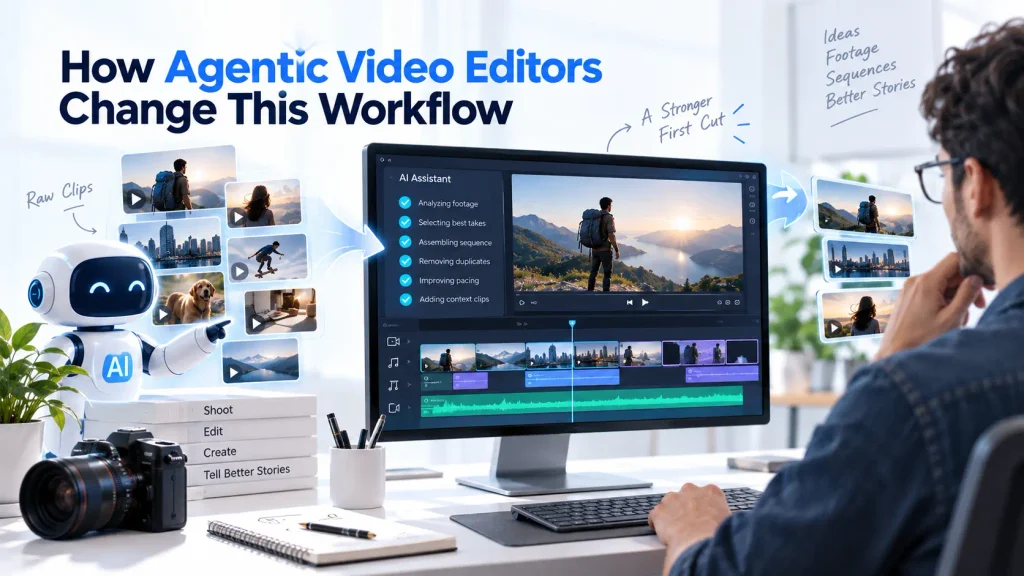
Traditional editing software gives editors precise control, but most of the execution still has to be performed manually. An agentic video editor introduces another layer by allowing AI agents to perform broader editing assignments.
For example, an editor could provide several takes of an interview and ask the agent to create a clean first cut, keep the strongest delivery of each point, remove repetition, and arrange the conversation logically. The editor can then review the resulting sequence and make creative changes.
Invideo editor follows this approach by combining AI editing agents with an editable timeline. Its agents can review raw footage, select usable takes, remove unnecessary material, and assemble a base cut based on the direction provided. Editors can then replace shots, adjust pacing, and continue editing manually.
The value is not that AI makes every creative decision. It is that it can handle some of the repetitive work required to get from a folder of individual clips to a usable first sequence.
Why the Editor Still Matters
Even with AI assistance, sequence building remains a creative process. Two editors can work with exactly the same clips and produce completely different results.
One may create a fast-paced sequence with frequent cuts. Another may allow longer shots to create a slower, more cinematic rhythm. Both approaches can work depending on the story and audience.
AI can help organize footage and execute instructions, but editors provide the judgment needed to determine what the sequence should communicate and how it should feel.
From Individual Clips to a Finished Story
Building a video sequence is a gradual process. Editors begin by understanding their footage, selecting the strongest material, establishing a structure, and creating a first assembly. They then refine pacing, add supporting shots, check continuity, shape the audio, and review the complete sequence.
AI is making some of these steps faster, particularly when projects contain large amounts of footage. Agentic video editors can take on parts of the execution and create a useful starting point without taking the timeline away from the editor.
The result is a workflow where technology handles more of the repetitive assembly and editors can spend more time on the decisions that make a sequence work: what to show, what to remove, when to cut, and how each shot contributes to the story.