Most teams have years of knowledge sitting inside PowerPoint files nobody opens twice. Converting those decks to video is the obvious fix, and people stall because the phrase covers two completely different products.
One kind of tool exports slides as a silent slideshow with a play button. The other rebuilds them as narrated video with a voice, a script, and a presenter, which is what people actually mean.
Key Takeaways
- Exporting slides to MP4 and converting them to narrated video are different jobs.
- Check whether speaker notes become narration automatically or whether you record it yourself.
- Slide animations and transitions rarely survive conversion in any tool.
- Free tiers exist across this category, though the limits vary enormously.
- Translation matters if your team is global, and support ranges from none to 160 languages.
- Editing after import is the feature that decides whether you rebuild the deck or not.
What Separates a Real Converter From an Export Button
The dividing line is what happens to your speaker notes. A basic export ignores them and produces silent slides, while a genuine converter turns them into a synced script.
The second test is editability after import. If every change means going back to PowerPoint and re-exporting, you have a conversion step rather than a workflow.
1. Synthesia
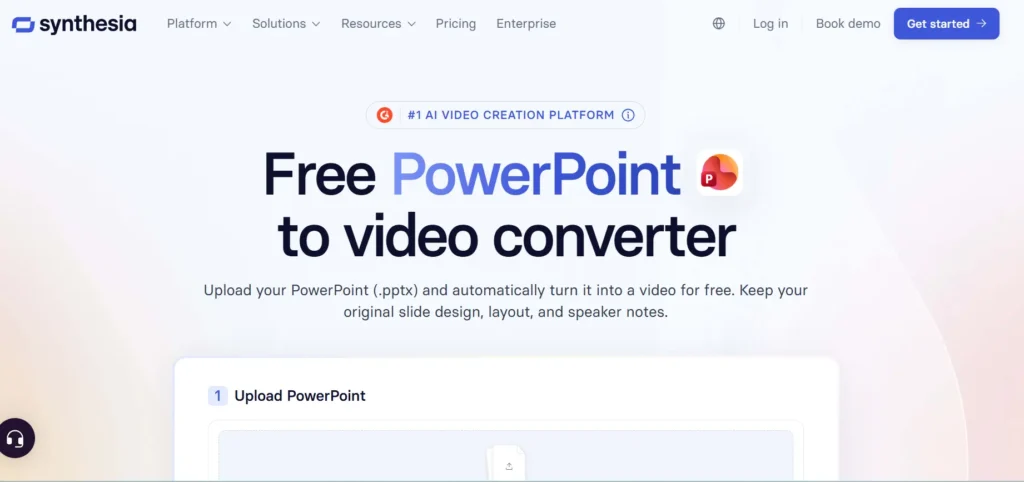
Synthesia positions itself as the best PowerPoint to video converter, and the claim behind it is that slides become fully editable video scenes rather than static frames. You upload a .pptx and keep your original layout, fonts, and branding intact.
Features
Speaker notes are the headline. They convert into synced narration automatically, which removes the recording step that stalls most slide-to-video projects before they start.
Import brings elements across as editable objects rather than flattened images. Text, images, videos, and shapes arrive as things you can animate, restyle, or replace inside the editor.
Voice options run deep. Synthesia offers over 1,000 natural voices with delivery control, plus voice cloning if you want narration in your own voice.
AI presenters are optional rather than mandatory. There are 240+ diverse avatars available, and you can swap presenters at any point without filming or reshoots.
Localization is where the gap over cheaper tools is widest. Scripts and on-screen text translate in one click into 160+ languages and accents, with voices, captions, and formatting localized while the original layout is preserved.
The workflow is three steps. Import the .pptx, edit the scenes and script, then generate and download as an MP4.
What It Costs
The converter is free to use, with an upgrade path for longer videos and additional features. Synthesia states the web tool accepts files up to 100MB, while the app supports up to 1GB and a maximum of 150 slides.
Other document formats work too. PDF, DOC, DOCX, and TXT files are also supported, which matters if your source material is not always a deck.
Best For
Training, onboarding, compliance, and sales teams with existing decks and global audiences. Synthesia reports being trusted by over 90% of Fortune 100 companies, with 2,000+ five-star G2 reviews plus SOC 2 Type II, ISO 42001, and GDPR compliance.
Limitation
Slide animations and transitions do not carry across exactly, since each slide becomes a scene, though movement can be rebuilt in the editor.
2. Colossyan
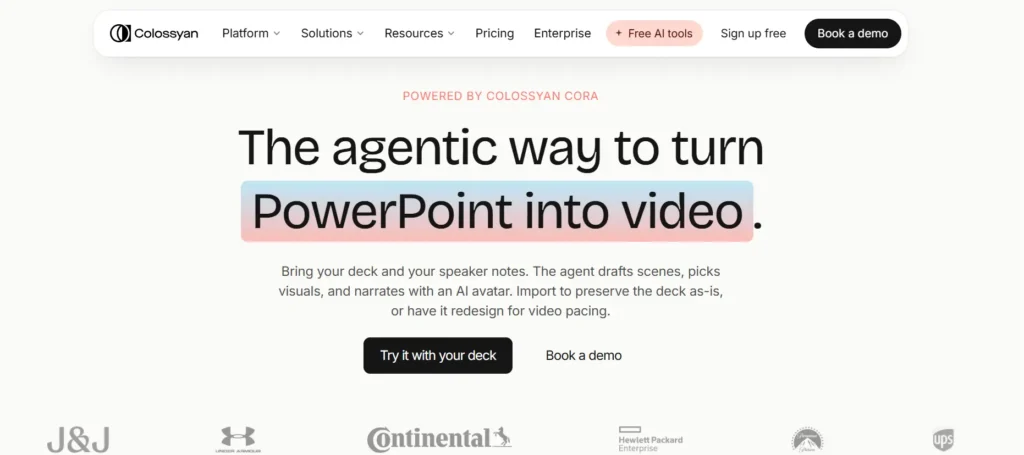
Colossyan is the closest comparison, built around the same idea of turning documents into AI video for learning teams.
Its Document-to-Video feature accepts PPT files and generates a draft with avatars and narration in under 60 seconds.
Speaker notes become the narration script, and each slide becomes an editable scene. The AI can also pull key points from slides to draft a script where notes are missing.
Distinctive touches include custom pronunciation for product names, quizzes in the scene editor, and a Brand Kit that places your logo on the presenter’s clothing.
Translation covers 70+ languages, fewer than Synthesia but ample for most regional rollouts.
3. Canva
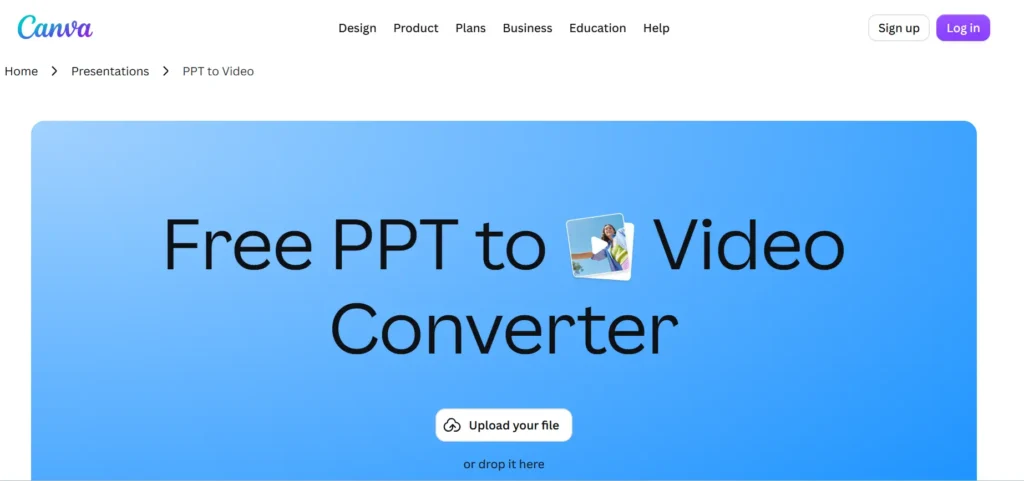
Canva approaches this from design rather than AI narration. You upload a PPT, tidy it in the editor, and download an MP4, all on the free tier.
The strength is creative control over how the video looks. Animations, transitions, visual effects, filters, stickers, and a music library are available, along with Magic Animate for quick motion.
Narration is possible but manual. You can generate an AI voiceover from text you supply, upload pre-recorded audio, or record yourself using Present and Record, none of which reads your speaker notes automatically.
4. SlideNarrator
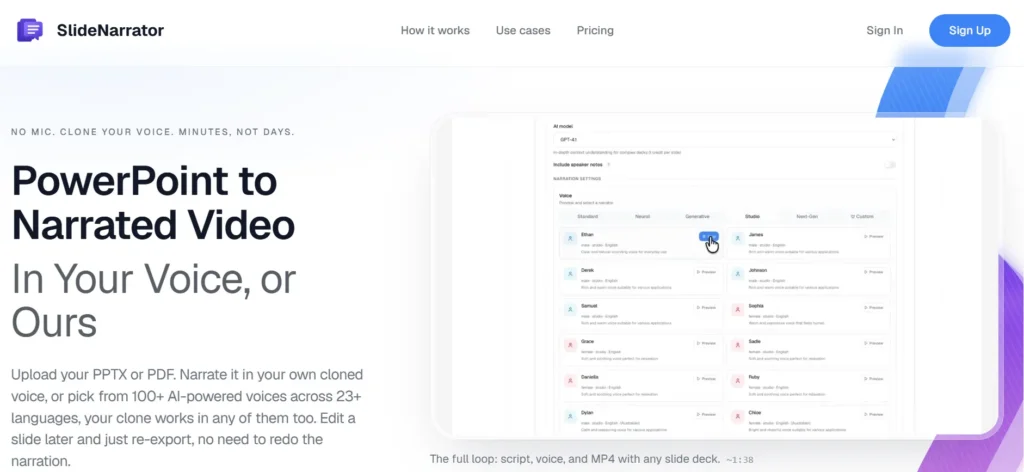
SlideNarrator does one job and keeps its scope narrow. It converts PowerPoint slides and PDFs into AI-narrated videos with synced audio, exported as MP4.
The voice library runs to 23 or more studio-quality options, with voice cloning available if you want your own. No recording equipment is needed at any stage.
There are no avatars, no translation suite, and no deep editor. For a solo user who wants a narrated deck without learning a video platform, that simplicity is the appeal rather than a shortcoming.
5. Microsoft PowerPoint
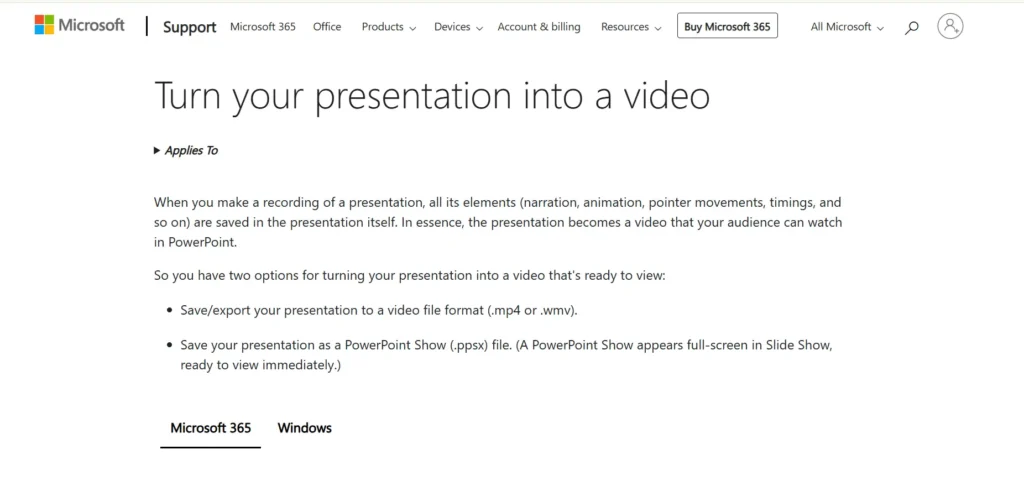
The tool you already own is the baseline, and for some jobs it is enough. File, then Export, then Create a Video produces an MP4 or MOV with a choice of quality levels.
The limitations are structural rather than fixable. You record narration and set slide timings manually before exporting; speaker notes are ignored, and there is no AI voiceover or presenter.
Embedded videos and several animation effects do not carry into the export. Complex decks can take a long time to render, which surprises people expecting an instant file.
Comparison at a Glance
| Tool | Speaker notes to narration | AI presenter | Translation | Free tier |
| Synthesia | Automatic | 240+ avatars | 160+ languages | Yes, with upgrade path |
| Colossyan | Automatic | Yes | 70+ languages | Trial available |
| Canva | No, manual voiceover | No | No | Yes |
| SlideNarrator | AI narration, 23+ voices | No | No | Paid tiers |
| Microsoft PowerPoint | No, record manually | No | No | Included with Office |
Competitor details come from each vendor’s own site. Pricing across this category changes frequently, so confirm current tiers before committing.
How to Choose
Start with your speaker notes. If your decks already carry written notes, a tool that converts them automatically saves the single most time-consuming part of the job.
Then ask who watches the output. Global internal training translates a requirement rather than an extra, while a one-off social clip does not.
Decide whether you want a presenter on screen. Avatars raise engagement for training content and add nothing to a product demo where the screen is the point.
Finally, accept that animations will not survive. Every tool here converts slides into scenes or frames, so plan to rebuild any motion that genuinely matters inside the video tool.
Conclusion
The right choice depends on how much of the work you want automated. PowerPoint’s own export is fine for a quiet slideshow, Canva suits design-led social content, and SlideNarrator handles simple narrated decks without ceremony.
For teams converting training, onboarding, or compliance material at any scale, Synthesia and Colossyan are the two doing the harder job.
Synthesia takes the top position on breadth, with automatic speaker note narration, 240+ avatars, over 1,000 voices, and 160+ languages inside a free-to-try tool that leaves your original slide design intact.
Frequently Asked Questions
Can I convert PowerPoint to video for free?
Yes, several routes are free. PowerPoint’s built-in export costs nothing if you have Office, Canva’s converter is free, and Synthesia’s PowerPoint to video tool is free to use with paid upgrades for longer videos.
Will my slide design survive the conversion?
Layouts, images, and text generally transfer well in AI converters, which preserve the visual content of each slide. Animations and transitions are the exception and typically need rebuilding.
Can speaker notes become the voiceover automatically?
In some tools, yes. Synthesia and Colossyan both convert speaker notes into a narration script, while PowerPoint and Canva require you to supply or record the audio yourself.
What file size and slide limits apply?
They vary by tool. Synthesia accepts up to 100MB through its web converter and up to 1GB with a 150-slide maximum in the app, and also converts PDF, DOC, DOCX, and TXT files.
Do I need an on-screen presenter?
Not necessarily, since avatars are optional in the tools that offer them. They tend to help with training and onboarding content and matter less for product or process videos.