If you’ve ever refreshed a client report and found your top keyword dropped six spots overnight, you already know why daily rank tracking software exists. Weekly or monthly snapshots can’t catch that kind of movement in time to act on it.
This guide walks through what daily rank tracking software actually does, which tools are worth your budget, and how to set one up so it earns its keep.
I’ve spent years running SEO reports for agencies and in-house teams, and the difference between daily and weekly tracking usually shows up the first time Google rolls out a core update. The teams checking daily catch the dip on day one. Everyone else finds out from an angry client email.
Daily rank tracking software checks where your website ranks for a list of target keywords, every single day, across Google or other search engines. Instead of manually searching each term and scrolling to find your page, the software does it automatically and logs the position in a dashboard.
Most tools also track mobile versus desktop rankings, local results, and sometimes rankings inside AI-generated answers.
Many SEO teams also pair daily rank tracking software with price tracking tools to monitor both search visibility and competitor pricing from one workflow. While rank tracking shows whether your pages are gaining or losing positions, price tracking tools reveal how competitors adjust their product prices, discounts, and promotions over time.
Combining these insights helps ecommerce businesses understand whether ranking changes are driven by SEO performance, pricing strategies, or both, making it easier to optimize marketing campaigns and maximize conversions.
Best Daily Rank Tracking Software in 2026
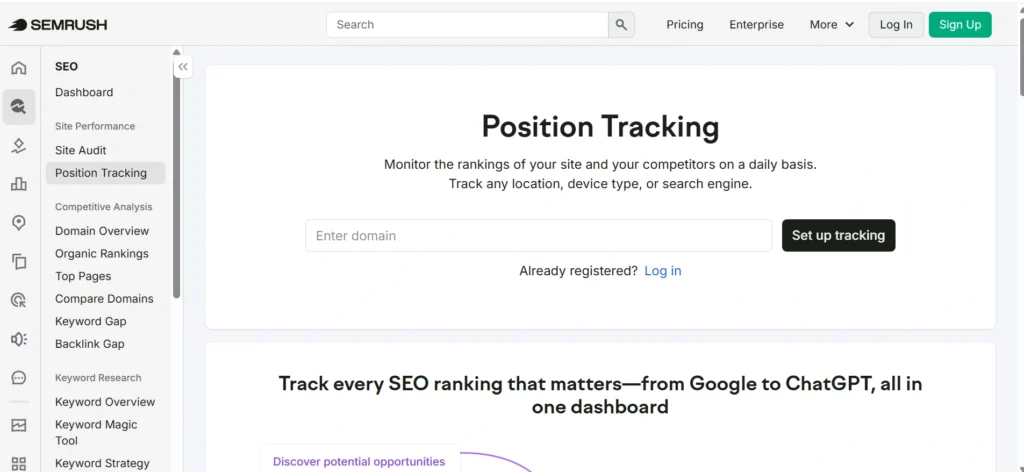
1. Semrush Position Tracking
Best for: Businesses, agencies, and enterprise SEO
Semrush Position Tracking offers daily keyword updates across desktop and mobile devices. It also tracks local rankings, competitors, SERP features, and visibility trends. The tool integrates with the wider Semrush SEO suite, making it a strong choice for teams managing multiple SEO campaigns.
Key features:
- Daily keyword tracking
- Local SEO monitoring
- Competitor comparison
- SERP feature tracking
- Scheduled reports
Pros:
- Comprehensive SEO platform
- Excellent reporting
- Strong local tracking
Cons:
- Premium pricing
- Learning curve for beginners
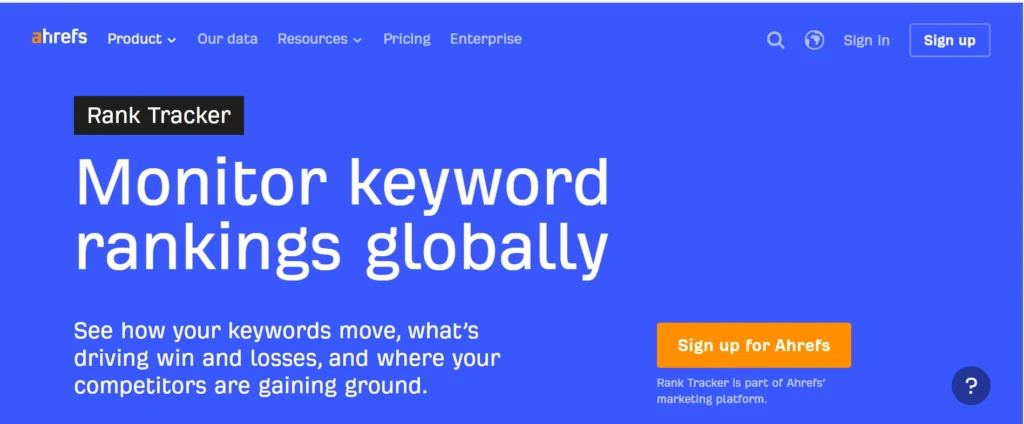
2. Ahrefs Rank Tracker
Best for: SEO professionals and content marketers
Ahrefs Rank Tracker monitors keyword rankings across multiple countries and search engines. It combines ranking data with traffic estimates, keyword metrics, and competitor analysis.
Key features:
- Daily ranking updates
- Traffic estimation
- Competitor tracking
- Historical ranking graphs
- Country-specific tracking
Pros:
- Highly accurate data
- Excellent interface
- Strong keyword research integration
Cons:
- No free plan
- Limited reporting customization
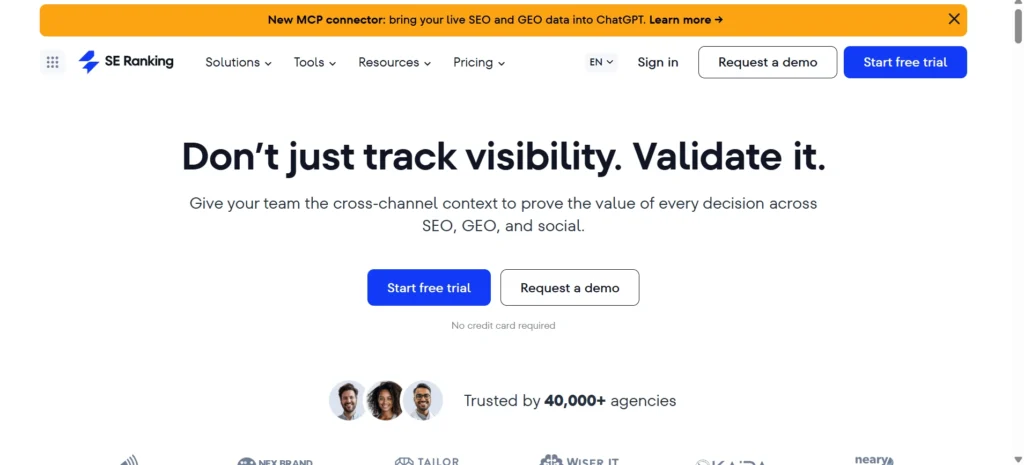
3. SE Ranking
Best for: Small businesses and agencies
SE Ranking is an affordable SEO platform with reliable daily rank tracking. It supports local rankings, competitor monitoring, website audits, and marketing reports.
Key features:
- Daily keyword tracking
- White-label reporting
- Google Maps tracking
- Competitor analysis
- Keyword grouping
Pros:
- Budget-friendly
- Easy to use
- Flexible pricing
Cons:
- Fewer advanced enterprise features
4. AccuRanker
Best for: Agencies and enterprise teams
AccuRanker is known for its speed and ranking accuracy. It provides fast keyword updates, detailed reporting, and advanced filtering options for large keyword portfolios.
Key features:
- Fast daily updates
- Google and Bing tracking
- Share of Voice metrics
- Competitor monitoring
- API access
Pros:
- Extremely accurate
- Excellent reporting
- Enterprise-ready
Cons:
- More expensive than many alternatives
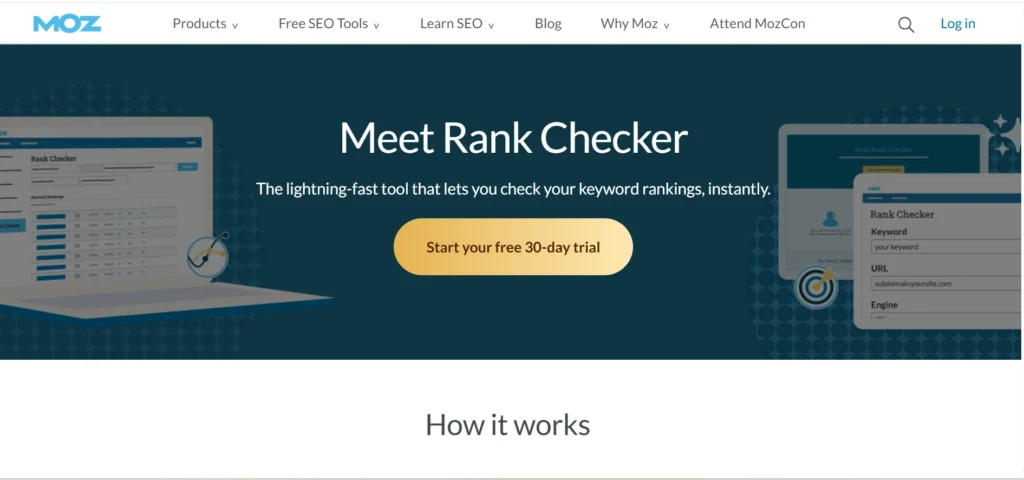
5. Moz Pro Rank Tracker
Best for: Beginners and growing businesses
Moz Pro combines keyword ranking with site audits, backlink analysis, and keyword research in one platform.
Key features:
- Keyword tracking
- Search visibility reports
- Site crawl insights
- Keyword recommendations
Pros:
- Beginner-friendly
- Clean dashboard
- Helpful learning resources
Cons:
- Smaller keyword database than some competitors
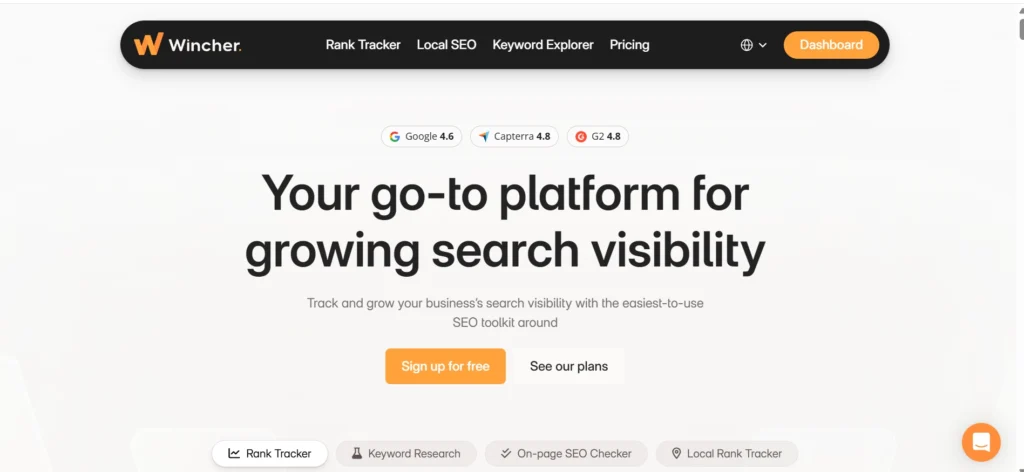
6. Wincher
Best for: Freelancers and small websites
Wincher focuses primarily on keyword rank tracking without unnecessary complexity. It provides daily updates, competitor tracking, and keyword suggestions.
Key features:
- Daily updates
- Keyword alerts
- Competitor tracking
- Local SEO support
Pros:
- Affordable
- Easy setup
- Simple interface
Cons:
- Limited advanced SEO tools
7. Advanced Web Ranking (AWR)
Best for: Large agencies and enterprises
Advanced Web Ranking supports tracking across multiple search engines, countries, and devices. It offers in-depth reporting and cloud-based collaboration features.
Key features:
- Daily ranking updates
- Multi-location tracking
- White-label reports
- API integrations
- Team collaboration
Pros:
- Highly customizable
- Excellent enterprise reporting
- Scalable
Cons:
- Interface may feel overwhelming for beginners
8. Nightwatch
Best for: Local SEO and agencies
Nightwatch specializes in accurate local rank tracking and detailed segmentation. It also tracks Google Maps results and SERP features.
Key features:
- Daily rank monitoring
- Local keyword tracking
- Visual reports
- Competitor analysis
Pros:
- Strong local SEO capabilities
- Accurate reporting
- Flexible filtering
Cons:
- Smaller feature set outside rank tracking
9. Nozzle
Best for: Enterprise SEO and data analysis
Nozzle is designed for businesses managing thousands of keywords. It offers advanced analytics, SERP visualization, and customizable dashboards.
Key features:
- Unlimited segmentation
- SERP feature monitoring
- Visibility metrics
- Historical data
- Enterprise dashboards
Pros:
- Extremely detailed insights
- Powerful analytics
- Highly customizable
Cons:
- Better suited for experienced SEO teams
10. Sitechecker Rank Tracker
Best for: Small businesses and website owners
Sitechecker provides daily keyword tracking alongside website monitoring and SEO audits. Its clean interface makes it accessible to users with limited SEO experience.
Key features:
- Daily keyword tracking
- Website monitoring
- SEO reports
- Competitor tracking
- Ranking history
Pros:
- Easy to use
- Affordable plans
- Good all-in-one SEO toolkit
Cons:
- Fewer enterprise-level features
Quick Comparison Table
| Tool | Best For | Daily Updates | Local SEO | Competitor Tracking |
|---|---|---|---|---|
| Semrush Position Tracking | Agencies & Businesses | ✅ | ✅ | ✅ |
| Ahrefs Rank Tracker | SEO Professionals | ✅ | ✅ | ✅ |
| SE Ranking | Small Businesses | ✅ | ✅ | ✅ |
| AccuRanker | Enterprise & Agencies | ✅ | ✅ | ✅ |
| Moz Pro | Beginners | ✅ | Limited | ✅ |
| Wincher | Freelancers | ✅ | ✅ | ✅ |
| Advanced Web Ranking | Enterprise | ✅ | ✅ | ✅ |
| Nightwatch | Local SEO | ✅ | ✅ | ✅ |
| Nozzle | Large SEO Teams | ✅ | ✅ | ✅ |
| Sitechecker | SMBs | ✅ | ✅ | ✅ |
15 Features to Look for in Daily Rank Tracking Software
1. Daily Keyword Ranking Updates
The most important feature is automatic daily keyword monitoring.
Instead of checking rankings manually, the software updates keyword positions every day, allowing you to identify trends before they impact organic traffic.
Look for:
- Automatic daily refreshes
- Historical ranking graphs
- Ranking change notifications
2. Accurate Ranking Data
Not every rank tracker provides the same level of accuracy.
The best tools collect rankings using localized search results while minimizing personalization bias.
Consider:
- Country-specific rankings
- City-level tracking
- Device-specific rankings
- Search engine localization
3. Desktop and Mobile Rank Tracking
Google indexes mobile-first, making mobile rankings just as important as desktop rankings.
A quality tool tracks both separately so you can identify performance differences.
4. Local SEO Tracking
Businesses serving specific cities need local keyword monitoring.
The software should allow tracking by:
- Country
- State
- City
- ZIP code
- Google Maps
Local businesses benefit greatly from location-specific reports.
5. Competitor Rank Monitoring
SEO isn’t only about your own rankings.
Daily tracking software should monitor competitor keywords to identify:
- New ranking opportunities
- Lost positions
- Content gaps
- Competitor growth
6. SERP Feature Tracking
Today’s search results include much more than blue links.
Choose software that tracks:
- Featured Snippets
- AI Overviews
- Local Pack
- Image results
- Videos
- Shopping results
- People Also Ask
This provides a better understanding of actual search visibility.
7. Historical Ranking Reports
Daily data becomes valuable over time.
Historical reports help identify:
- Long-term SEO trends
- Seasonal changes
- Algorithm impacts
- Campaign performance
8. Automated Reporting
Manual reporting wastes valuable time.
The best software generates scheduled reports for:
- Clients
- Marketing teams
- Business owners
- Executives
Many platforms also support white-label reporting.
9. Keyword Grouping and Tags
Managing hundreds or thousands of keywords becomes easier when you can organize them into groups.
Examples include:
- Blog keywords
- Product keywords
- Brand keywords
- Local keywords
- Transactional keywords
10. Ranking Alerts
Ranking alerts notify you when keywords experience major changes.
Alerts help you react quickly after:
- Google updates
- Competitor improvements
- Website issues
- Technical SEO problems
11. Search Volume and Keyword Metrics
Daily ranking data becomes more meaningful when paired with keyword metrics.
Useful data includes:
- Monthly search volume
- Keyword difficulty
- CPC
- Search intent
- Estimated traffic
12. API and Integrations
Businesses often combine SEO data with other reporting tools.
Look for integrations with:
- Google Search Console
- Google Analytics
- Looker Studio
- Google Sheets
- Slack
API access is valuable for enterprise reporting.
13. AI-Powered Insights
Modern rank tracking software increasingly uses AI to identify patterns and explain ranking changes.
AI features may include:
- Trend detection
- Ranking forecasts
- Content recommendations
- Automated summaries
- Keyword clustering
14. Easy-to-Understand Dashboard
SEO reports shouldn’t require hours of analysis.
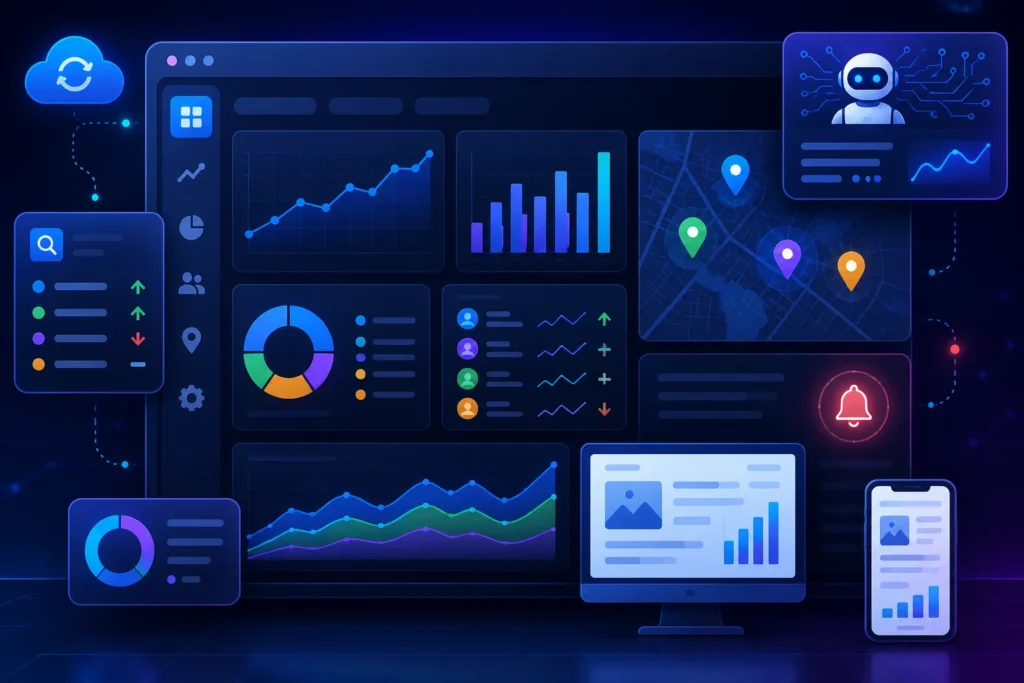
A good dashboard displays:
- Visibility score
- Ranking changes
- Winning keywords
- Losing keywords
- Competitor overview
- Traffic estimates
15. Flexible Pricing
Different businesses have different SEO needs.
Compare pricing based on:
- Number of keywords
- Projects
- Users
- Update frequency
- Reporting features
- API access
Avoid paying for enterprise features if your website only tracks a few hundred keywords.
How Daily Rank Tracking Works
Under the hood, these tools run automated searches from data centers or proxy networks located in different regions. They record your site’s position for each keyword and location combination, then store that data so you can see trends over time.
Some tools use their own search index; others query live search results directly. The method affects accuracy, which we’ll get to shortly.
Why Daily Monitoring Matters
Google makes ranking-relevant changes constantly. A single algorithm update, a competitor’s new page, or even a seasonal shift in search intent can move your position within hours.
If you only check once a week, you might not connect a ranking drop to the change that caused it. Daily data lets you match cause and effect while the cause is still fresh.
Daily vs Weekly Rank Tracking
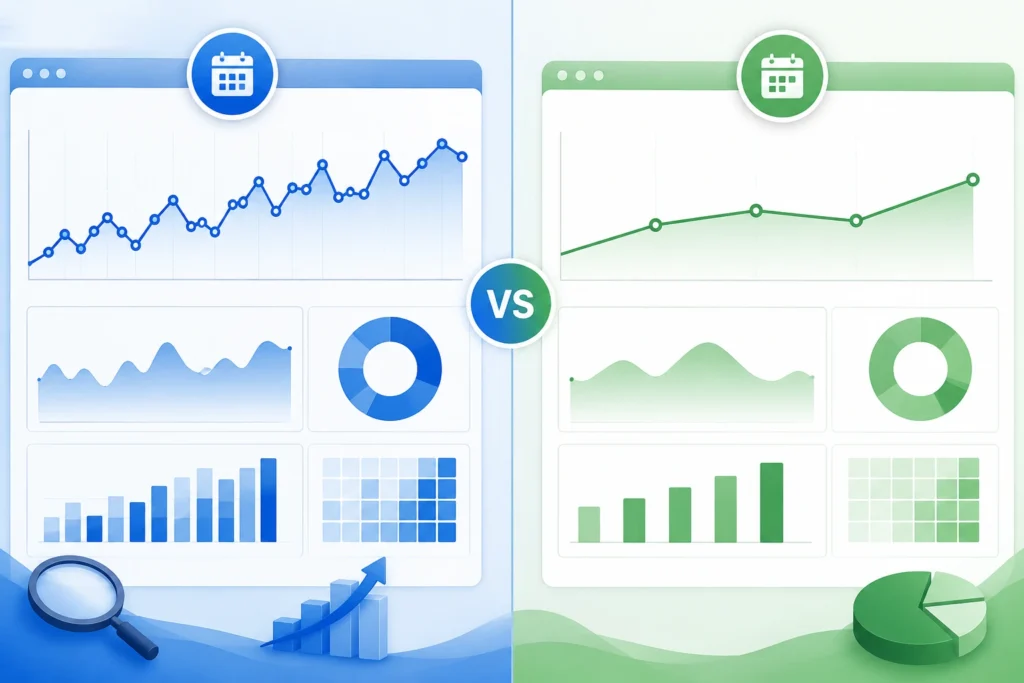
Weekly tracking works fine for slow-moving niches with low competition, where rankings rarely swing more than a position or two. Daily tracking earns its cost when you’re managing competitive keywords, running active link-building or content campaigns, or reporting to clients who want to see immediate impact.
| Use Case | Recommended Frequency |
| Low-competition local keywords | Weekly |
| Competitive national or ecommerce keywords | Daily |
| Active SEO campaigns or migrations | Daily |
| Long-tail, low-volatility terms | Weekly or bi-weekly |
| Agency client reporting | Daily |
Benefits of Daily Rank Tracking
1. Detect Algorithm Impacts Faster
When Google confirms a core update, the first question every SEO asks is “did it hit us?” Daily data lets you answer that in minutes instead of waiting for next week’s crawl. You can search discussions on r/SEO or r/bigseo on the day of an update and cross-reference what other site owners are seeing against your own graph.
2. Monitor SEO Campaign Performance
Daily tracking also helps you spot the impact of common SEO mistakes before they cause long-term ranking losses. If rankings suddenly decline after publishing new content, updating metadata, or changing your site’s structure, you can quickly investigate issues such as broken internal links, duplicate content, incorrect redirects, keyword cannibalization, or indexing problems. Catching these SEO mistakes early makes it easier to fix them before they affect organic traffic and conversions.
3. Track Competitor Rankings
Most tools let you add competitor domains alongside your own keywords. You’ll see when a competitor jumps ahead of you and can investigate what page or update caused it.
4. Improve Local SEO
Local rankings shift based on the searcher’s exact location, sometimes street by street. Daily tracking with multiple location points shows you how your Google Business Profile and local pages perform across the neighborhoods you actually serve.
5. Measure SEO ROI
Clients and stakeholders want proof that SEO spend is working. A clean ranking history, tied to traffic and conversion data, makes that case far better than a verbal update.
Who Needs Daily Rank Tracking Software?
1. SEO Agencies
Agencies juggle dozens of clients and need white-label reports that go out on a schedule. Daily data also protects you when a client asks “why did we drop” the same week it happened.
2. Ecommerce Businesses
Product pages compete on razor-thin keyword differences, and a single price change or stock update elsewhere can shuffle results. Daily tracking catches those swings before they cost you sales.
3. Enterprise Websites
Large sites with thousands of pages need tracking that scales, along with API access so ranking data can feed into existing business intelligence tools.
4. Local Businesses
A single-location business doesn’t need enterprise pricing, but it does need accurate local-pack tracking tied to its actual service area.
5. SaaS Companies
SaaS keywords often mix informational and commercial intent, so tracking should separate blog traffic keywords from bottom-funnel, pricing-page keywords.
6. Publishers
Publishers live and die by featured snippets and Google Discover visibility, so tools with strong SERP feature tracking matter more here than pure position numbers.
Best Daily Rank Tracking Software
Based on how these tools are generally used across agencies and in-house teams, here’s how the major players tend to stack up. Pricing and features change often, so confirm current details on each vendor’s site before buying.
| Tool | Best For |
| Semrush | All-around SEO suite with rank tracking built in |
| Ahrefs | Backlink-heavy workflows paired with rank data |
| AccuRanker | High-volume, high-accuracy daily tracking |
| SE Ranking | Budget-friendly agencies |
| Moz Pro | Beginners wanting an easier learning curve |
| Nightwatch | White-label reporting for agencies |
| Wincher | Small businesses and solo consultants |
| Mangools (SERPWatcher) | Budget option with a simple interface |
| Nozzle | Enterprise-scale keyword volumes |
| Advanced Web Ranking | Custom reporting and flexible scheduling |
A quick note on methodology here: this comparison reflects publicly available positioning and general reputation in the SEO community (worth checking discussions on r/SEO for real-world opinions), not a paid or sponsored ranking. Always test a free trial before committing to an annual plan.
Daily Rank Tracking Software Comparison
| Feature | Budget Tools | Mid-Tier Tools | Enterprise Tools |
| Pricing | $15–$40/month | $50–$150/month | $200+/month |
| Update Frequency | Daily on most plans | Daily | Daily, sometimes hourly |
| Local Tracking | Basic city-level | Zip code level | Street-level, multi-location |
| Mobile Tracking | Often an add-on | Included | Included |
| API Access | Rare | Sometimes | Standard |
| Reporting | Basic exports | White-label PDFs | Custom dashboards |
| Ease of Use | Simple | Moderate | Requires onboarding |
How to Choose the Right Software
1. Budget
Decide what daily tracking is actually worth to you. A freelancer tracking 50 keywords for one client has very different needs than an agency tracking 10,000 keywords across 40 clients.
2. Business Size
Solo consultants and small businesses usually do fine with budget or mid-tier tools. Agencies and enterprises need the reporting and API depth that only higher tiers provide.
3. Keyword Volume
Check the keyword cap on each plan carefully. It’s easy to underestimate how fast keyword counts grow once you add competitors and location variations.
4. Reporting Needs
If you’re sending client reports weekly, prioritize tools with strong white-label and scheduling features over ones that just track more keywords.
5. Team Collaboration
Larger teams need shared logins, permission levels, and shared dashboards so nobody is exporting spreadsheets by hand.
6. Integrations
Match the tool to what you already use. If your team lives in Looker Studio and Slack, prioritize tools that connect there natively.
How to Set Up Daily Rank Tracking
1. Add Keywords
Start with your top 20 to 50 priority keywords rather than importing every keyword you’ve ever targeted. You can always expand later once you see how the reporting looks.
2. Choose Search Engines
Most businesses only need Google, but if a meaningful share of your traffic comes from Bing, add it too.
3. Select Locations
Set your tracking locations to match where your actual customers search from, not just your city of registration.
4. Configure Competitors
Add three to five direct competitors so you have context for your own movement, not just isolated numbers.
5. Build Reports
Set up a recurring report, whether that’s a weekly email digest or a monthly client PDF, so the data actually gets reviewed instead of sitting in a dashboard.
6. Monitor Trends
Check in on a regular schedule rather than reacting to every daily fluctuation. More on that below.
Best Practices
1. Track Search Intent
Group your keywords by intent (informational, commercial, transactional) so a ranking drop on a blog post doesn’t get treated with the same urgency as one on a checkout page.
2. Segment Keywords
Tag keywords by product line, location, or funnel stage so your reports actually mean something to whoever reads them.
3. Monitor SERP Features
A ranking drop that coincides with a new featured snippet or AI Overview taking over the top of the page tells a different story than a straightforward competitor overtake.
4. Review Weekly Trends
Even with daily data, review it weekly. Daily swings are often noise; the weekly trend line is where the real signal lives.
5. Use Alerts
Set alerts only for meaningful thresholds, like a five-position drop or more. Alerts for every single-position wobble train you to ignore them.
Common Mistakes
1. Tracking Too Many Keywords
More keywords sounds better in theory, but tracking thousands of low-value long-tail terms just buries the ones that actually drive revenue.
2. Ignoring Search Intent
Treating every keyword the same way means you’ll panic over a drop on a term that barely sends traffic anyway.
3. Chasing Daily Fluctuations
Rankings wobble day to day even with no changes on your end. Reacting to every wobble wastes time and can lead to unnecessary content changes.
4. Ignoring Local Rankings
If your business serves specific neighborhoods, national keyword averages hide the local picture that actually matters to your revenue.
5. Forgetting Competitor Monitoring
Tracking only your own rankings means you’ll miss the context for why they moved in the first place.
Daily Rank Tracking vs Google Search Console
Google Search Console is free and shows real click and impression data straight from Google, which no third-party tool can fully replicate. But it has real limits: data typically lags by a couple of days, position figures are averages rather than a single daily snapshot, and it won’t show you competitor data at all.
| Factor | Google Search Console | Dedicated Rank Tracker |
| Cost | Free | Paid |
| Data Source | Direct from Google | Automated searches or proxies |
| Update Frequency | Delayed, averaged | Daily, per-keyword |
| Competitor Data | None | Yes |
| Local Granularity | Limited | Detailed |
| Click & Impression Data | Yes | Rarely |
The two tools work best together. Use Search Console for real click data and use a dedicated tracker for daily competitive and local visibility. Google’s own Search Console Help documentation explains how its position metric is calculated, which is worth reading if you’ve ever wondered why the numbers don’t match your rank tracker exactly.
Daily Rank Tracking vs Manual Tracking
Manually searching Google for each keyword feels free, but it isn’t accurate. Personalization, location, and even your search history skew what you see, so a manual check rarely matches what an actual customer would find.
| Factor | Manual Tracking | Rank Tracking Software |
| Cost | Free (but time-heavy) | Paid |
| Accuracy | Skewed by personalization | Controlled, incognito-style checks |
| Scalability | Falls apart past ~10 keywords | Handles thousands |
| Historical Data | None unless logged manually | Automatic |
| Competitor Data | Manual and inconsistent | Built in |
If you’re tracking more than a handful of keywords, manual tracking stops being a real option pretty quickly.
AI and the Future of Rank Tracking

1. AI Overviews
Google’s AI Overviews summarize search results directly on the results page, and for many queries, that summary is the first thing users see. Rank tracking vendors are still figuring out the best way to measure whether your content gets cited inside these summaries, so expect this feature set to keep changing over the next year or two.
2. Generative Search
While AI-powered search experiences are becoming more common, understanding search engine basics is still essential. Traditional search engines like Google and Bing continue to drive the majority of organic traffic, and concepts such as crawling, indexing, ranking, keywords, and search intent remain the foundation of SEO.
A solid understanding of these search engine basics makes it easier to interpret daily ranking data, evaluate AI search visibility, and build a strategy that performs across both conventional search engines and emerging AI-powered search platforms.
3. Predictive Ranking
Some platforms are testing predictive models that flag keywords likely to move before they actually do, based on historical volatility patterns. Treat these predictions as an early signal worth watching, not a guarantee.
4. AI-Based Reporting
AI-generated report summaries are starting to show up in rank tracking dashboards, turning raw position data into a plain-English explanation of what changed and why. That’s a genuine time-saver for agencies writing client updates every week.
Frequently Asked Questions
What is daily rank tracking software?
It’s a tool that automatically checks and records your website’s search engine position for a set of keywords every day, so you can spot trends and report without manual searching.
How does keyword ranking software work?
It runs automated searches from various locations and devices, records where your page appears for each keyword, and stores that history in a dashboard.
Is daily rank tracking necessary?
Not for every site. Competitive keywords and active campaigns benefit most from daily checks; low-competition, stable niches can often get by with weekly tracking.
What is the most accurate rank tracker?
Accuracy varies by proxy network quality and location precision rather than brand name alone. Test a free trial against your own manual (incognito) searches before committing.
How often should keyword rankings be checked?
Daily for competitive or actively managed keywords, weekly for stable, low-competition terms.
Conclusion
If you are just starting out or you are a freelancer you should start with a tool that’s easy on the budget like Mangools or Wincher. Then you can expand when you know what data you actually need from these tools.
For agencies they usually get more out of Nightwatch or SE Ranking because these tools have reports that are made for working with clients.
Big teams that have a lot of keywords should use Nozzle or Advanced Web Ranking. These tools are good for them because they have a lot of options for reporting and they can make their reports.
Companies that sell things online and software companies usually do well with Semrush or Ahrefs. This is because these tools help them see how they rank and they also help them learn about their competitors.
For businesses that’re in a specific area they should pick the tool that helps them track what is going on in their area. This is more important than having a lot of features that they will not use.
Whatever you pick, daily rank tracking software only earns its cost if someone actually reviews the data on a schedule. The tool tells you what happened; turning that into action is still the job of the person running the campaign.
If you want more context from people actually using these tools day to day, the discussions on r/SEO are worth a read, and Wikipedia’s overview of search engine optimization is a solid starting point if you’re still new to the underlying concepts.