TL;DR: If a subtitle file for your movie or show already exists, start at a ready-made download site like OpenSubtitles, Subdl, or Subsource. If no file exists in your language, or you have a video in English or Japanese that you want to understand, use a tool that generates or translates subtitles, such as Subtitle Nexus, Happy Scribe, Downsub, or the free Subtitle Edit. Most subtitle lists mix these two use cases together. Here, we separate them so you can quickly see which option fits your situation.
You sit down to watch something, and the dialogue is in a language you don’t follow well. Maybe it’s a Japanese film, an anime, a foreign drama, or just a video where the audio is hard to catch. You need subtitles you can read, and you need them to actually match the picture.
There are two ways to get there. One is to download a subtitle file someone has already made. The other is to generate or translate one yourself. This guide covers the best sites to download subtitles for movies and the best tools to generate SRT files for video, and it tells you which path fits your situation. One housekeeping note before the list: Subscene, which used to be everyone’s first stop, shut down in May 2024. If an older article sends you there, that is why it doesn’t load.
The best sites for downloading subtitles in SRT format
| # | Name | What it’s for | Source languages (for generators) | Main limitation |
| 1 | OpenSubtitles | Download ready-made files | n/a | Ads and a dated interface on .org |
| 2 | Subtitle Nexus | Generate + translate for watching | English or Japanese | English/Japanese source only; paid via tokens |
| 3 | Subtitle Edit | Free, DIY generate + translate | ~100 (transcription) | Learning curve; desktop app |
| 4 | Happy Scribe | Accuracy-first generate + translate | 150+ languages | First 10 min free, then paid |
| 5 | Downsub | Grab + translate from an online video | Whatever the online video has | Online videos only, not local files |
| 6 | Subdl | Download ready-made files | n/a | Depends on community uploads |
| 7 | Subsource | Download ready-made files | n/a | Thinner on obscure or older titles |
Two different jobs: downloading subtitles vs generating them
A ready-made subtitle website is a library. People upload subtitle files for movies and TV shows, and you search for a title and download the one that matches your video. This is fast and free, and it works well for popular films and series. The catch is that the file has to be there already. For an obscure title, a brand-new release, or a less common language, the shelf may be empty.
A subtitle generation or translation tool builds the file instead of fetching it. You give it a video (or point it at one), and it listens to the speech, writes out the lines with timestamps, and can translate them into the language you want. These tools to generate SRT files for video are the answer when no ready file exists, or when you have an English or Japanese video and want it in your own language. They are not free in the way a download site is, and AI transcription is not flawless, but they cover the gap that download sites leave open.
The 7 best sites and tools for subtitles
1. OpenSubtitles – the biggest ready-made library
Best for: finding an existing subtitle file for almost any movie or show.
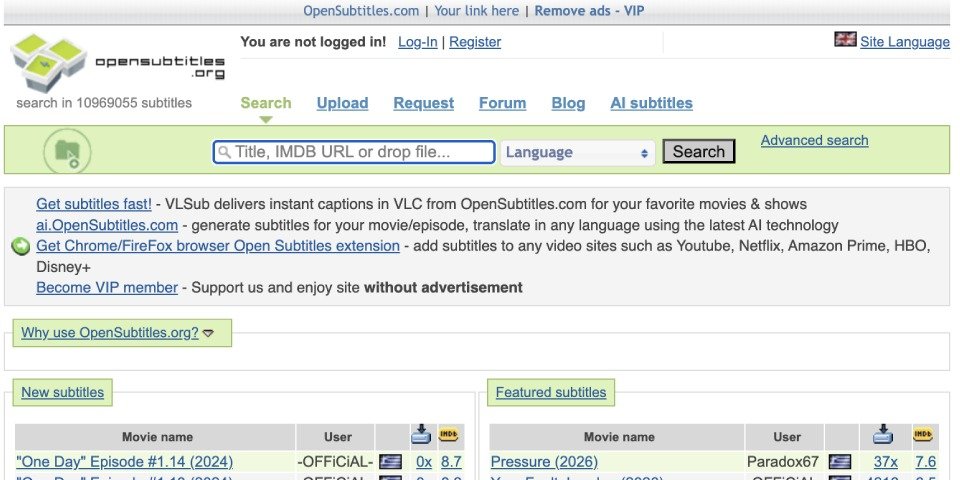
OpenSubtitles is one of the largest and best-known subtitle libraries on the web, with millions of files across more than 100 languages for both films and TV. You search by title, pick your language, and download. There are two versions: the older opensubtitles.org and the newer, cleaner opensubtitles.com. Files come in SRT and a few other formats, and many media players can pull from OpenSubtitles directly through a plugin.
The downsides are typical for a long-running free site: ads on the .org version, an interface that feels its age, and a download queue if you don’t have an account. It works best for well-known titles, where the file you need is probably already there.
Quick check: download site, English coverage is huge, Japanese and other languages vary by title, exports SRT, main limit is that you only get what’s been uploaded.
2. Subtitle Nexus – generate and translate English or Japanese video into your language
Best for: watching an English or Japanese film, show, or video that you can’t follow in the original.
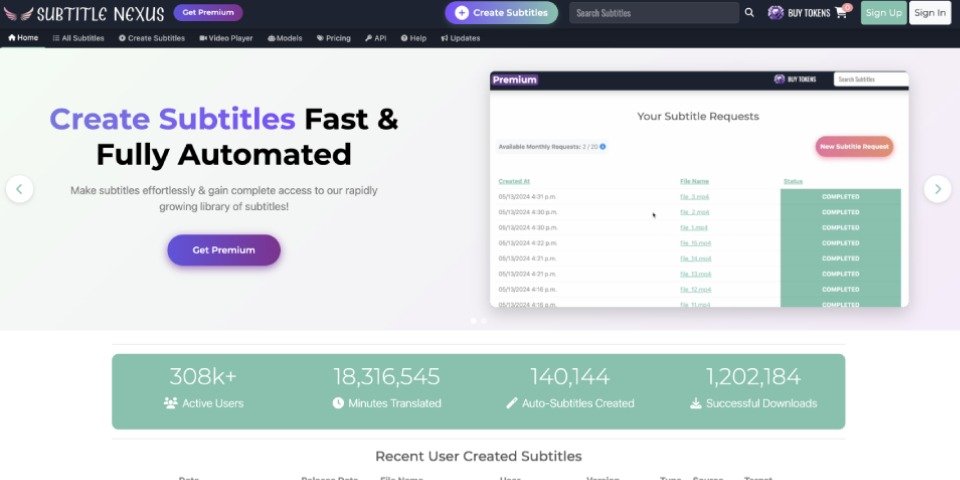
Subtitle Nexus helps when a download site comes up empty, for example when you have a Japanese movie or anime, or an English video, with no subtitle file in your language yet.
You upload your file, generate translated subtitles, download the subtitle file, and watch it on your own device or media player.
The platform uses a token system and comes with an API. It also has its own video player, so you can generate subtitles while watching videos.
You can choose between standard and improved models. Unlike many other AI tools, they build their own proprietary models instead of using open-source alternatives. This helps them offer customers more accurate subtitles.
Two honest limits to know up front. The source language has to be English or Japanese for this workflow, but you can translate into more than 20 languages. The main target languages are Japanese, Korean, and both types of Chinese. For the latest information on supported languages and formats, check Subtitle Nexus directly, as their platform is updated frequently.
Quick check: SRT generator and translator, source language is English or Japanese only, target base is broader, exports a downloadable file, paid via tokens.
3. Nikse Subtitle Edit – free, do-it-yourself subtitles and translation
Best for: editing or generating subtitles on your computer, especially if you do not mind a more hands-on tool.
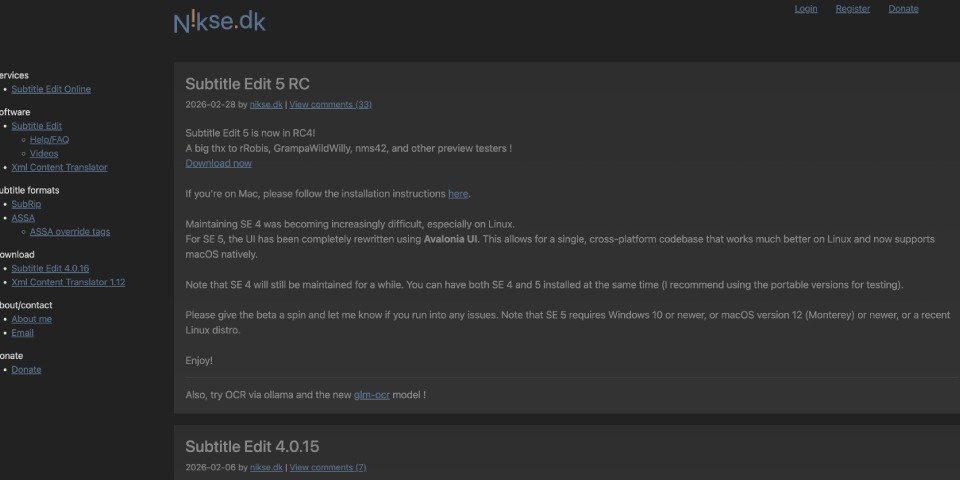
Subtitle Edit is a free, open-source desktop app for Windows, macOS, and Linux, with a basic online editor available too. You can use it to translate a subtitle you already have (for example, an English SRT) and export the result as a new SRT file. You can also generate subtitles from a video on your computer using its built-in audio-to-text feature (Whisper), which covers around 100 languages, including English and Japanese, and runs on your own machine once it’s installed. Subtitle Edit reads and writes more than 300 subtitle formats and shows the audio waveform, so you can adjust timing by eye.
The trade-off is that this is desktop software, not a one-click website, so there is a learning curve. Auto-translation also depends on the service or model you connect to, and the results still need a quick review. It suits someone who watches a lot of foreign films and wants a free, private option that works on their own files.
Quick check: free desktop subtitle editor, audio-to-text with Whisper, English and Japanese supported through Whisper, SRT export, 300+ subtitle formats, main limit is the setup and learning curve.
4. Happy Scribe – accuracy-first generation and translation
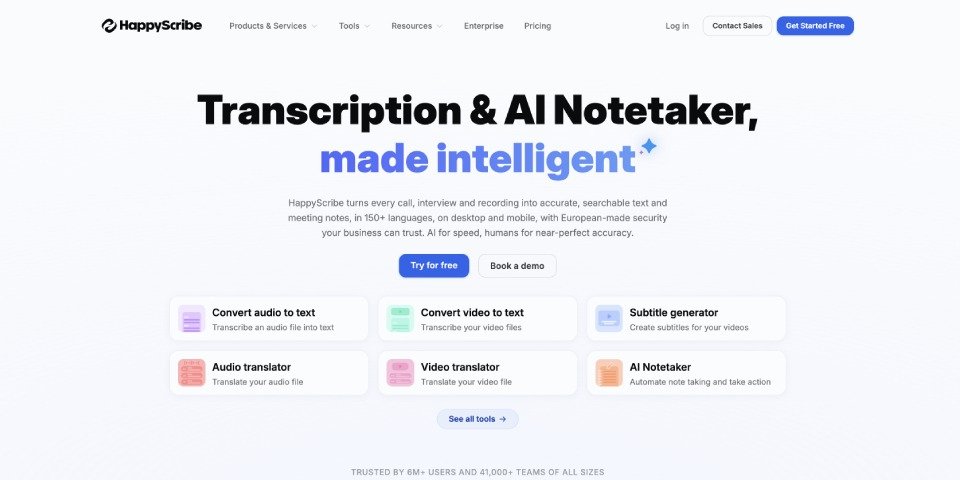
Best for: longer films where transcription quality matters, with an option for human review.
Happy Scribe generates subtitles in 150-plus languages, including English and Japanese, and translates between them, exporting to SRT and VTT. You can upload from your computer, Google Drive, Dropbox, or a YouTube link, and the first ten minutes are free. What sets it apart is the choice between fast AI output and a paid human-made service for cases where accuracy matters more.
That suits a full-length movie or documentary, where a rough auto-transcript would be tiring to read. The trade-off is cost: beyond the free window you pay, and the human option costs more than the AI one.
Quick check: generator and translator, 150+ languages, exports SRT/VTT, main limit is paid beyond the free 10 minutes.
5. Downsub – pull subtitles from a video that’s already online
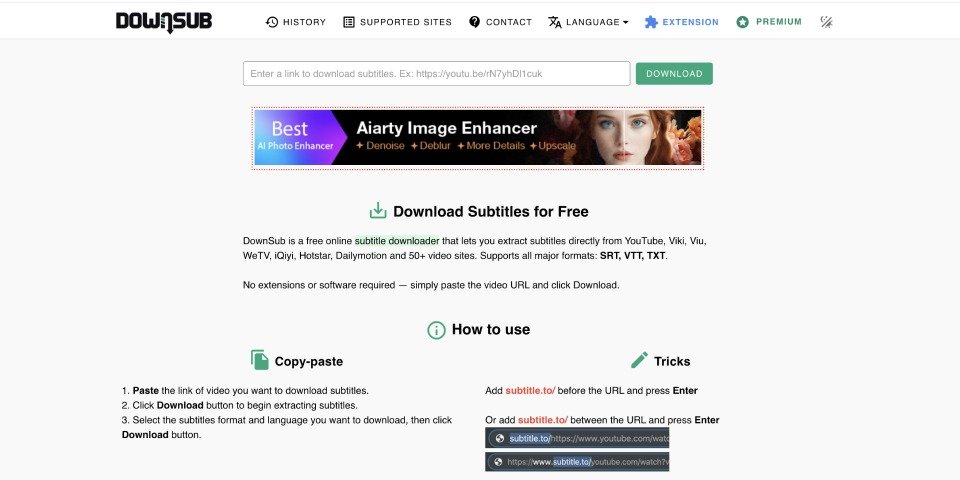
Best for: getting subtitles out of a YouTube or streaming-site video, then translating them.
Downsub takes a different angle. Instead of generating from a file on your computer, you paste the URL of a video that’s already online (YouTube, Viki, VIU, and many more), and it downloads the available captions as SRT, VTT, or TXT. It can also translate them into another language, though the exact options depend on Downsub’s current plan. No install, no extension. It’s handy when the video you want to watch lives on the web and already has captions, even auto-generated ones, that you just need in your language.
The limits are clear. It only works on online videos that already carry captions, so it won’t help with a movie file sitting on your drive, and the site is ad-heavy. Its use is narrow but specific: captions from a video that’s already online.
Quick check: caption grabber and translator for online videos, works with whatever languages the source has, exports SRT/VTT/TXT, main limit is online videos only.
6. Subdl – the modern ready-made download site

Best for: a clean, fast download experience and the closest thing to the old Subscene.
When Subscene closed, Subdl was where a lot of people landed. It’s a ready-made download site with a minimalist interface, a language filter covering multiple languages, and posters in the search results so you don’t grab the wrong year’s film by mistake. Files come as SRT and a few other formats, usually in a zip you unpack. It also offers an add-on and an API.
Because it runs on community uploads, coverage of brand-new or very obscure titles can be patchy, and you’ll see some ads. Whether it has what you need comes down to what the community has uploaded for your title.
Quick check: download site, dozens of languages, exports SRT (and ASS/SSA/VTT), main limit is reliance on community uploads.
7. Subsource – subtitle files with release details and ratings
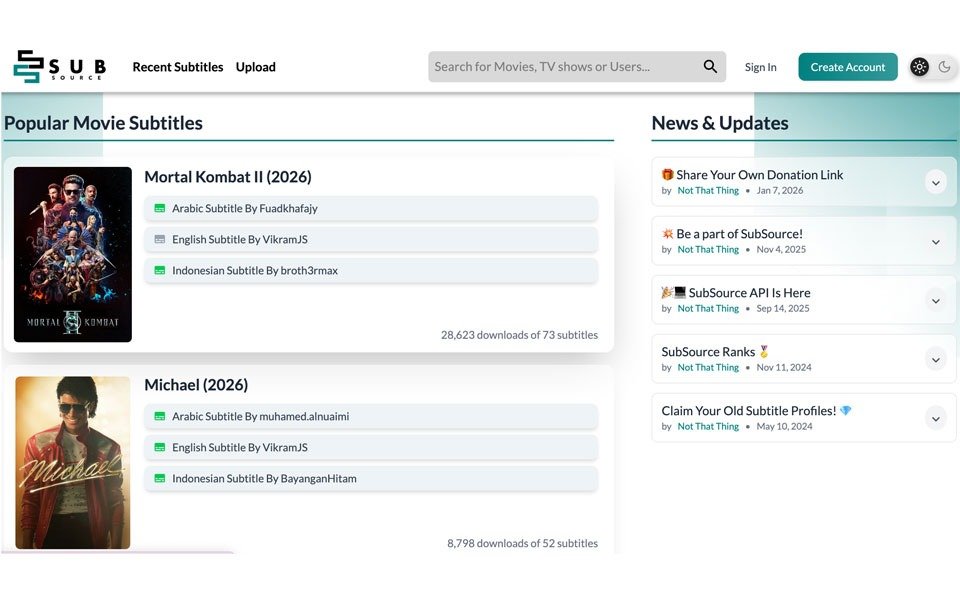
Best for: finding subtitle files with release details, ratings, and previews before you download.
Subsource is a community subtitle download site for movies, TV shows, and full seasons, with files available in multiple languages. Its main advantage is that you get more information before downloading. Files can show details like frame rate, release type, user ratings, previews, and whether a subtitle is AI-generated. That helps you choose a file that is more likely to match your video and stay in sync.
The library can still be thinner for obscure or very old titles, and the language filtering is not as deep as on some larger subtitle databases. For mainstream films and current TV, it is one more place to try when another subtitle file will not sync.
Quick check: download site, movies and TV, exports SRT, files tagged by release with ratings and previews, main limit is thinner coverage of obscure or older titles.
How to choose the right option for you
Start with one question: does a subtitle file for this title probably already exist? For a well-known movie or a popular series, yes, so start at OpenSubtitles or Subdl. For popular videos, subtitle download websites are usually enough.
If the file you find won’t sync, Subsource tags its subtitles by release and frame rate, which fixes most timing problems. That is usually the quickest route for popular titles.
If the answer is no, which is common for foreign films, anime, niche titles, or any video in a language with thinner coverage, it is time to use a generator or translator.
– Have an English or Japanese video you want in your own language? Subtitle Nexus generator is built for that specific case.
– Want a polished online tool, with the option of human review on a longer film? Choose Happy Scribe.
– Prefer a free, offline route, or need to translate a subtitle you already found? Subtitle Edit.
– Is the video already on YouTube or a streaming site with captions? Downsub will pull and translate them.
A few checks before you commit to any downloaded file: match the subtitle to your exact video version (a file made for a Blu-ray rip may drift out of sync on a WEB-DL), keep an eye out for fake download buttons on ad-heavy sites, and confirm the file is a real subtitle (.srt, .ass, .sub). For personal watching, the process gets much easier once you know which path fits your situation.
Frequently asked questions
Is it safe to download subtitle files from free sites?
Mostly yes. A real subtitle file is usually small and plain text, so the bigger risk is often the download page elements around it: fake buttons, redirects, pop-ups, or files that are not subtitles at all.
Why are my subtitles out of sync, and how do I fix it?
Usually, the file was timed for a different cut of the video than the one you have. The quickest fix is in your player. In VLC, press H or G during playback to nudge the timing, or open Tools then Track Synchronization to set an exact delay. If it’s consistently off by a fixed amount, that delay setting fixes the whole file at once.
What’s the difference between SRT, VTT, and ASS subtitle files?
SRT (SubRip) is the plain, universal format almost every player and platform reads, which is why it’s the default. VTT (WebVTT) is the web-friendly version used by YouTube and Vimeo and supports a bit more styling. ASS (Advanced SubStation Alpha) allows fancy fonts, positioning, and effects, common with anime fansubs. For watching a movie in a normal player, SRT is the safe choice.
How do I play a downloaded subtitle file with my movie?
The simplest trick is to put the subtitle file in the same folder as the video and give it the exact same name (so movie.mp4 pairs with movie.srt). Most players, including VLC, then load it automatically. For older TVs or USB playback that ignore separate files, you may need to burn the subtitles into the video with a tool like HandBrake so they become part of the picture.
Are AI-generated subtitles accurate enough to rely on?
AI-generated subtitles can be good enough for personal watching when the audio is clear, but they still make mistakes with names, accents, slang, overlapping speech, and background noise. The practical move is to generate, then skim the file once and fix the few obvious errors.