Every week, another product promises to turn a rough idea into a viral video. Most YouTube channels do not have the time or budget to try them all, and the marketing pages rarely tell you how a tool behaves on a real upload schedule.
That is why we approached AI tools for YouTube creators the same way we approach any software decision: define the problem, set measurable criteria, run controlled tests and keep only what earns its place in the workflow.
This guide walks through that process, from thumbnails and scripting to editing, audio and analytics. It also covers the testing habits that separate useful automation from expensive novelty.

Why Creators Should Test AI Tools Like Engineers Do
A YouTube channel is a production pipeline. Ideas move through research, scripting, recording, editing, packaging and publishing, and every stage has a measurable cost in hours. When a new AI tool enters that pipeline, it should reduce one of those costs without hurting quality or watch time.
Software teams call this regression testing: you check that a change improves one thing without breaking another. Creators can borrow the idea directly. A tool that writes a script in thirty seconds is not a win if viewers drop off in the first minute because the voice sounds generic.
Thinking this way also protects your budget. Many AI subscriptions look cheap on their own, but five or six of them quickly add up to a serious monthly cost. Testing against clear goals makes it easier to decide which tools genuinely pay for themselves.
Testing AI Thumbnail Tools: Where Click-Through Rate Starts
We started with thumbnails because they have the clearest feedback loop. A thumbnail either earns the click or it does not, and YouTube Studio reports click-through rate (CTR) for every upload.
For quick concept work, an ai thumbnail generator free to use is a sensible first stop, because it lets you produce several layout directions in minutes before committing design time to the strongest one.
Alongside that, we tried Canva’s Magic Design, Adobe Firefly for background generation and Midjourney for stylised artwork. Each tool handled the brief differently, so we judged them on the same points:
- Readability of text at mobile size, where most impressions happen
- How well the face, product or subject stayed the focal point
- Consistency with the channel’s existing colours and fonts
- Time from prompt to an upload-ready file
The biggest lesson was that AI output works best as a draft. Generated concepts were excellent for exploring ideas, but the versions that performed well usually had a human pass: a tighter crop, fewer words and stronger contrast.
YouTube’s built-in Test & Compare feature made this measurable. Uploading two or three thumbnail variants lets the platform split impressions and report which one wins on watch time share, which is far more reliable than a gut feeling.
Scripting and Research Assistants: Speed Versus Voice
Large language models such as ChatGPT, Claude and Gemini are now standard research partners for many channels. In testing, they were strongest at structure: turning a topic into an outline, suggesting hooks, listing questions viewers are likely to ask and summarising long source documents.
They were weakest at personality. Scripts generated end to end tended to sound polished but interchangeable, and that flatness showed up in retention graphs. The approach that held up best was a hybrid one:
- Use the AI to build an outline and a list of viewer questions.
- Write the hook and key opinions yourself, in your own words.
- Ask the AI to tighten pacing and flag sections that run long.
- Fact-check every claim, statistic and quote against a primary source.
For keyword and topic research, channel tools such as vidIQ and TubeBuddy added useful context on search volume and competition. Their AI title suggestions were a good starting point, but the strongest titles still came from creators who understood their audience’s language.
Accuracy is the other reason to stay involved. Language models can state outdated or invented facts with total confidence, and a single wrong claim in a tutorial or review can damage credibility in the comments. Treat AI research as a lead to verify, not as a source to quote.
AI Video Editing and Repurposing Tools
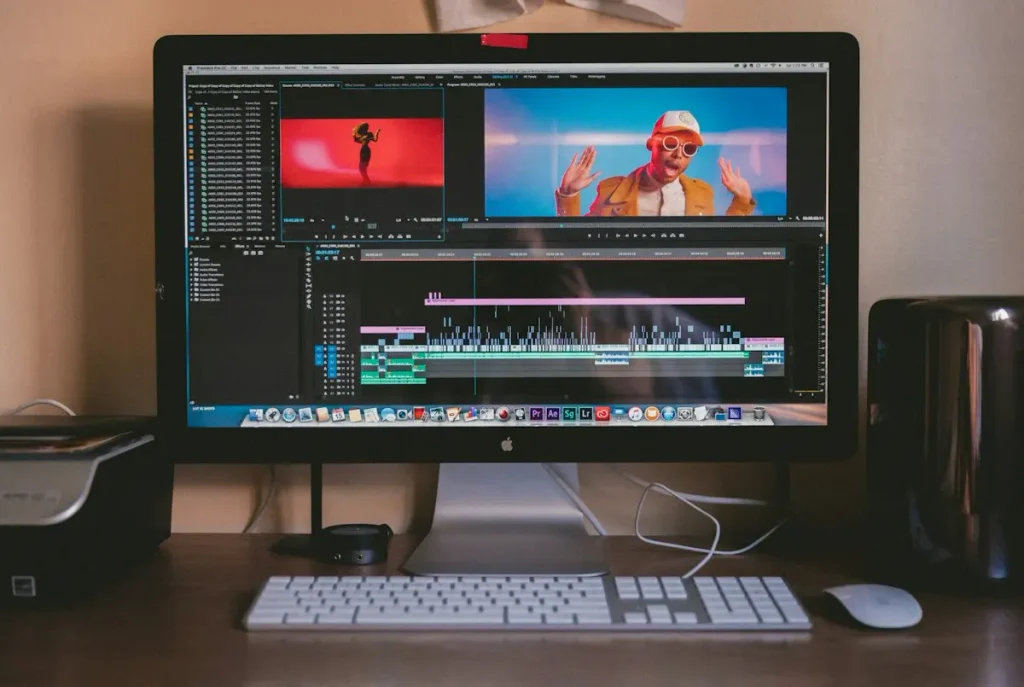
Editing is where creators lose the most hours, so it is also where AI can deliver the biggest savings. We tested tools across three common jobs: rough cuts, short-form repurposing and cleanup. For each job, we compared the AI-assisted edit against a manual edit of the same footage, measuring both time saved and how the final cut performed after publishing.
Text-Based Editing
Descript’s transcript-driven editing changed how quickly a talking-head video could be cut. Deleting a sentence in the transcript removes it from the timeline, and filler-word removal handled most “ums” and long pauses automatically. Auto-removal still needed a manual review, because it occasionally clipped a deliberate pause that gave a joke its timing.
Short-Form Repurposing
Tools such as Opus Clip scan a long video and suggest vertical clips for YouTube Shorts. They were good at finding moments with strong energy, but they did not always understand context. A clip that made sense inside a twenty-minute tutorial sometimes confused viewers on its own, so every suggested Short needed a human check before publishing.
Professional Suites With AI Features
For channels with heavier production, Adobe Premiere Pro and DaVinci Resolve now include AI features such as scene detection, auto reframing, speech-to-text captions and smart masking. These features felt less flashy than standalone apps, but they slotted into existing workflows without adding another subscription.
Voice, Audio and Captions
Poor audio drives viewers away faster than poor video, which makes AI audio tools worth careful testing. Adobe Podcast’s speech enhancement rescued recordings made in echoey rooms, and noise reduction in DaVinci Resolve handled steady background hum well.
AI voice generation from services like ElevenLabs is impressive, but it raises practical and ethical questions. It worked well for translated versions of existing videos and for quick narration in explainer content, where clarity matters more than character. For a personality-led channel, a synthetic voice is a risk to trust, and YouTube now asks creators to disclose realistic altered or synthetic content.
Automatic captions were the easiest win. Accurate captions improve accessibility, help viewers watching without sound and give search engines more text to understand a video. Every AI caption file still deserves a quick proofread, especially for names, brands and technical terms.
Measuring Results: How to Judge AI Tools for YouTube Creators
A tool only earns a permanent place in the workflow if the numbers support it. We tracked a small set of metrics before and after introducing each tool, keeping the content type and upload schedule as stable as possible.
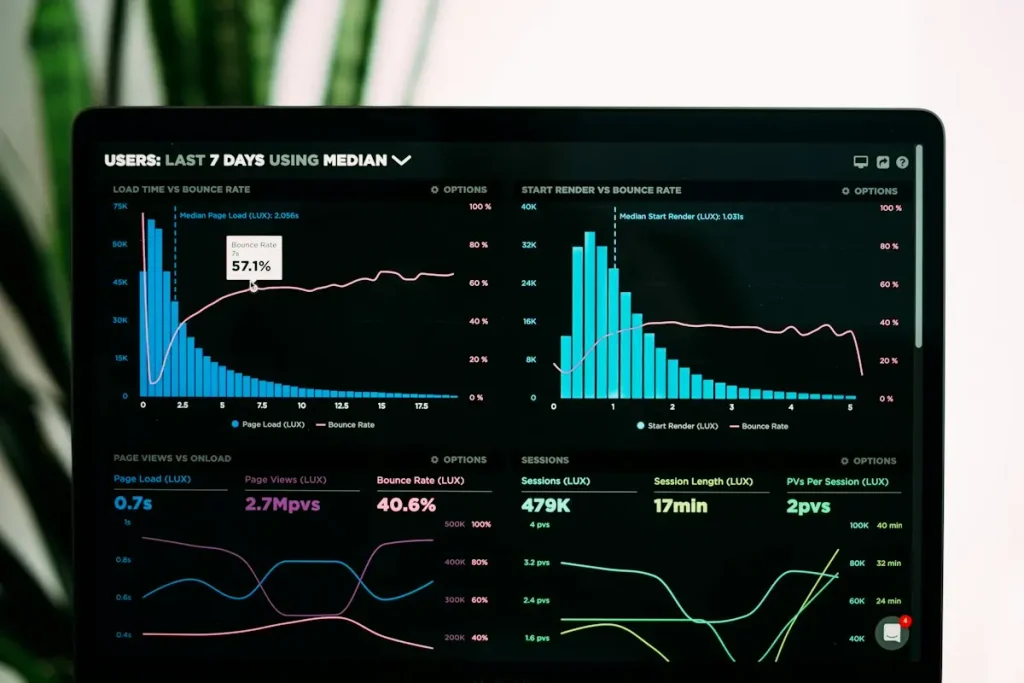
- Click-through rate, for thumbnail and title changes
- Average view duration and audience retention, for scripting and editing changes
- Production hours per video, for workflow tools
- Subscriber conversion and comments, as a signal of audience trust
Running each test across several uploads mattered. A single video can spike or stall for reasons unrelated to the tool, such as topic timing or a recommendation boost. Looking at trends over four to six uploads gave a much clearer picture of real impact.
Common Mistakes When Testing AI Tools
Most failed experiments came from process problems rather than weak tools. The patterns below appeared again and again:
- Changing several variables at once, so no result can be traced to a single tool
- Judging a tool on its demo rather than on your own footage and topics
- Letting automation flatten the creator’s voice and on-screen personality
- Ignoring licensing terms for generated images, music and voices
- Paying for overlapping subscriptions that solve the same problem
A simple spreadsheet that logs the tool, the change, the date and the metrics affected solves most of these issues. It turns scattered experiments into a record you can learn from.
A Simple Testing Workflow for Your Channel
If you want to run your own trials, a lightweight framework keeps the process honest without turning it into a research project. This is the routine that worked best for us:
- Pick one bottleneck, such as thumbnail design time or editing hours, and record a baseline over your last five uploads.
- Shortlist two or three tools that target that bottleneck, using free tiers or trials where possible.
- Run each tool on real projects for at least two weeks, not on a demo clip.
- Compare results against the baseline using the same metrics every time.
- Keep the winner, cancel the rest and document the settings and prompts that produced good results.
Documenting prompts is easy to skip, but it pays off quickly. A saved prompt library for thumbnails, outlines and descriptions makes results repeatable, helps editors or assistants follow the same style and shortens onboarding when a channel grows into a small team.
It also helps to revisit your stack every few months. AI products change quickly, pricing shifts and features that were missing last quarter may now be built into tools you already pay for.
Conclusion
Testing AI tools for YouTube creators is less about finding one perfect app and more about building a reliable process. Start with the stage of your workflow that costs the most time, set clear metrics, change one thing at a time and judge results over several uploads.
In our experience, AI works best as an accelerator for research, first drafts, editing and cleanup, while the hook, opinions and personality stay human. Treat every tool as an experiment, keep the ones that improve your numbers and drop the rest without regret.